 kitloom
Shopify · Apparel model images · Platform guides
Turn clothing photos into up to four white-background studio images with one consistent adult model and distinct poses.
Choose the placement
For a Shopify product gallery, put an easily identifiable product image first, then arrange use, detail and size imagery. Preview the gallery in your own theme on mobile.
Prepare your materials
Upload 1–8 photos of the same garment or outfit. Product photos control the clothing, not the photographed person or background.
Adults only. White studio background and square format are fixed. Model photos take precedence over styling preferences for identity.
The front image is required and anchors the model identity. Individual retries keep the original model; start a new task to change models.
Choose 1–3 photos of the same adult: a clear face, plus optional side or full-body views. Only identity is referenced, not clothing or background.
Apparel model images · Guides ↗What you’ll receive
Apparel model images
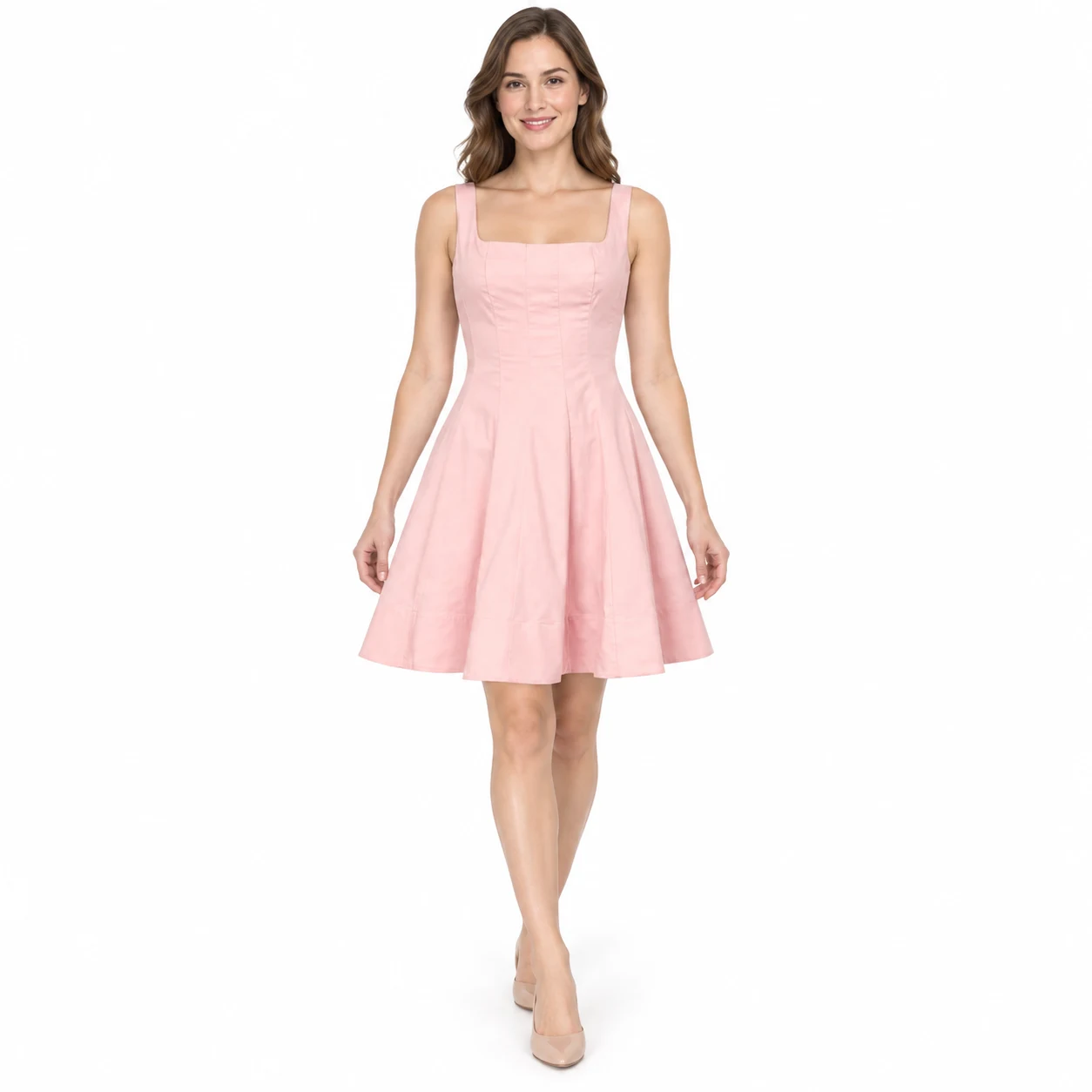
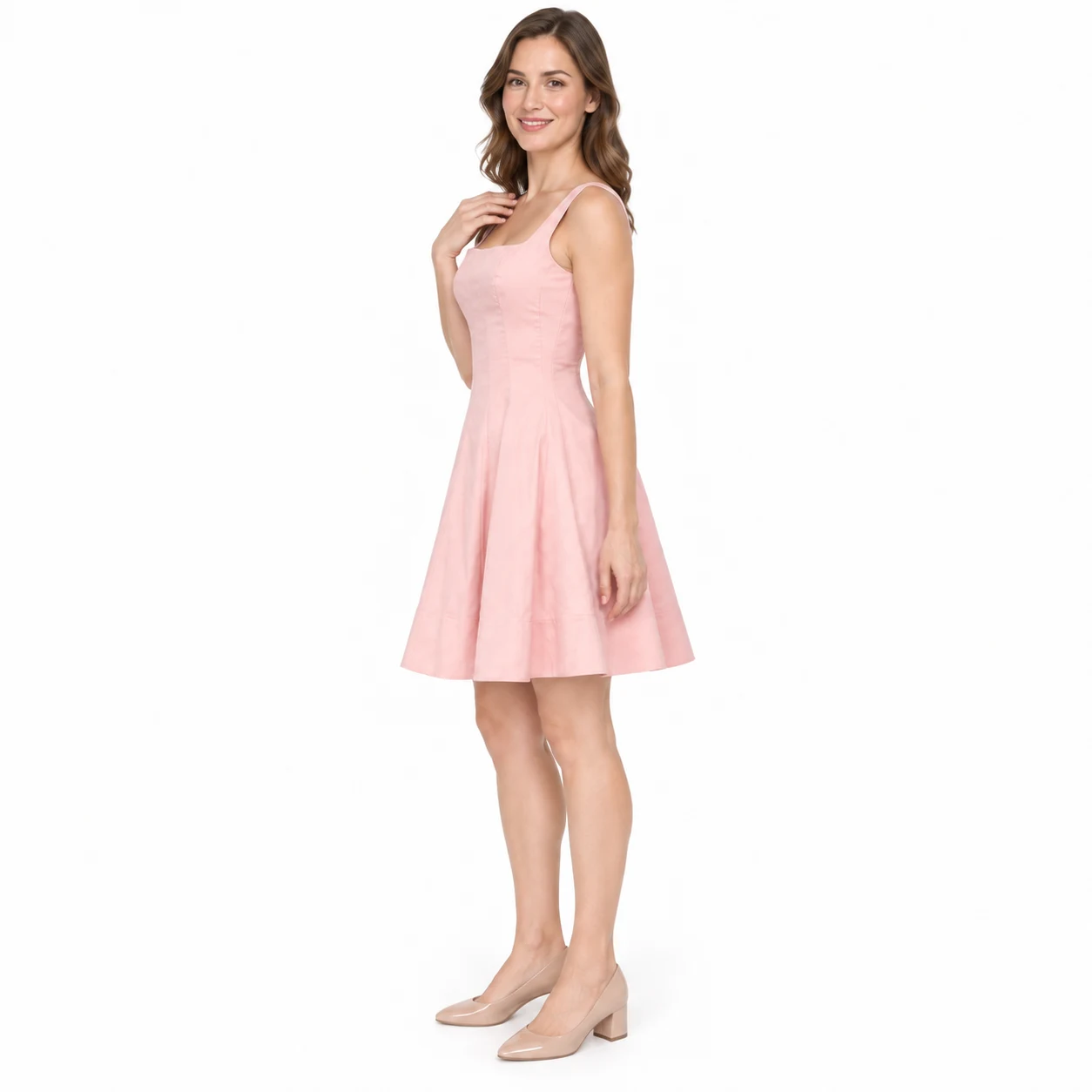
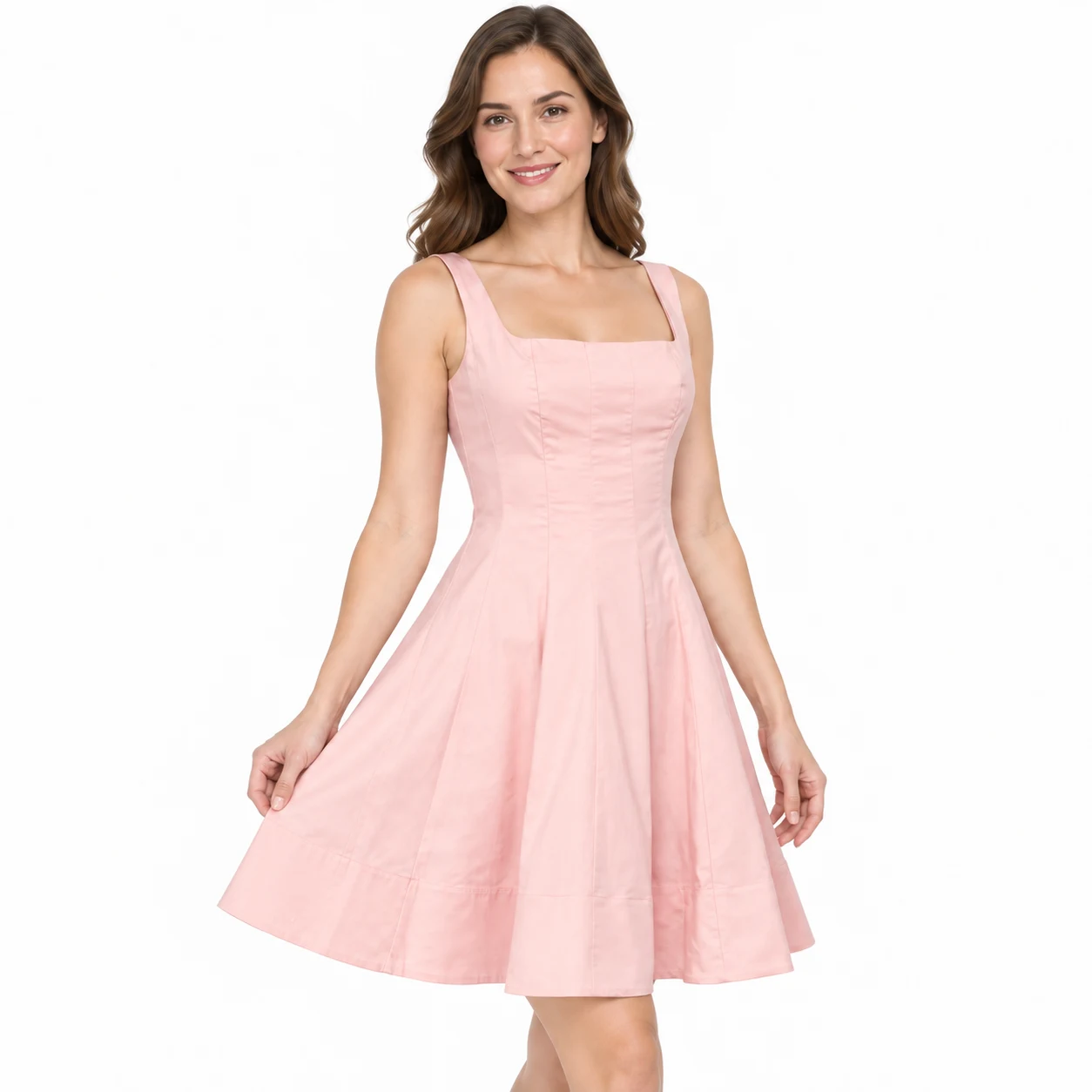
Four illustrative views of one garment. Delivery: 2000 × 2000 JPEG on white. Without measurements, fit and proportions are visual estimates; generated details may differ from the real garment.
Review the result · Before publishing
Compare the result with your source materials: product shape, colors, labels, quantities and text. Download selected files, adjust the crop for the actual placement and preview on a phone. Kitloom does not publish to the platform. These are creative recommendations, not a guarantee of platform approval; check the current requirements in your account.