kitloom
Apparel model images · Guides
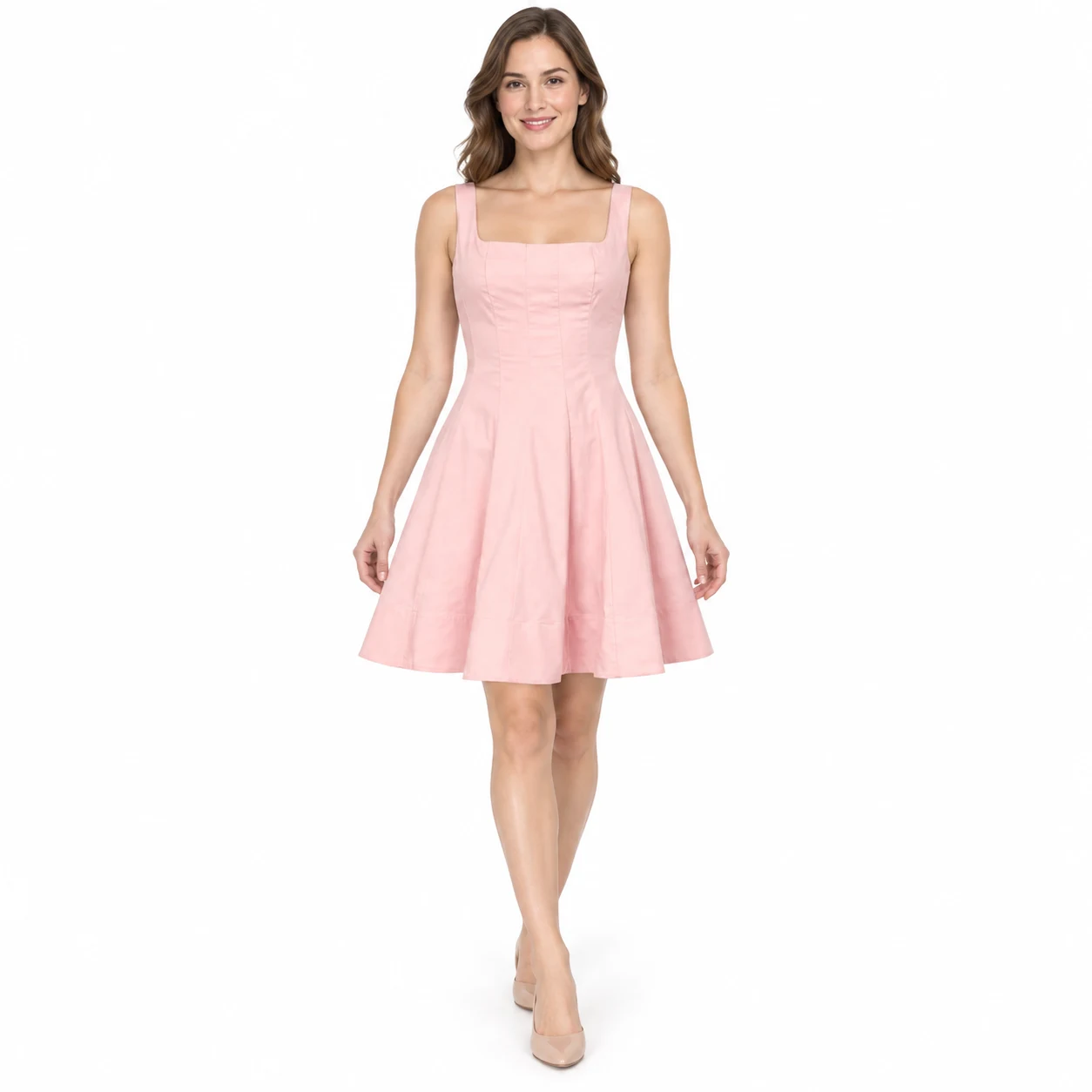
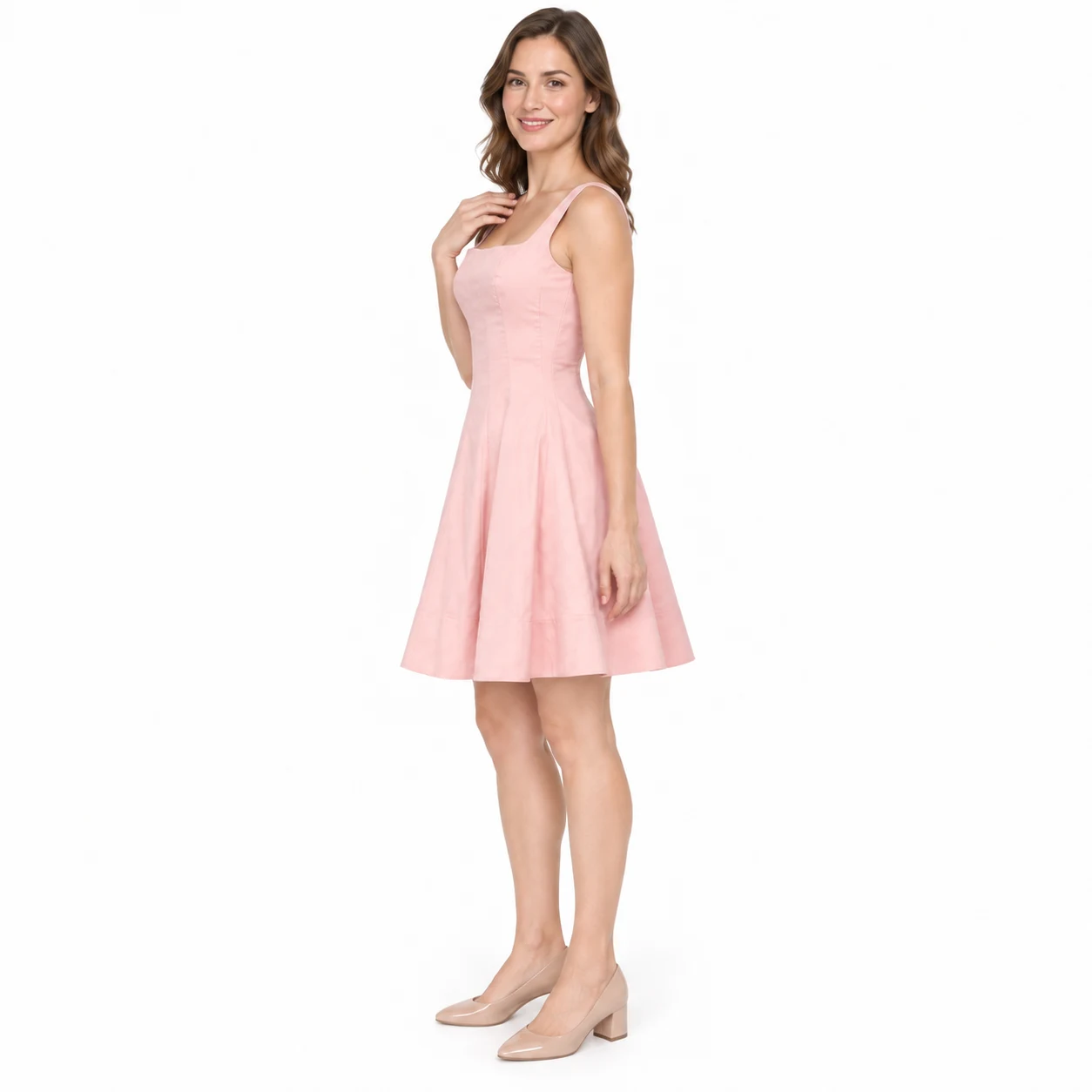
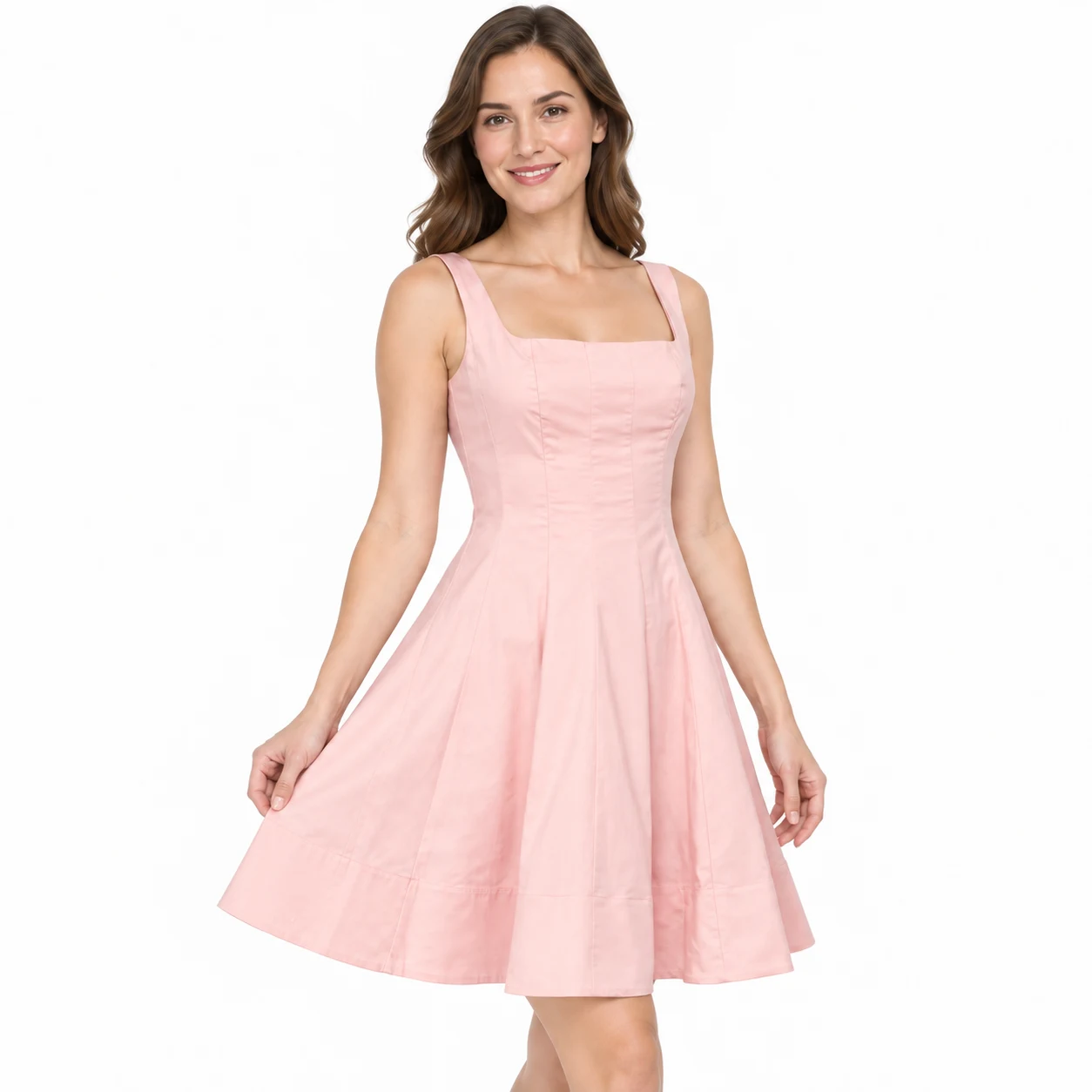
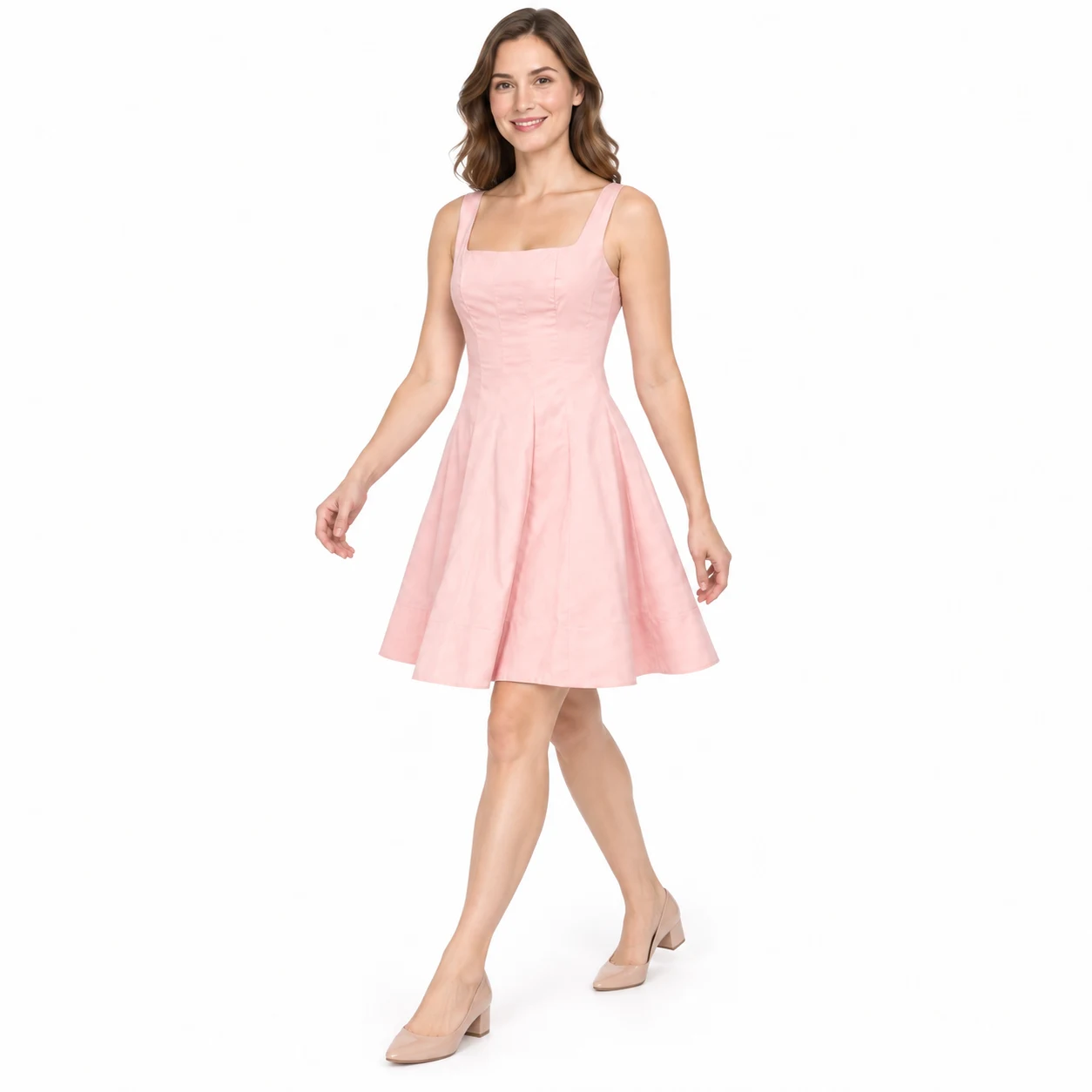
Turn clothing photos into up to four white-background studio images with one consistent adult model and distinct poses.
- Real product photos (1–8) · Garment details and requirements
- Choose images · Create image plan
- Review garment, model and poses · Generate complete kit
The front image is required and anchors the model identity. Individual retries keep the original model; start a new task to change models.
Planning is free: up to 3 analyses per draft and 10 per workspace per UTC day. Credits are charged only after confirmation; undelivered images are refunded.
What you’ll receive
Turn clothing photos into up to four white-background studio images with one consistent adult model and distinct poses.
Four illustrative views of one garment. Delivery: 2000 × 2000 JPEG on white. Without measurements, fit and proportions are visual estimates; generated details may differ from the real garment.
Apparel model images