kitloom
Personal IP Kit · Guides
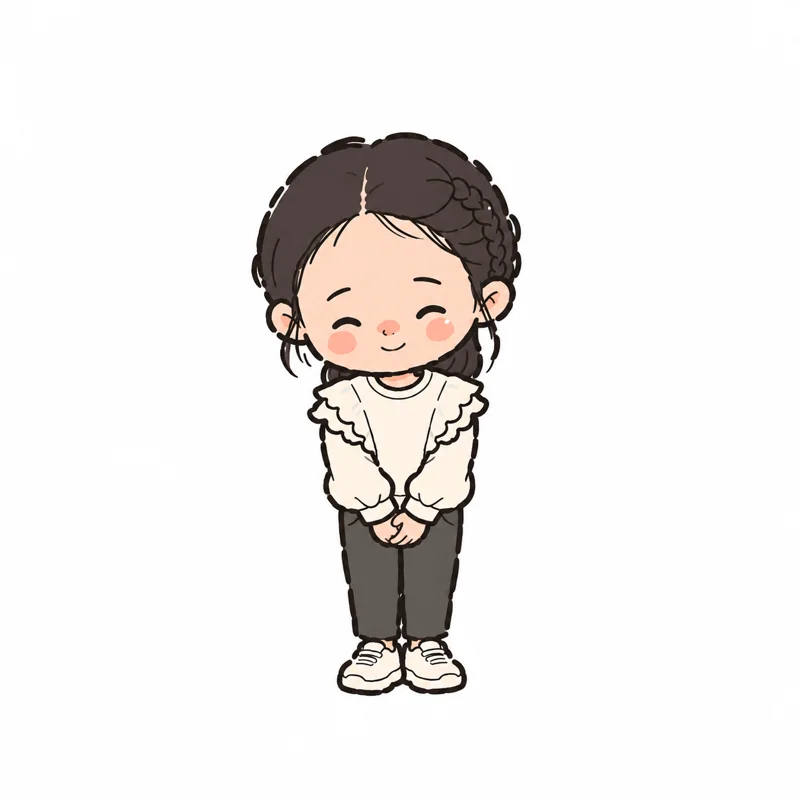
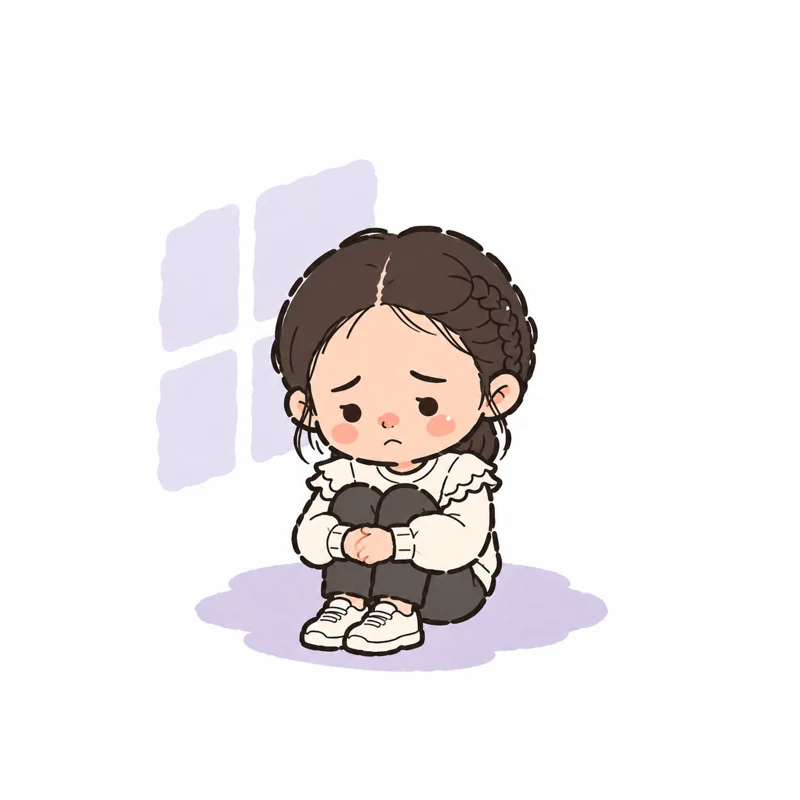
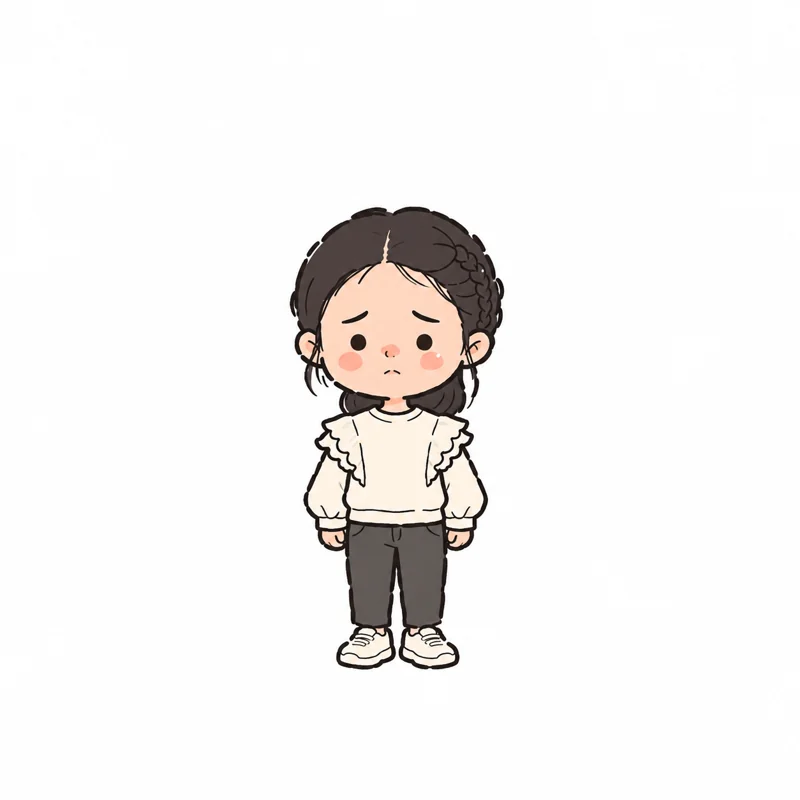
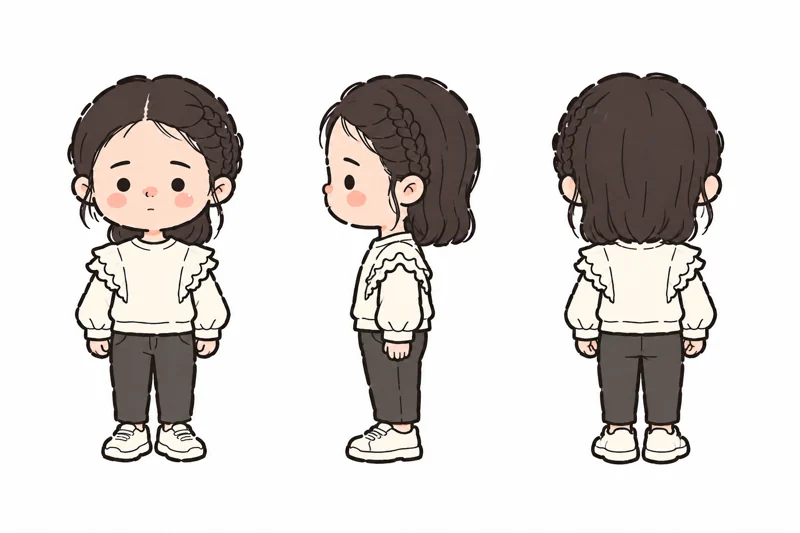
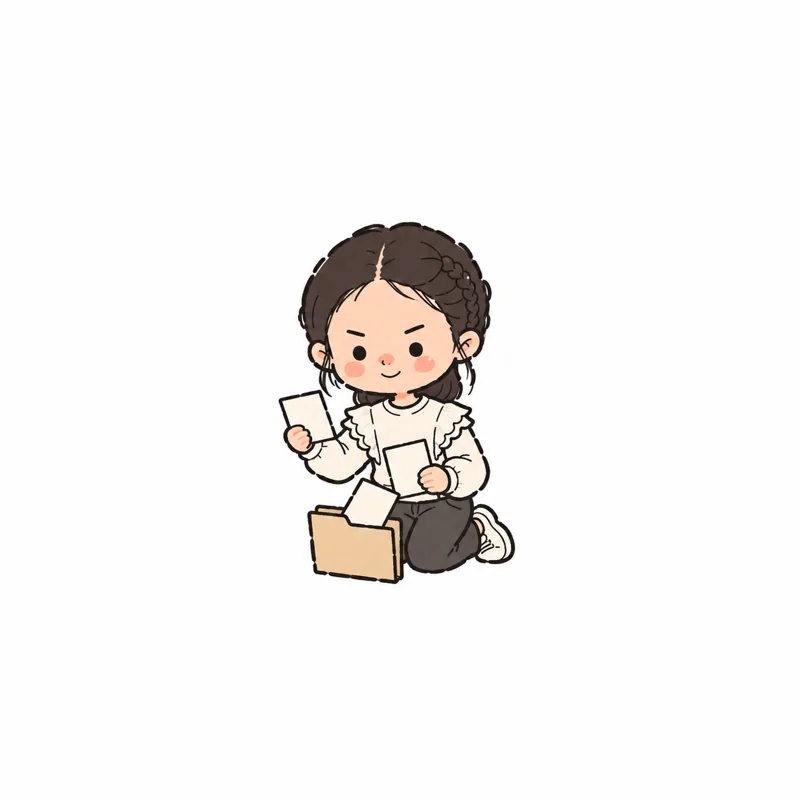
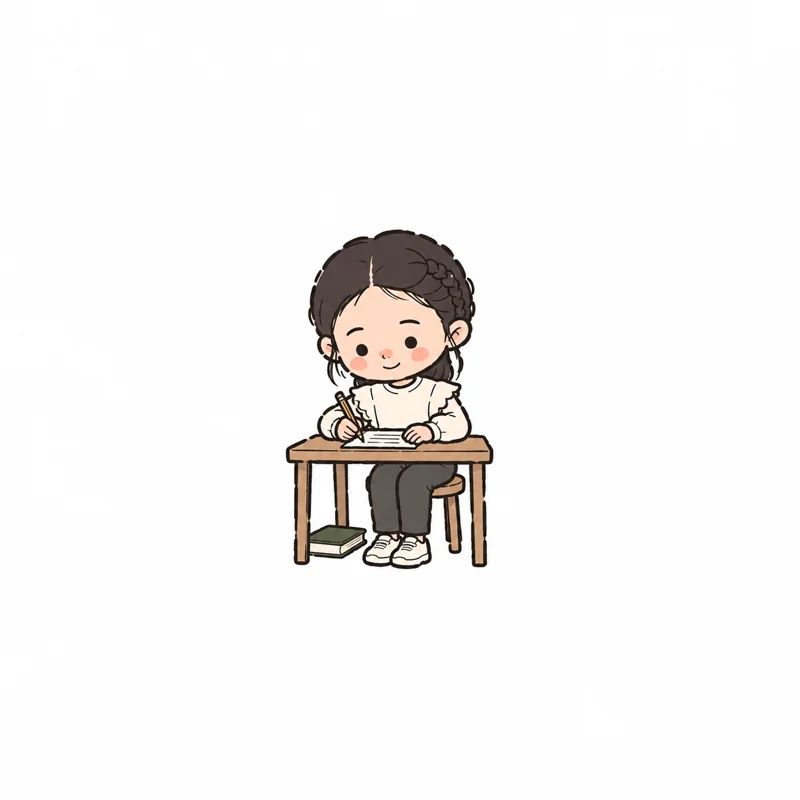
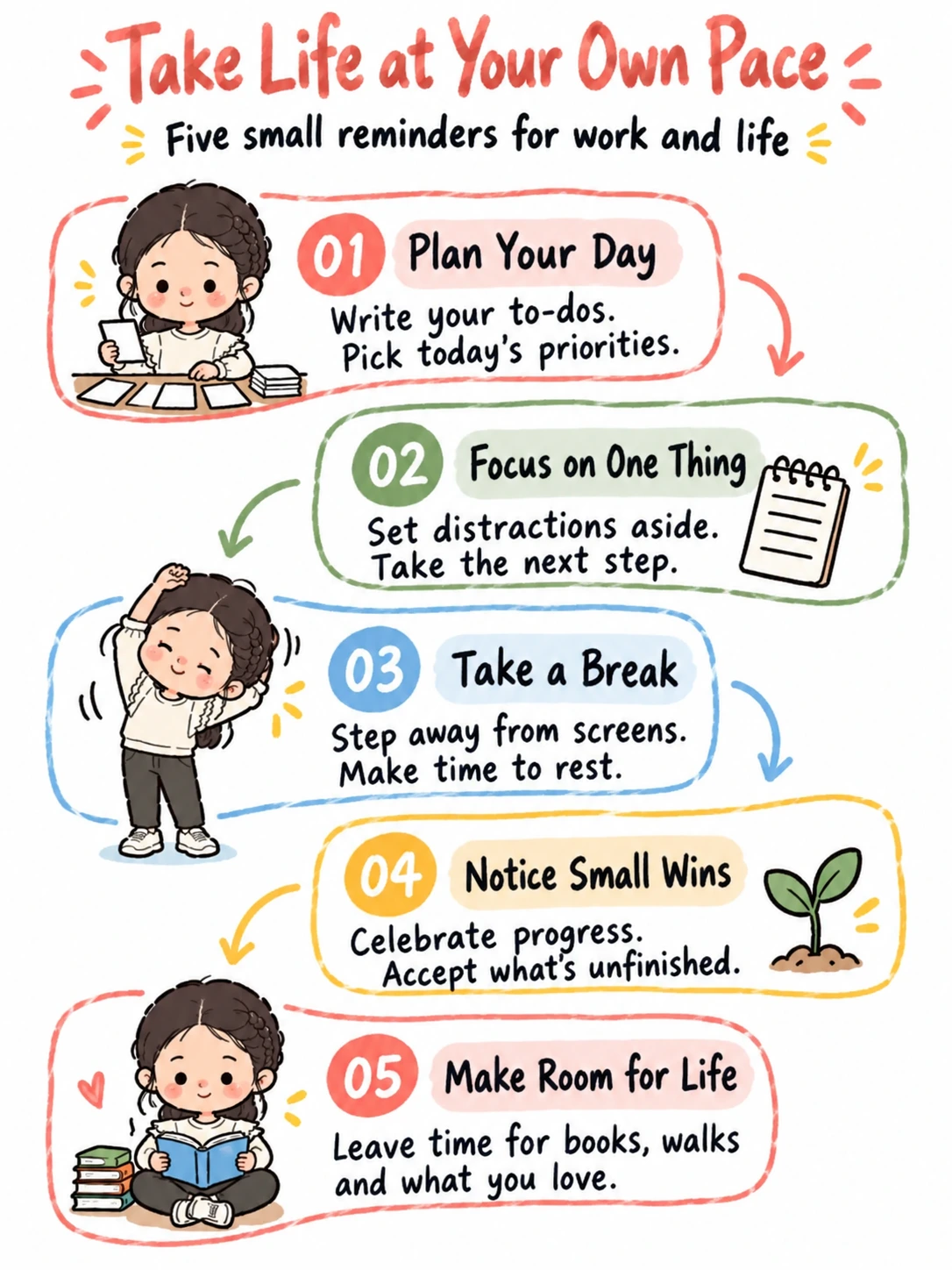
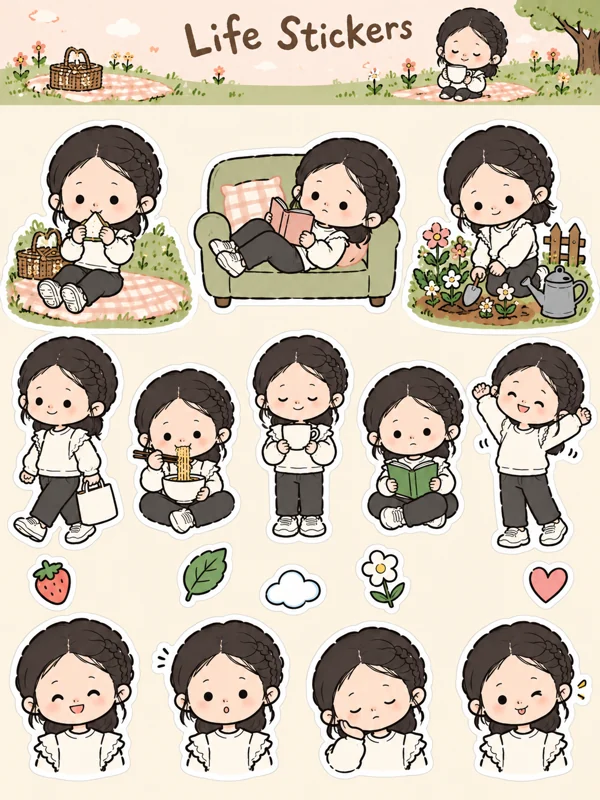
Turn one character into 9 matching Mengli-style asset categories: Character designs, Article illustrations, Infographic, Sticker sheets, Folder icons, Stationery, Photo frames, Scene avatars, Reaction images. Choose the images you need, or create the full kit of up to 40 for your content, chats and everyday decoration.
- Upload one identity image or select an existing image from your library. A saved character anchor from this flow can be reused.
- Set your theme. Optionally add an article for five illustrations and one infographic; without an article, the kit uses original content based on your theme.
- Generate the complete kit at the displayed credit price. Follow progress in the run log and answer any clarification requests. Successful images are saved to your library; download the finished ZIP from Preview.
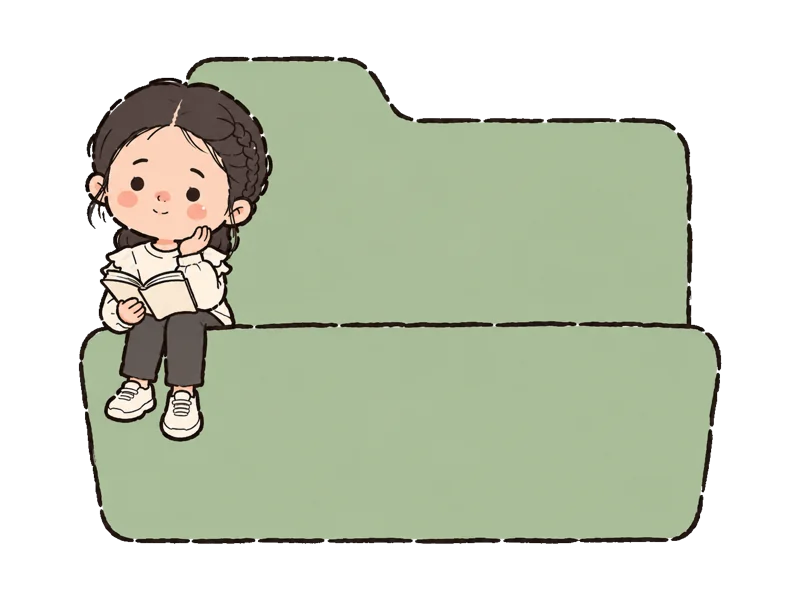
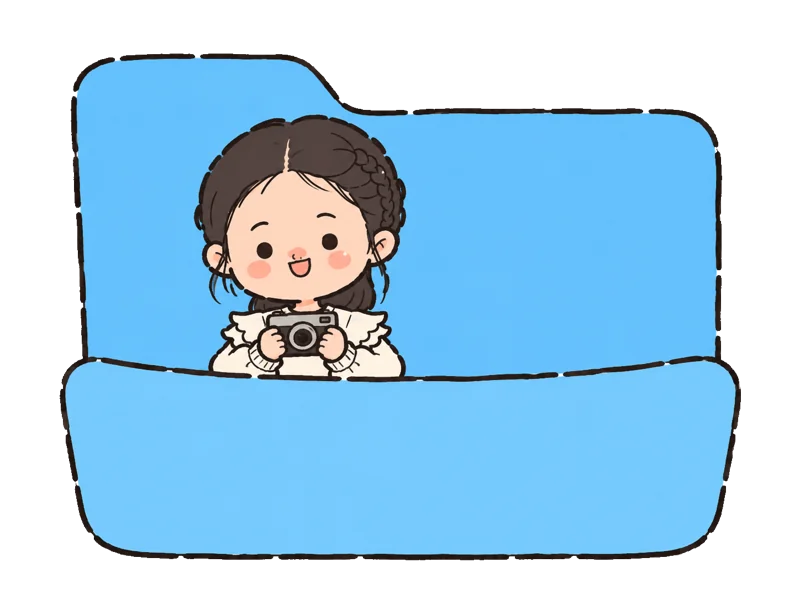
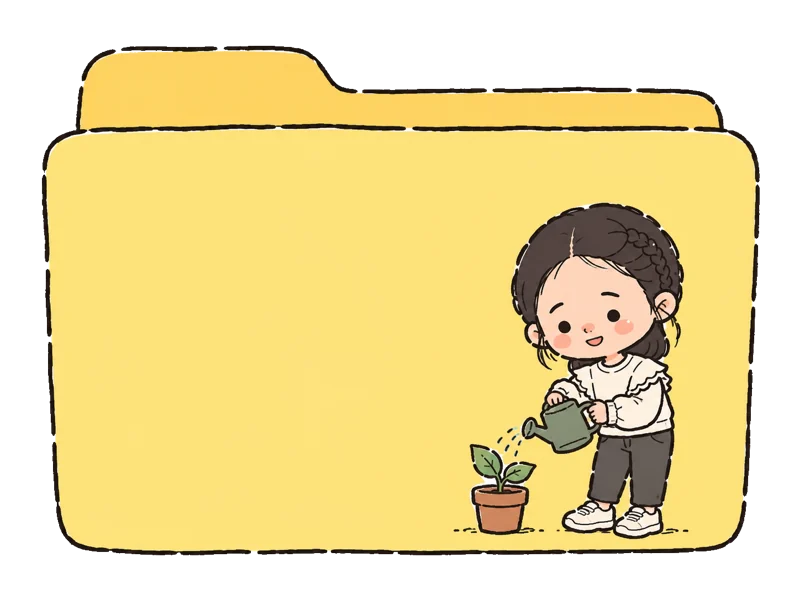
Change a folder icon on Mac: Open the downloaded folder-icon PNG in Preview. Press Command+A to select the image, then Command+C to copy it. In Finder, select the folder you want to customize and press Command+I to open Get Info. Click the small folder icon in the top-left corner of that window, then press Command+V to paste the new icon.
Restore the default folder icon: Open the folder’s Get Info window again, select the small icon in the top-left corner, and press Delete. This removes the custom icon, not the folder.
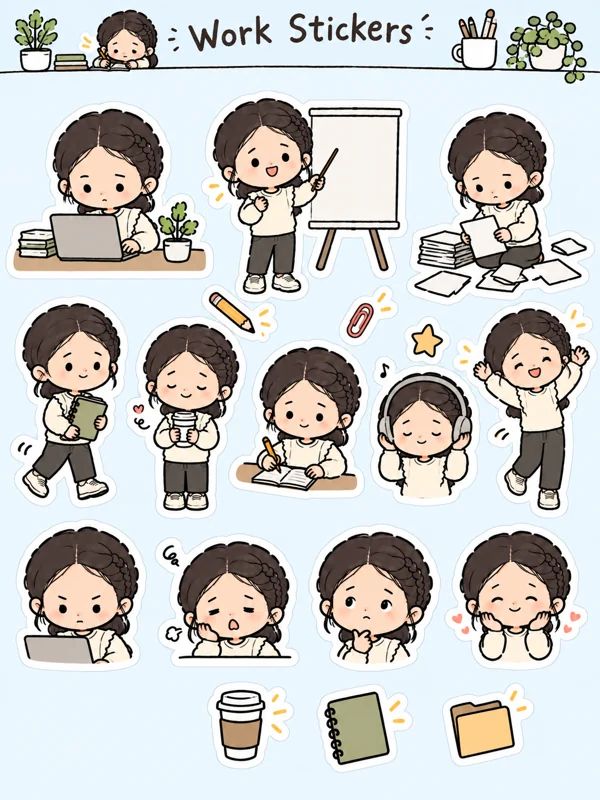
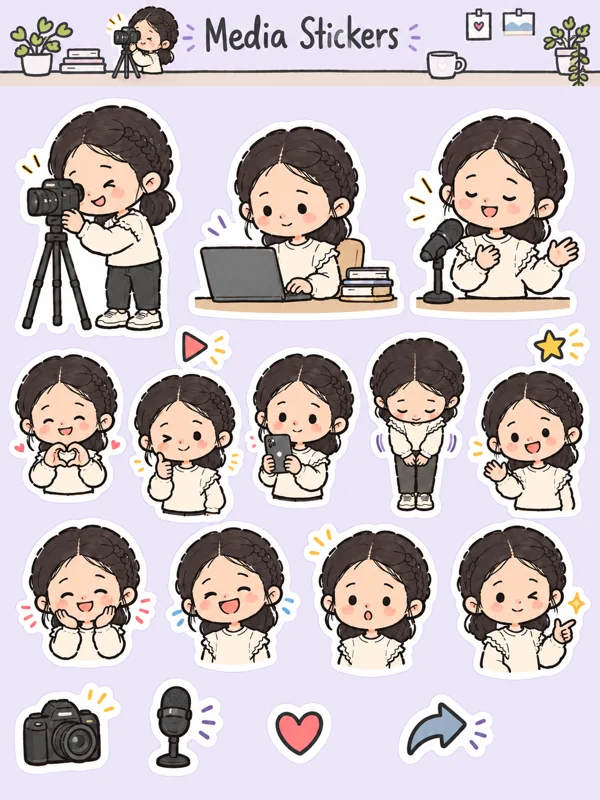
Sticker sheets: Each sheet is delivered as one complete image, not as separate sticker files.
Reaction images: These have white backgrounds, not transparent backgrounds.
Stationery: These images do not include print bleed or crop marks. If you plan to send them to a print shop, the files need to be prepared to that shop’s specifications first.
What you’ll receive
40 images across 9 categories. Successful results are saved individually.
A real generated example. Your results will vary with your photo, description and style; only successful outputs are delivered.
Character designs
Article illustrations



Infographic
Sticker sheets
Folder icons

Stationery
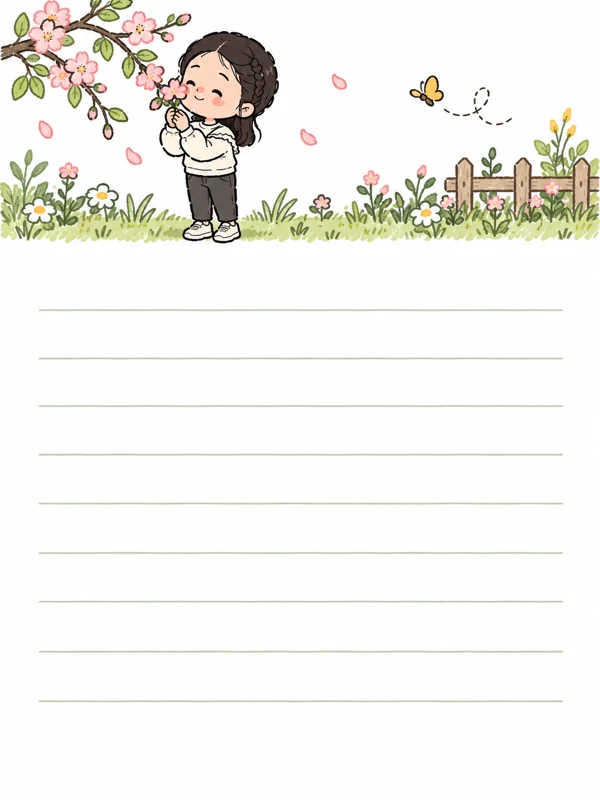
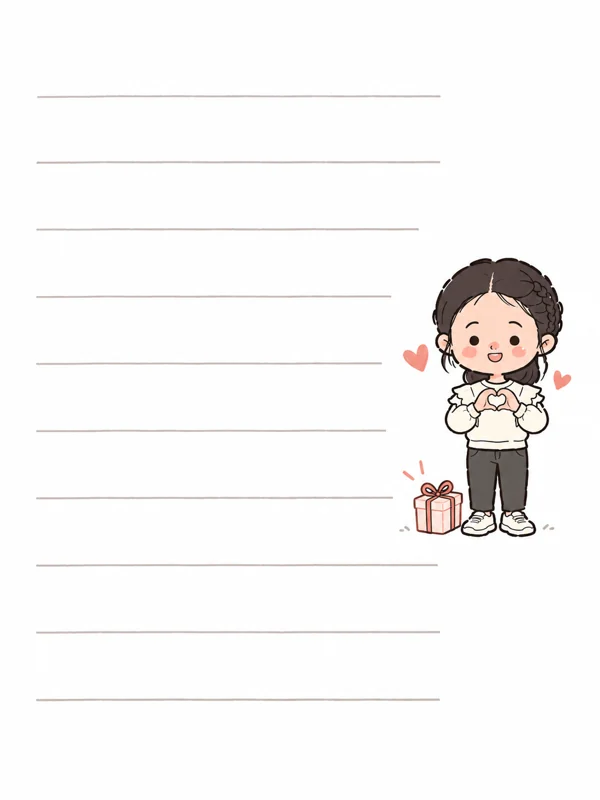


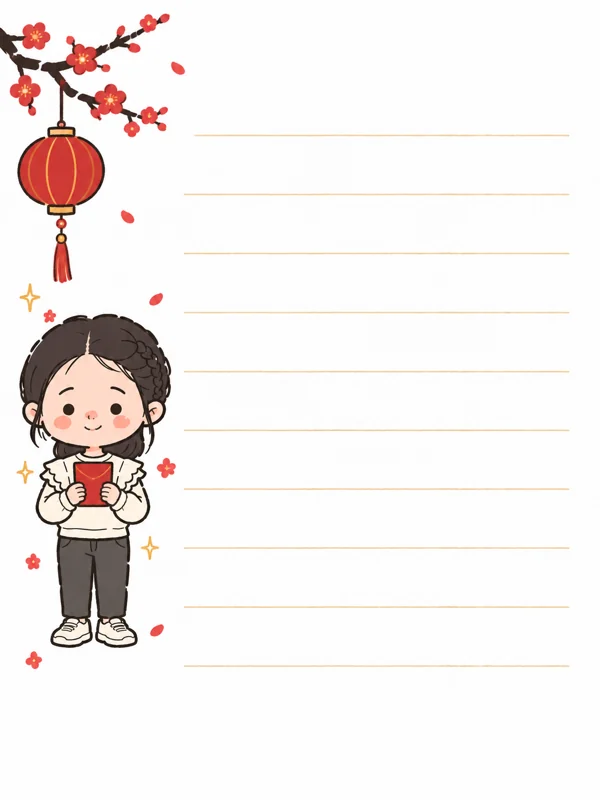
Photo frames
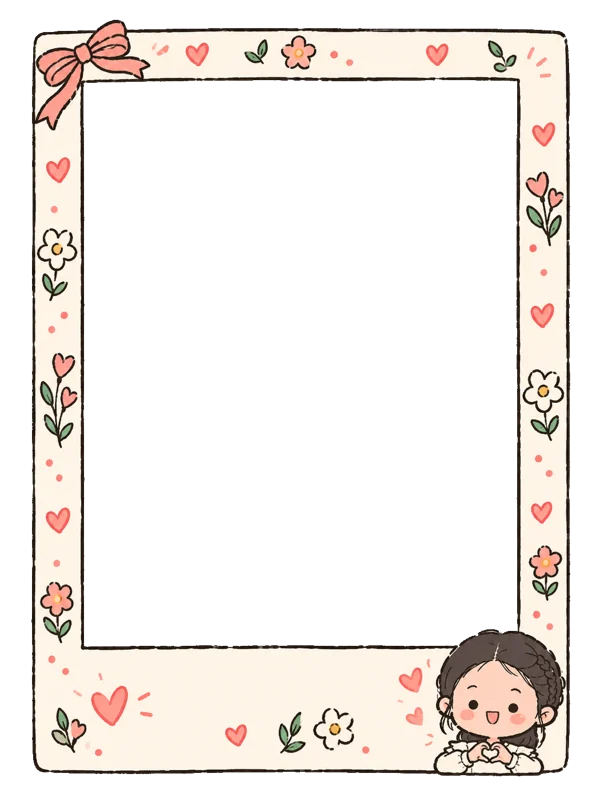
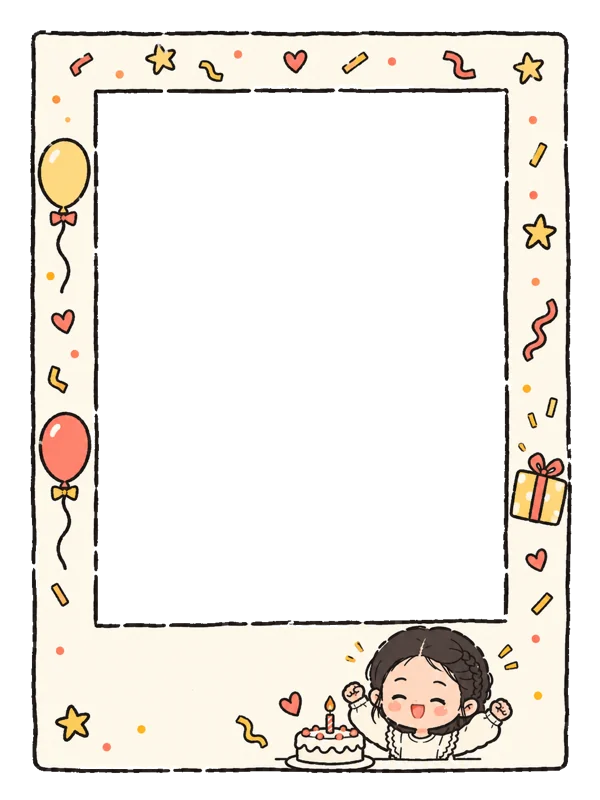
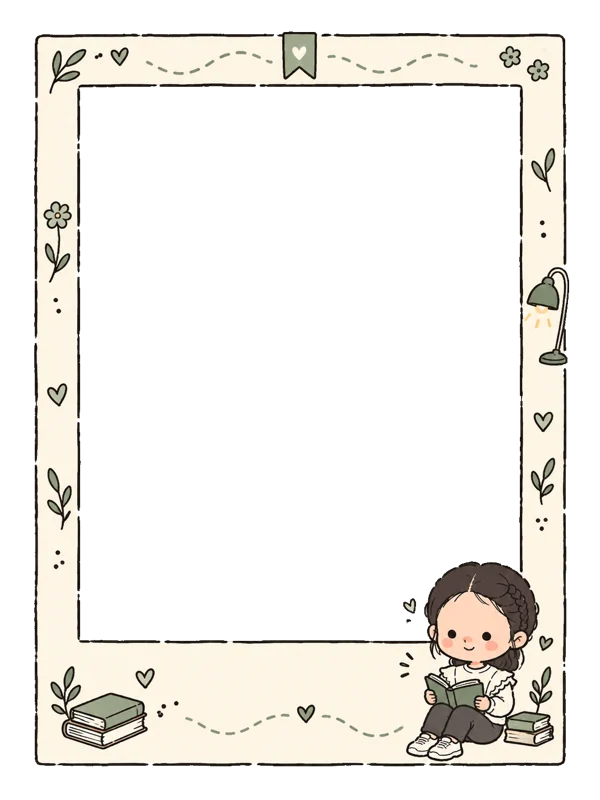
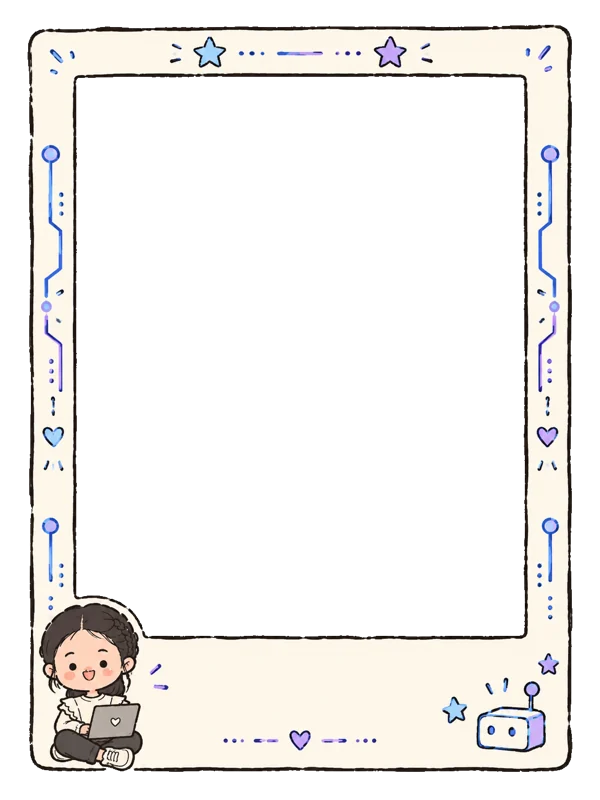
Scene avatars




Reaction images