kitloom
AI Portrait Photos
Create 1–9 coordinated portrait photos from photography references. Use your own adult identity photos or an original adult model, review the shoot plan, then choose which photos to generate.
- Photography references · Model source
- Choose images · Create image plan
- Review person and shoot plan · Generate complete kit
Upload 1–8 references for makeup, wardrobe, scene, light and photographic style. These do not define the person's identity.
Upload 1–3 clear photos of the same adult. These preserve facial identity only; styling and expression follow the photography plan.
The first photo establishes the original model and is required. If it fails, dependent photos are skipped and refunded. Retry the first photo to unlock them; further retries are not automatic.
Planning is free: up to 3 analyses per draft and 10 per workspace per UTC day. Credits are charged only after confirmation; undelivered images are refunded.
What you’ll receive
Create 1–9 coordinated portrait photos from photography references. Use your own adult identity photos or an original adult model, review the shoot plan, then choose which photos to generate.
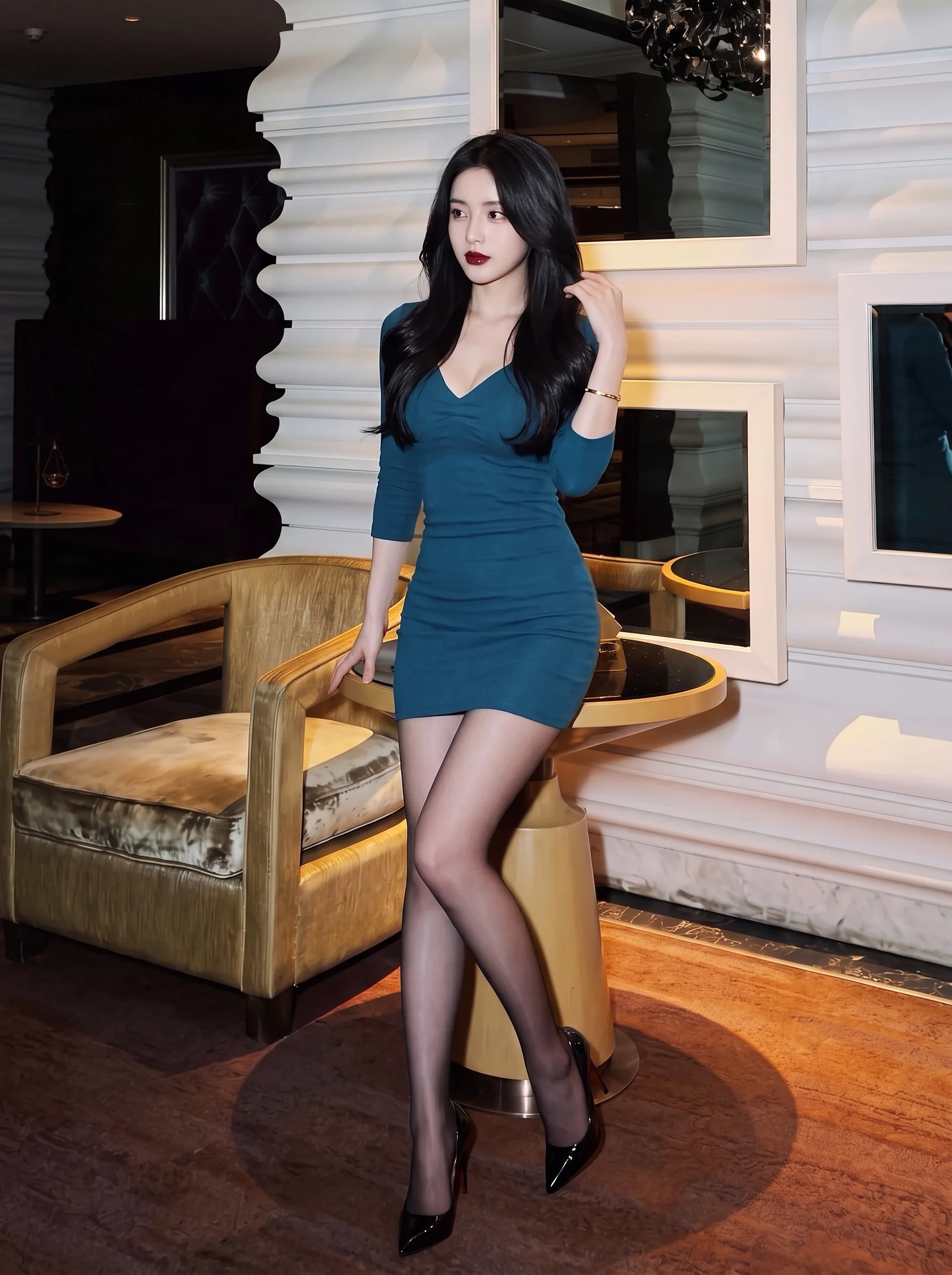
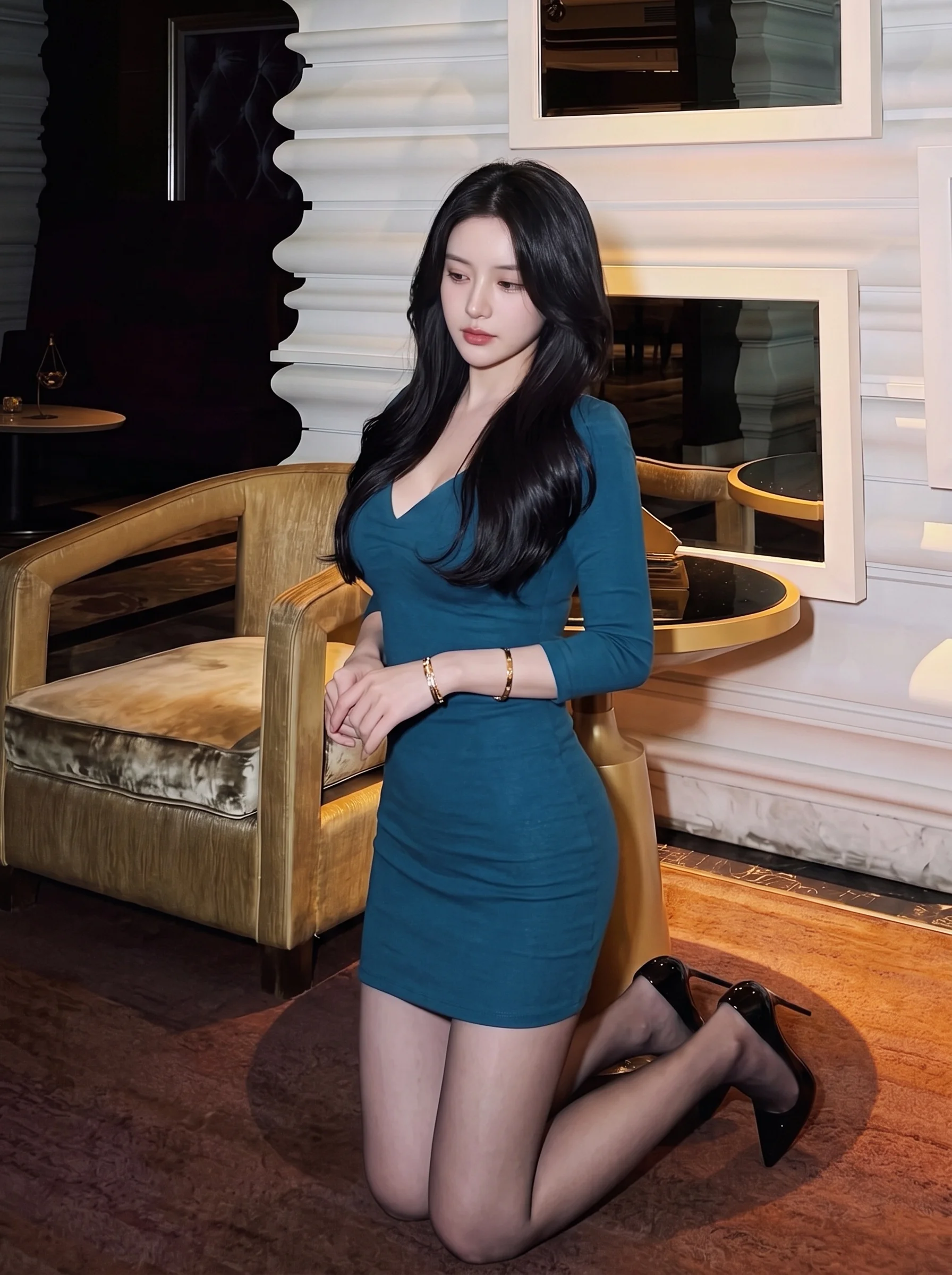
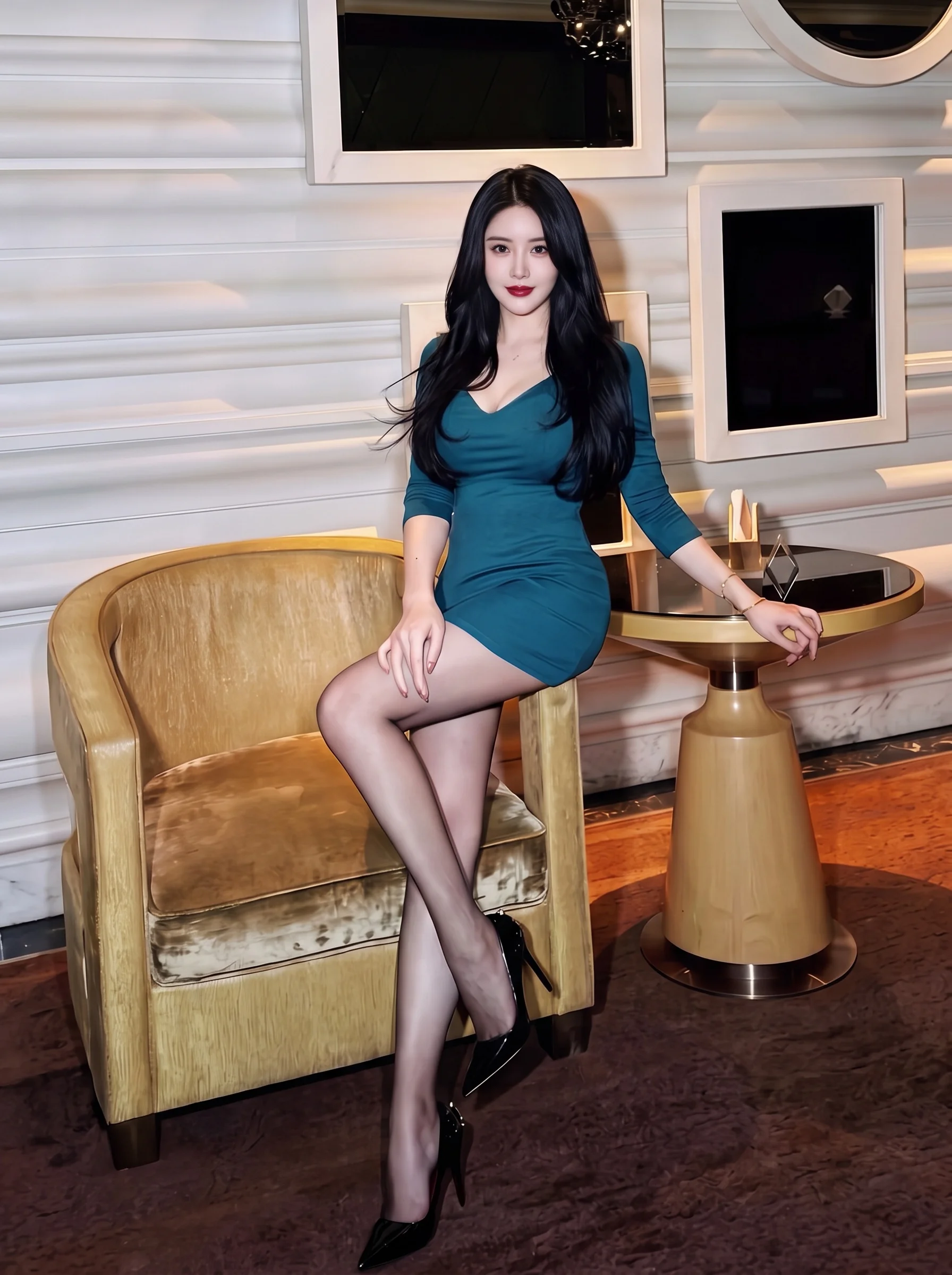
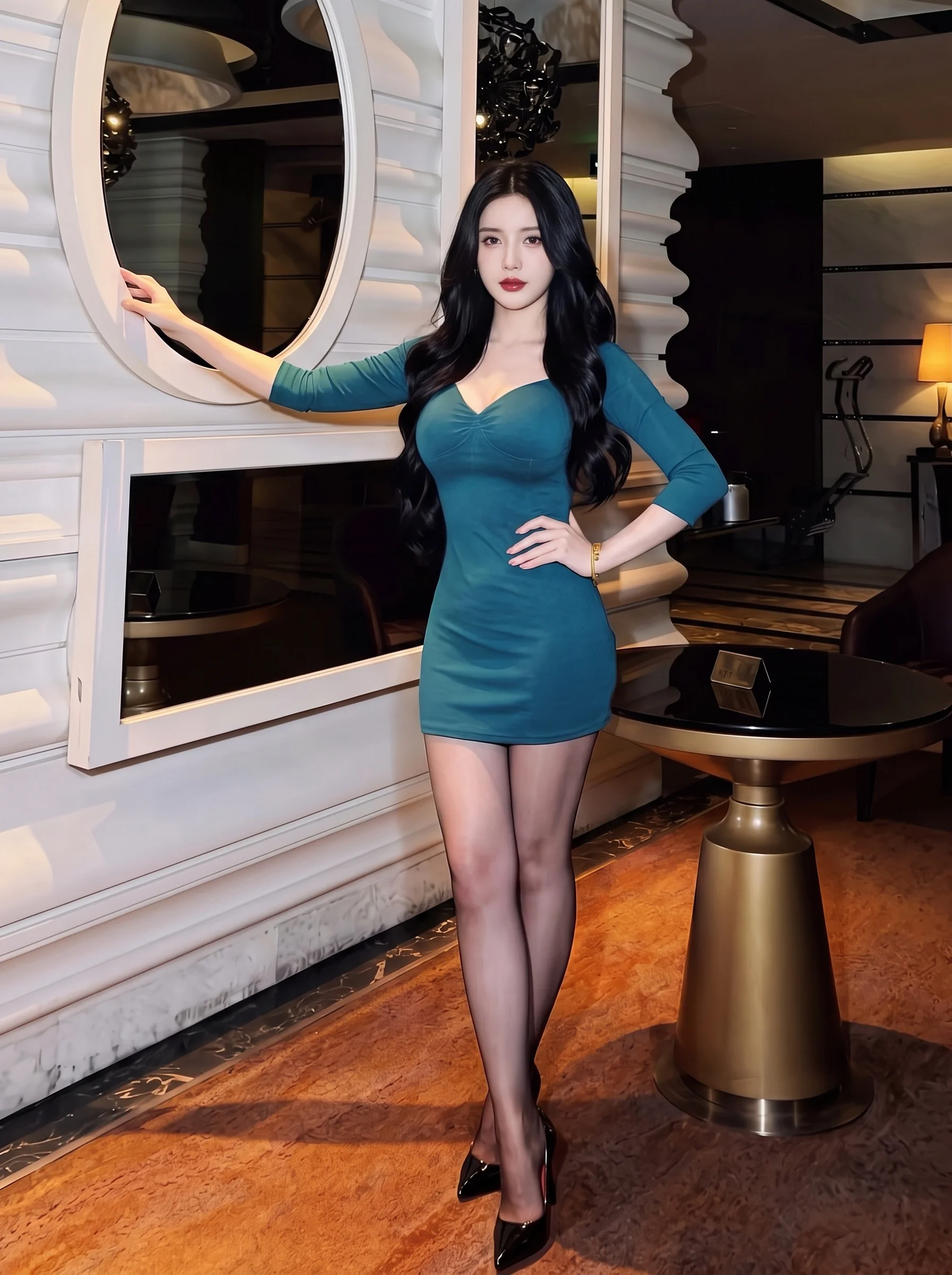
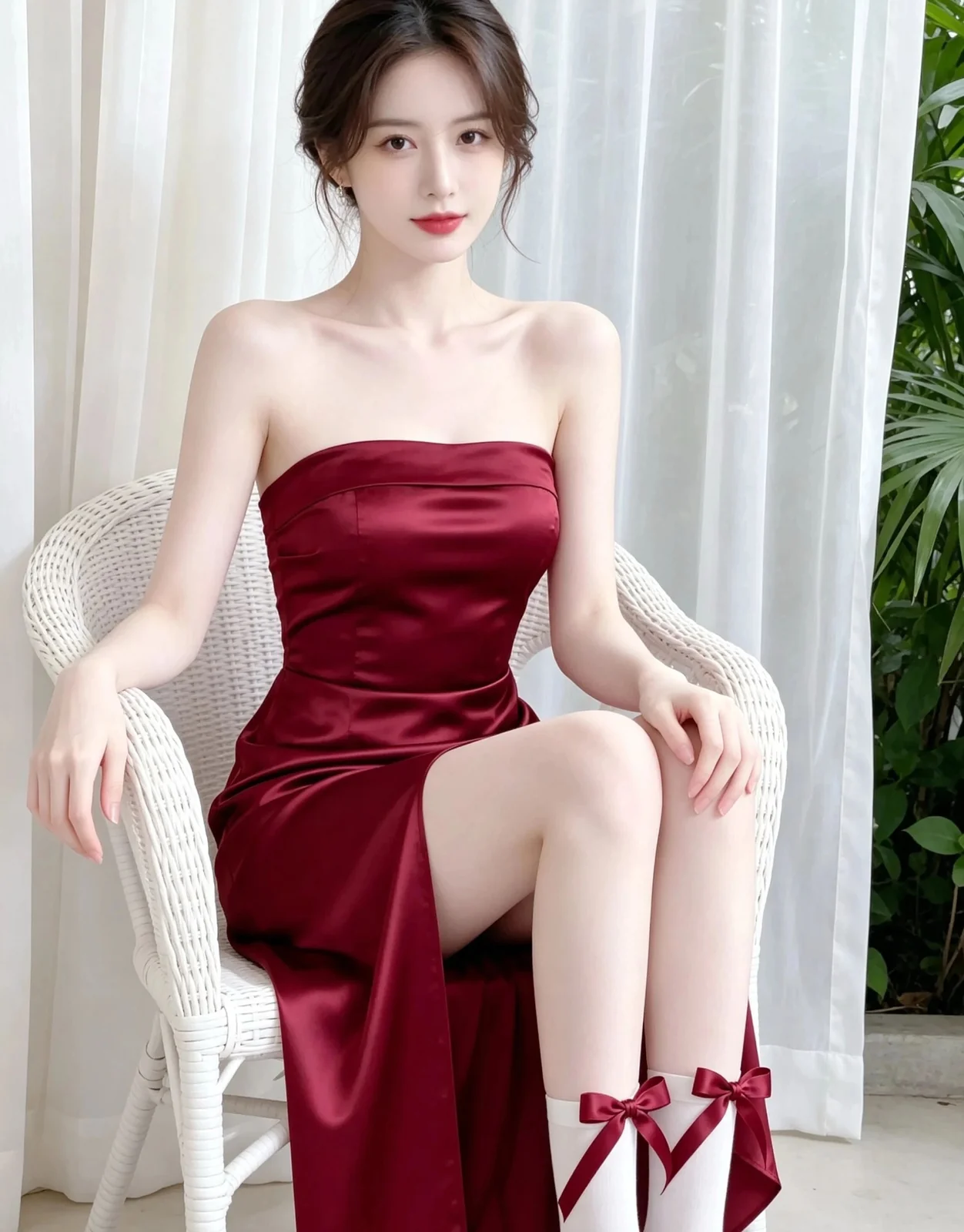
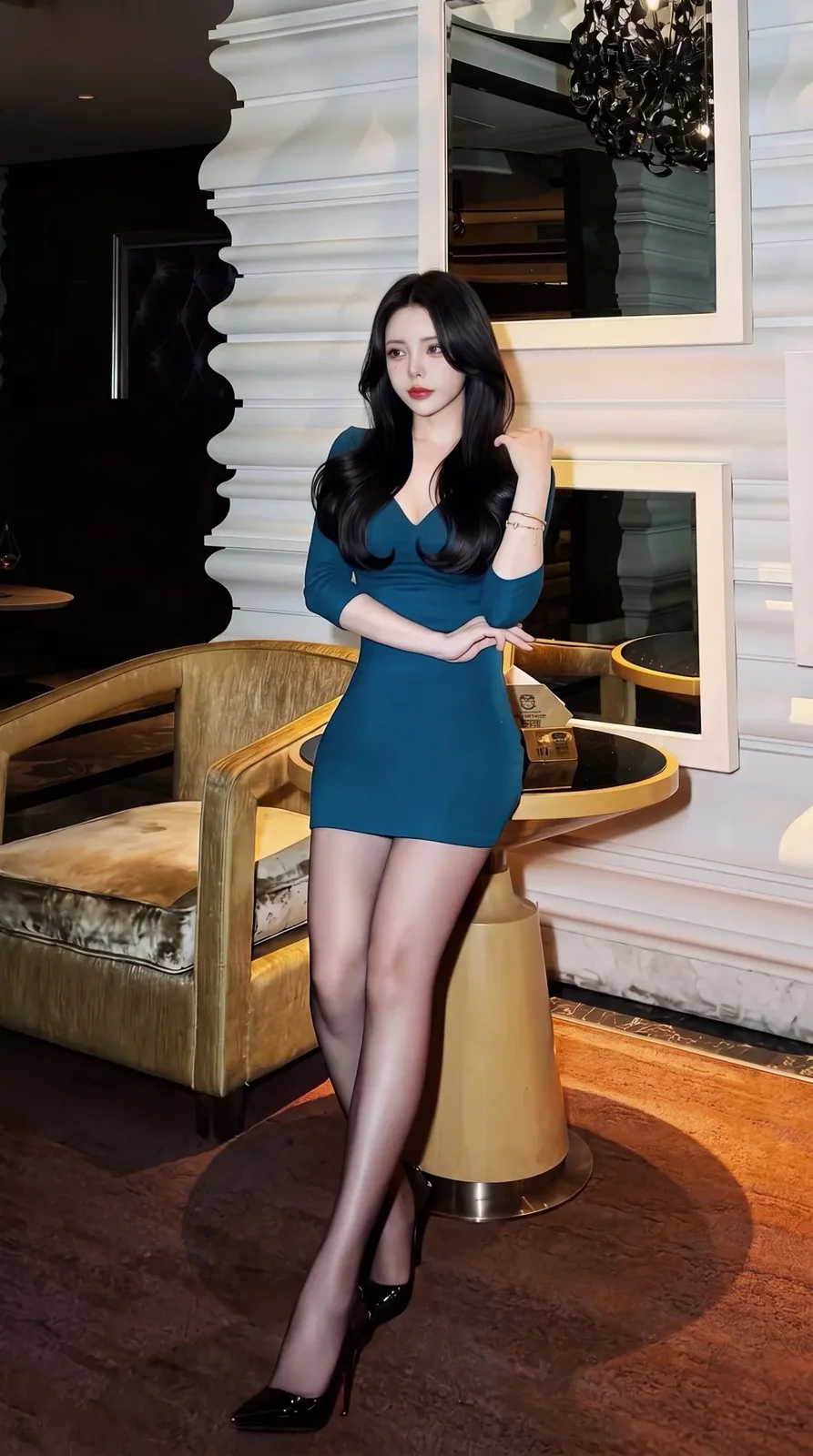
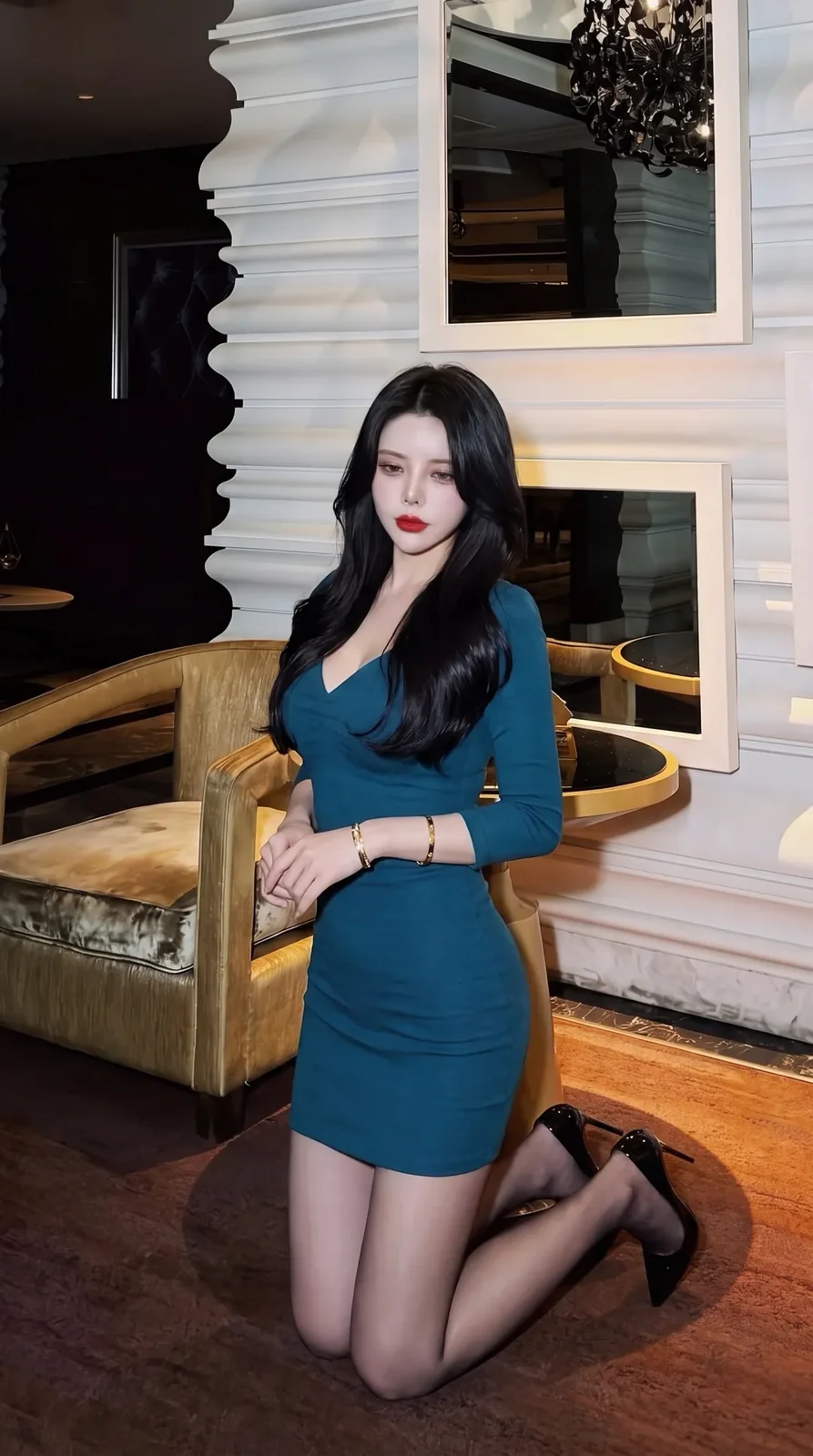
A real generated example. Your results will vary with your photo, description and style; only successful outputs are delivered.
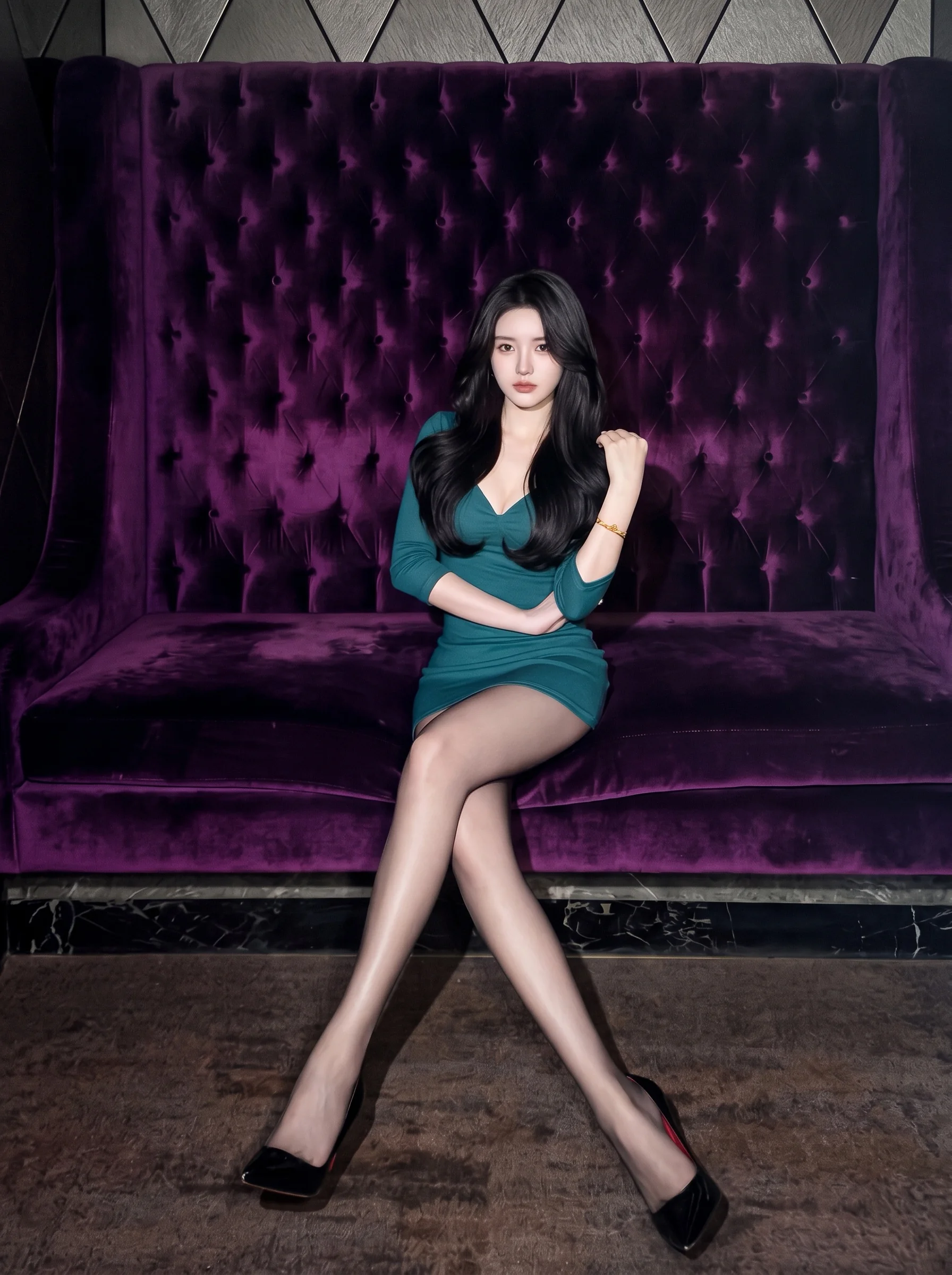
Model photos + Photography references
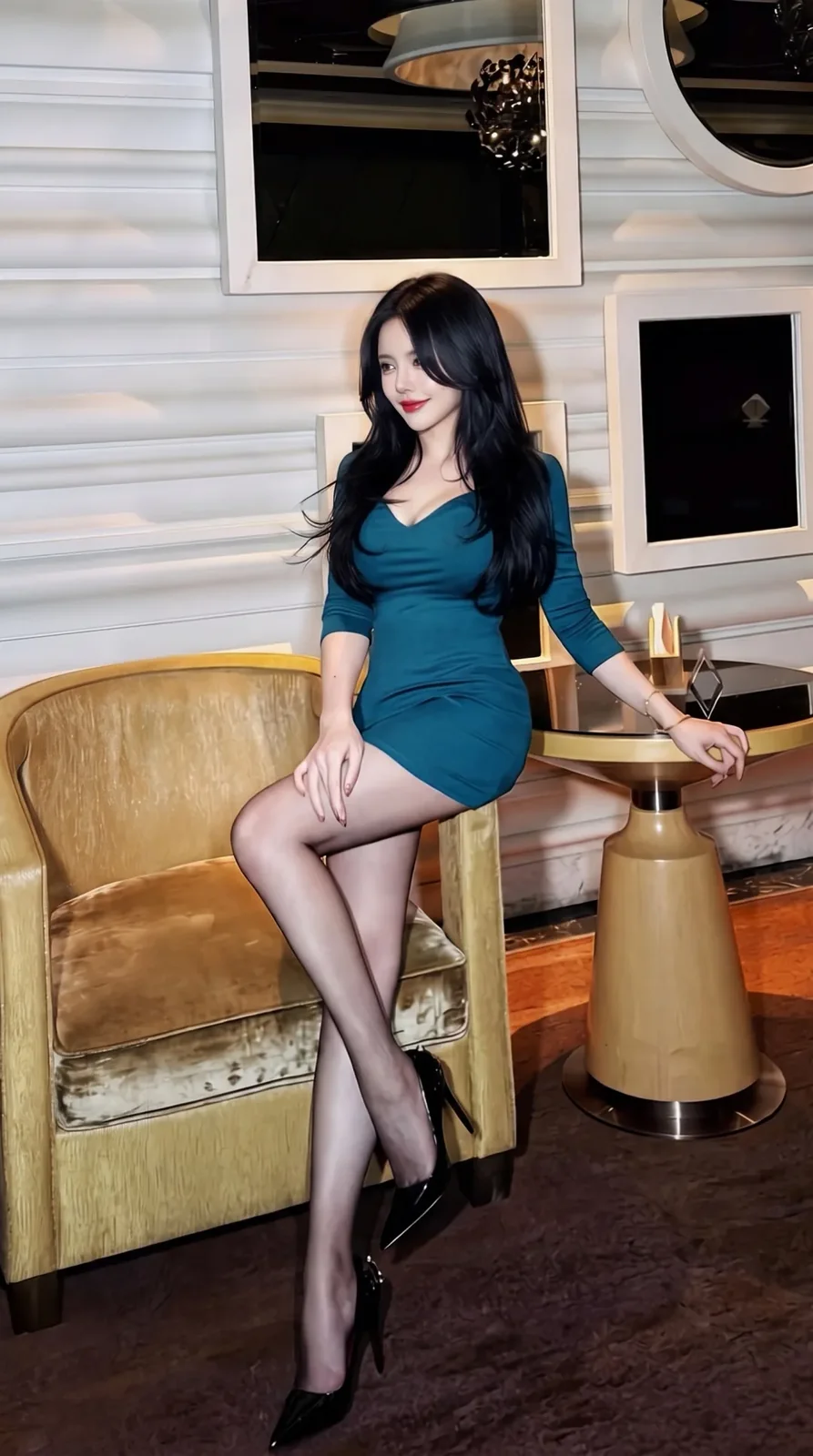
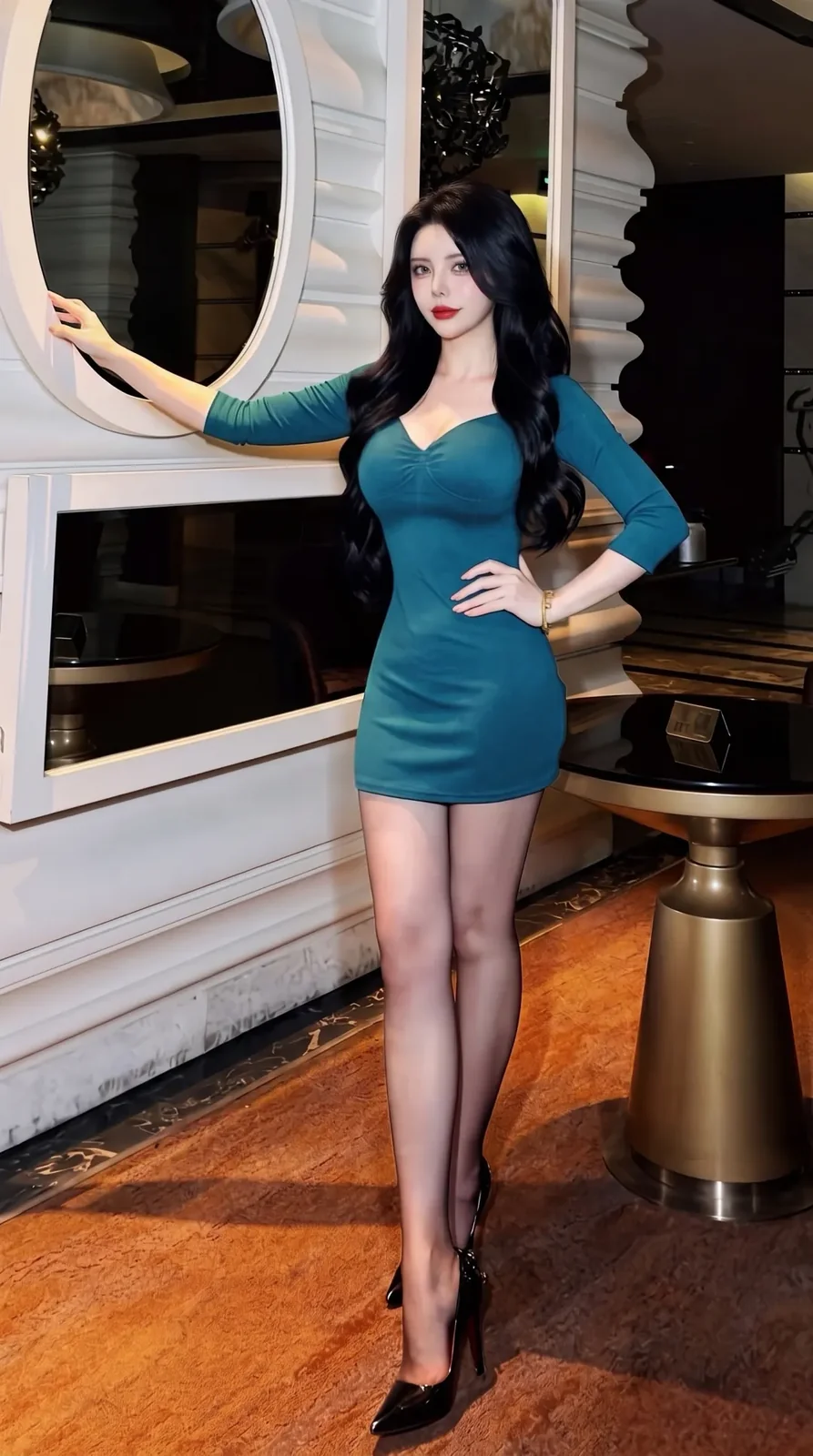
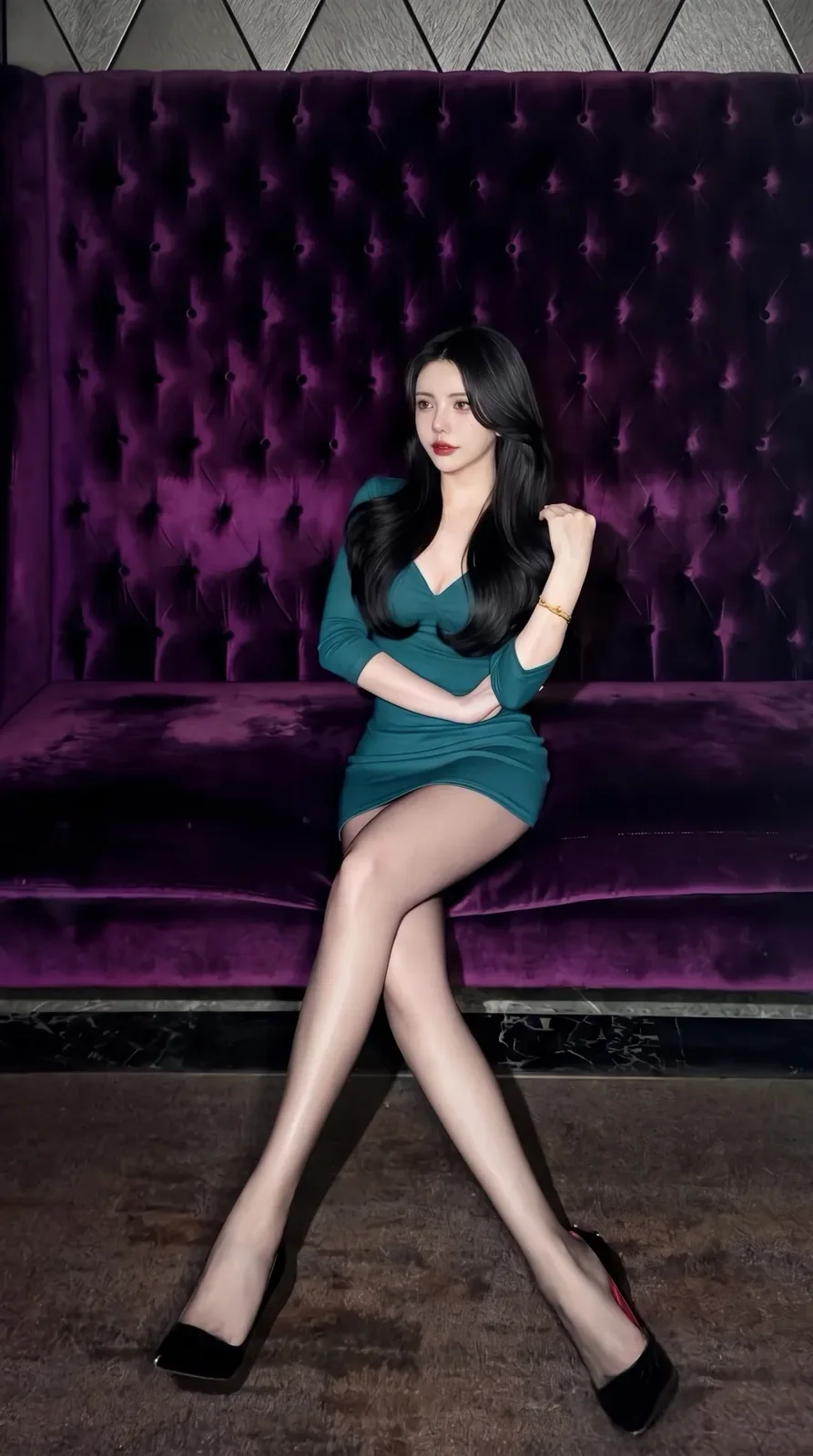
Generated result