kitloom
Accessory Try-On Photos
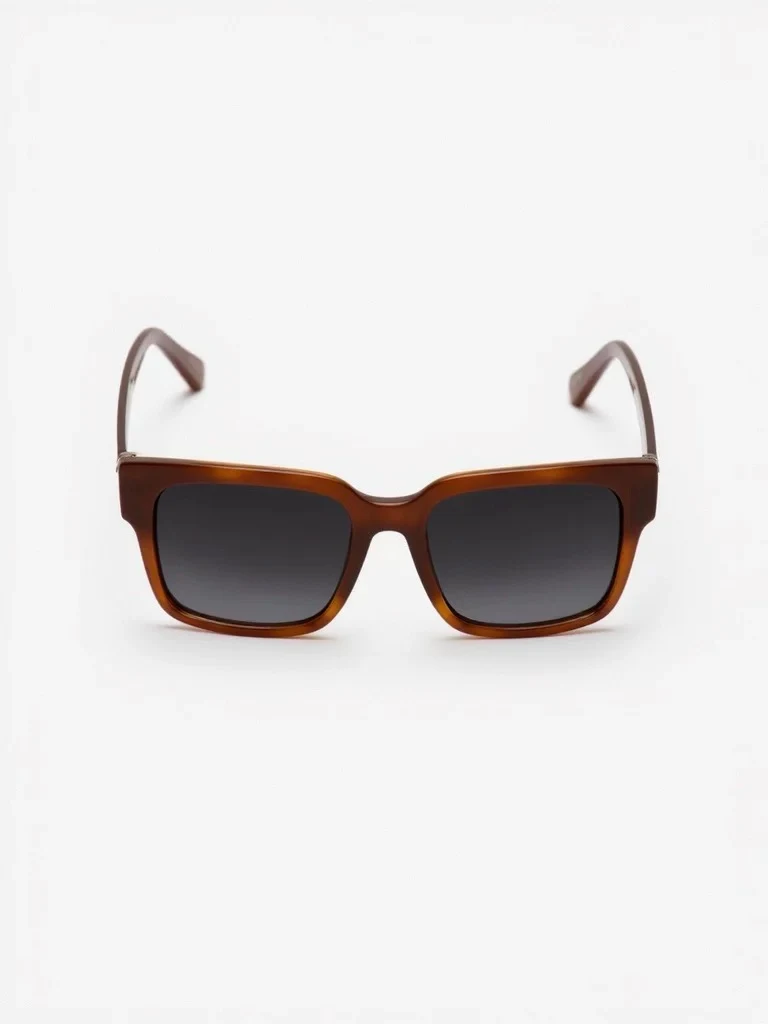
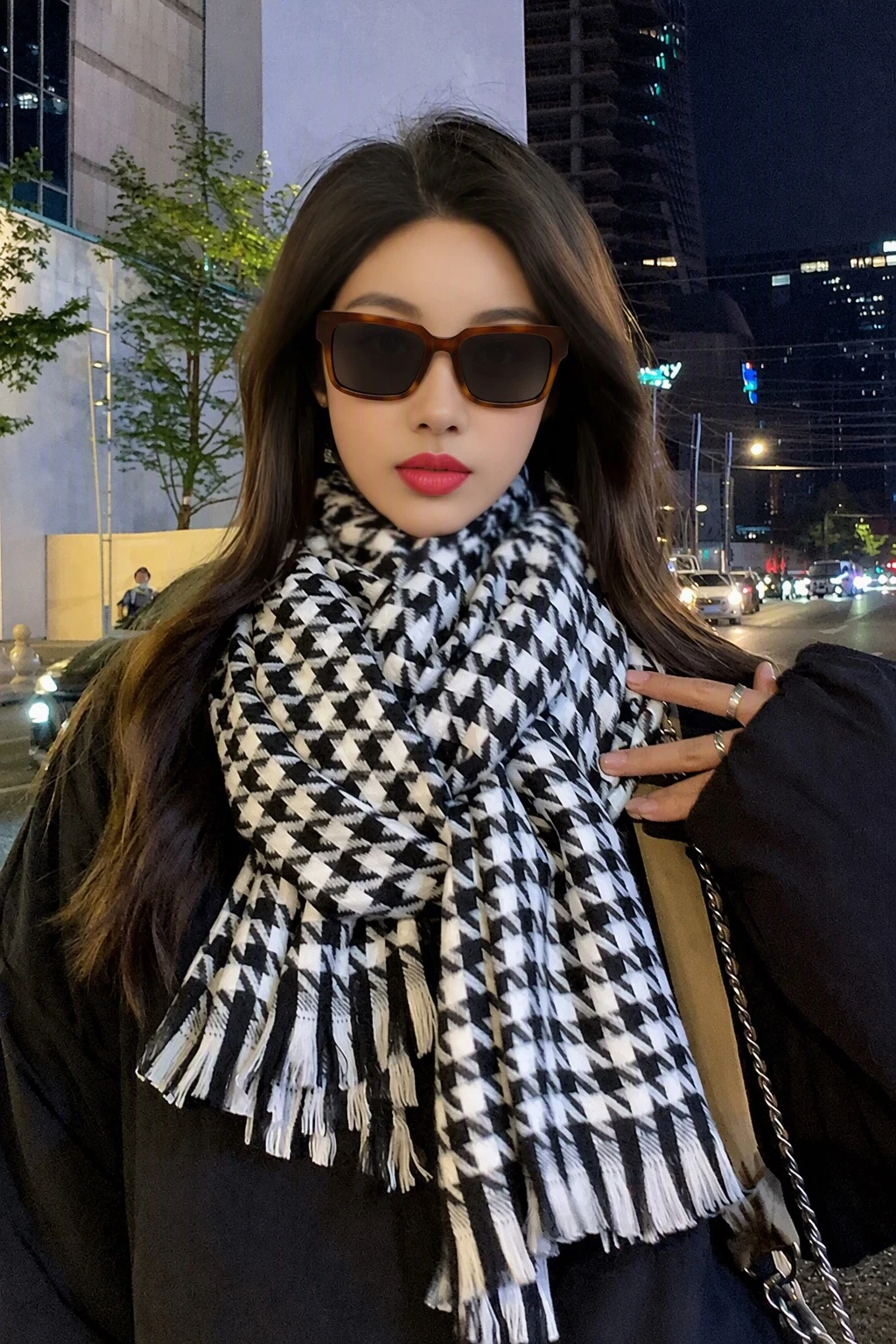
Put the same shoes, bag or accessory onto 1–9 model references while keeping their poses and settings.
- Product angles
- Model reference photos · Create image plan
- Accessory Try-On Photos · Choose images · Generate complete kit
Upload 1–4 clear angles of the same product. A matching pair counts as one product.
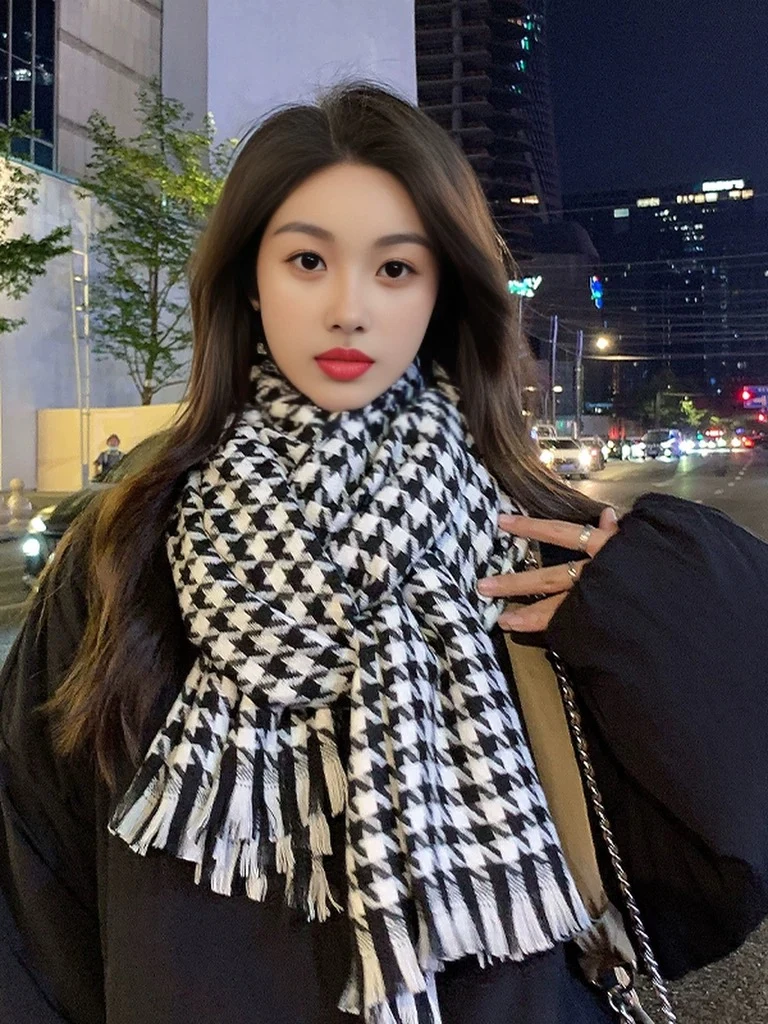
Upload 1–9 adult model photos with the intended wearing area visible. Each reference produces one photo.
Keep the original framing. References with the wearing area outside the image cannot be selected.
Planning is free: up to 3 analyses per draft and 10 per workspace per UTC day. Credits are charged only after confirmation; undelivered images are refunded.
What you’ll receive
Put the same shoes, bag or accessory onto 1–9 model references while keeping their poses and settings.