 kitloom
Shopify · Accessory Try-On Photos · Platform guides
Put the same shoes, bag or accessory onto 1–9 model references while keeping their poses and settings.
Choose the placement
For a Shopify product gallery, put an easily identifiable product image first, then arrange use, detail and size imagery. Preview the gallery in your own theme on mobile.
Prepare your materials
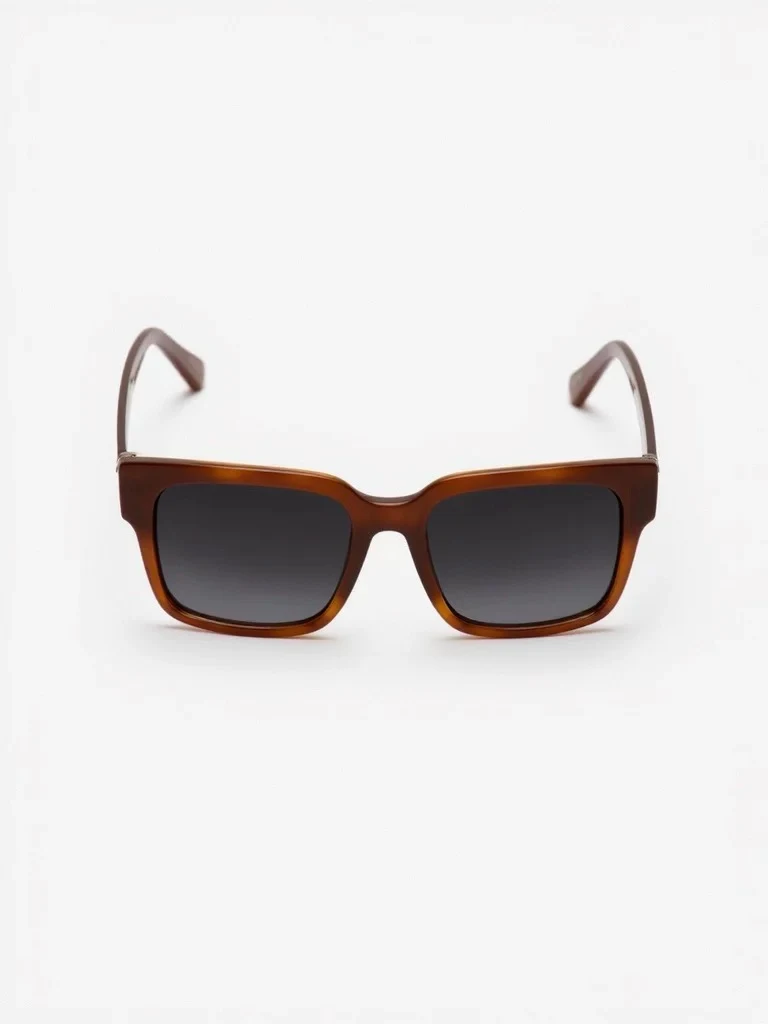
Upload 1–4 clear angles of the same product. A matching pair counts as one product.
Upload 1–9 adult model photos with the intended wearing area visible. Each reference produces one photo.
Keep the original framing. References with the wearing area outside the image cannot be selected.
Accessory Try-On Photos · Guides ↗What you’ll receive
Product angles

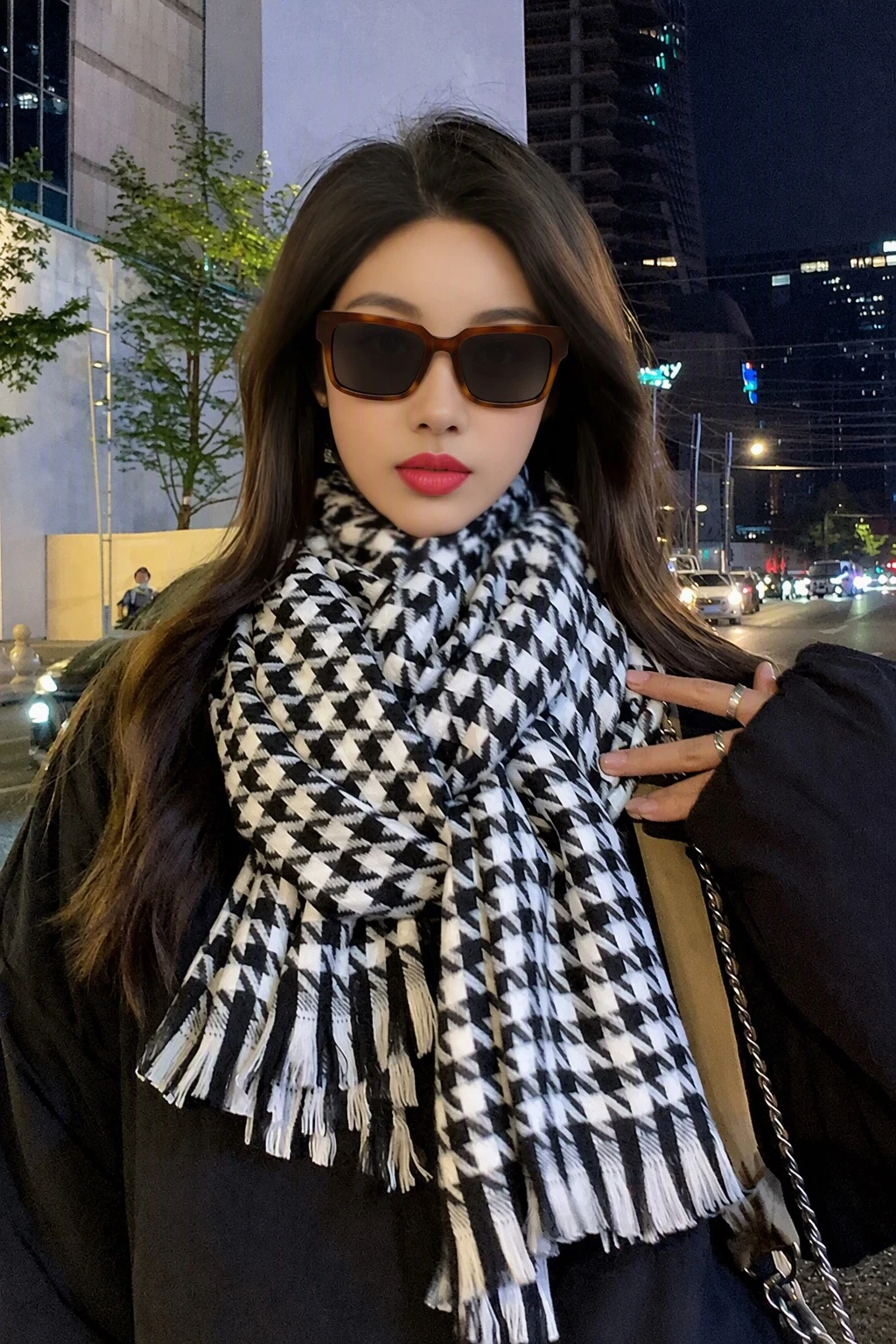
Review the result · Before publishing
Compare the result with your source materials: product shape, colors, labels, quantities and text. Download selected files, adjust the crop for the actual placement and preview on a phone. Kitloom does not publish to the platform. These are creative recommendations, not a guarantee of platform approval; check the current requirements in your account.