kitloom
Outfit Transition Video
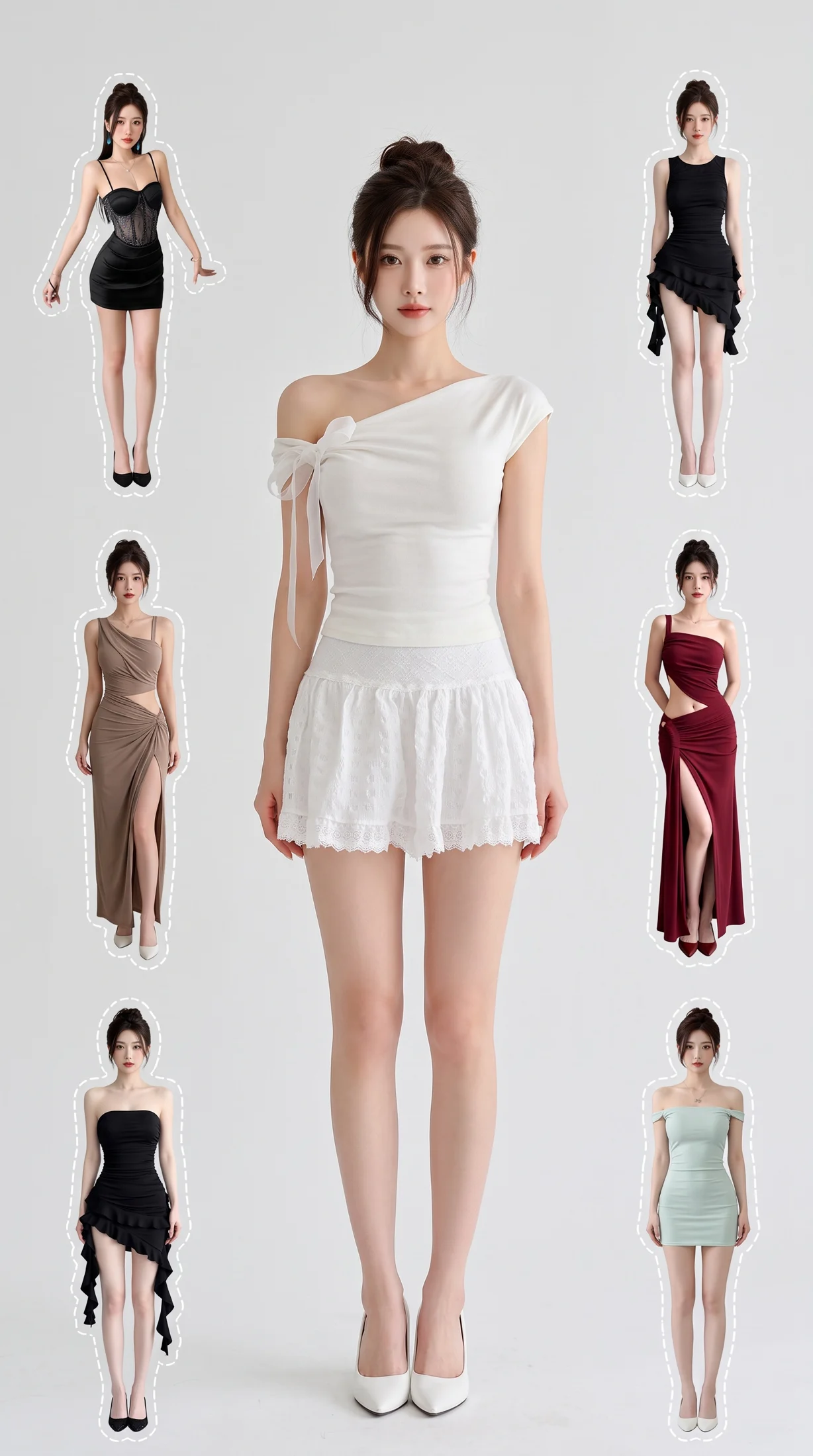
Create a coordinated outfit collage, then optionally animate it into a beat-matched outfit video. Upload 4–7 complete looks or let AI plan five.
- Outfit source · Model source
- Choose images · Create image plan
- Review model, outfits and timeline · Generate complete kit
Upload 4–7 outfits, including the initial look. Each needs 1–3 photos. No missing outfits will be filled in automatically.
9:16 portrait · 8–15 seconds · English prompts · No voiceover
Generate the collage first. Video is optional and billed separately per second.
Planning is free: up to 3 analyses per draft and 10 per workspace per UTC day. Credits are charged only after confirmation; undelivered images are refunded.
What you’ll receive
Create a coordinated outfit collage, then optionally animate it into a beat-matched outfit video. Upload 4–7 complete looks or let AI plan five.
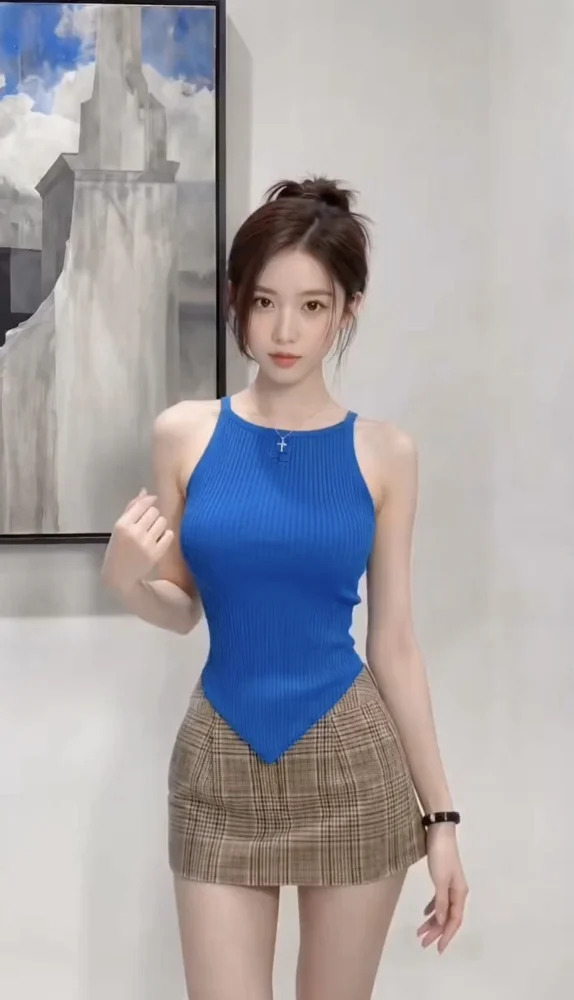
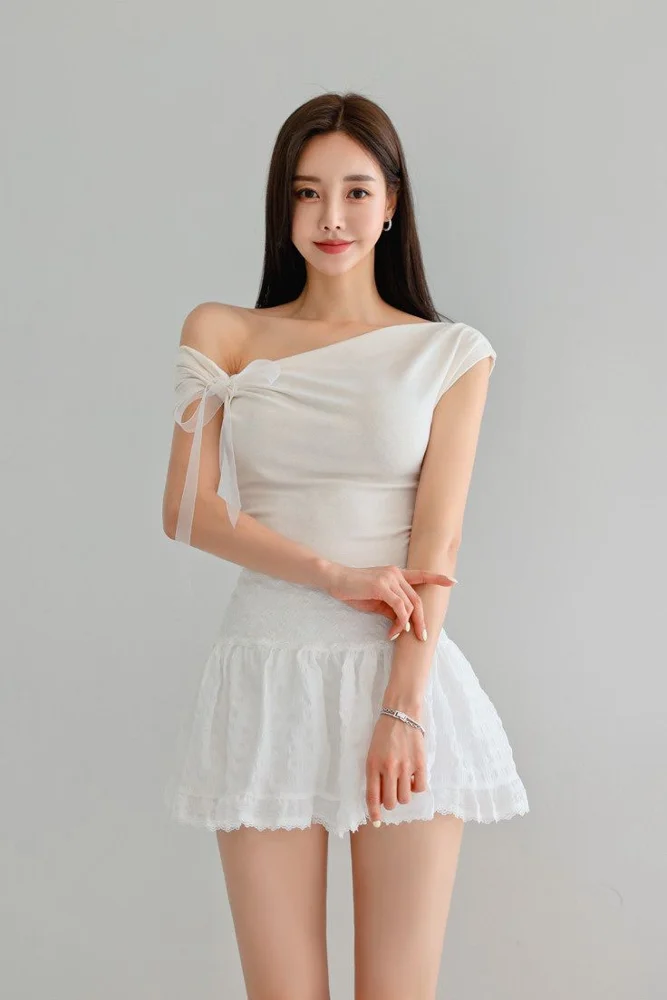
Model photos + Outfit
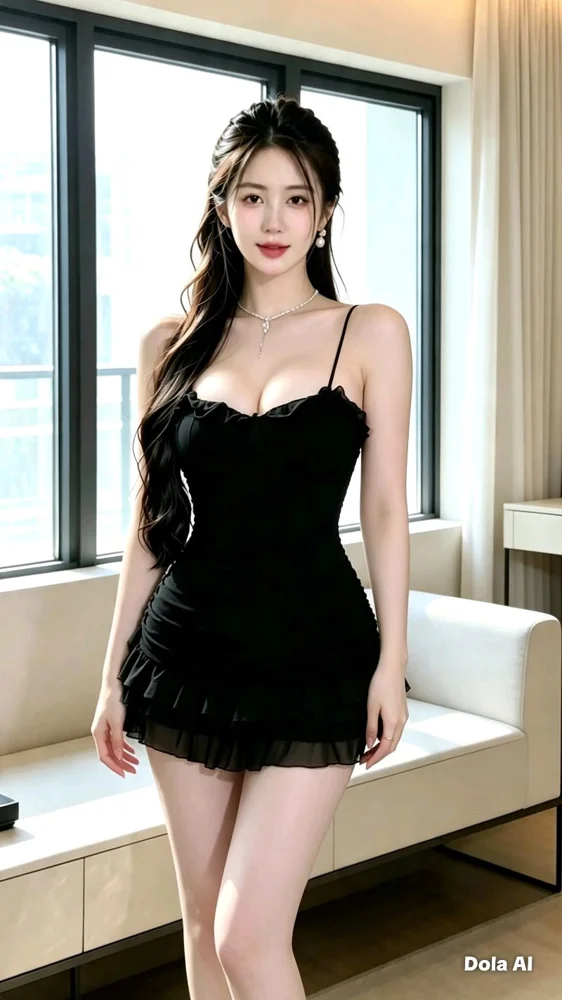
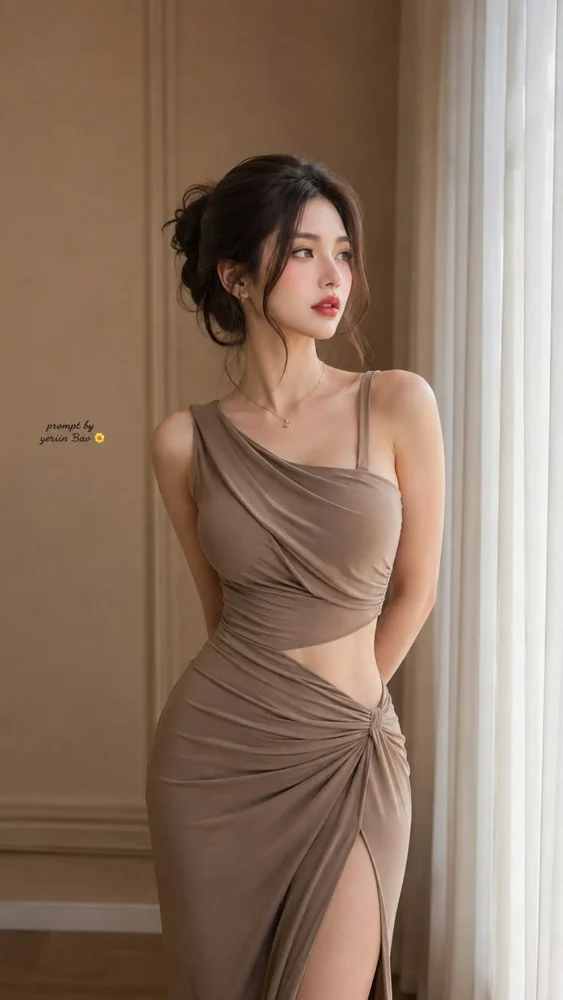
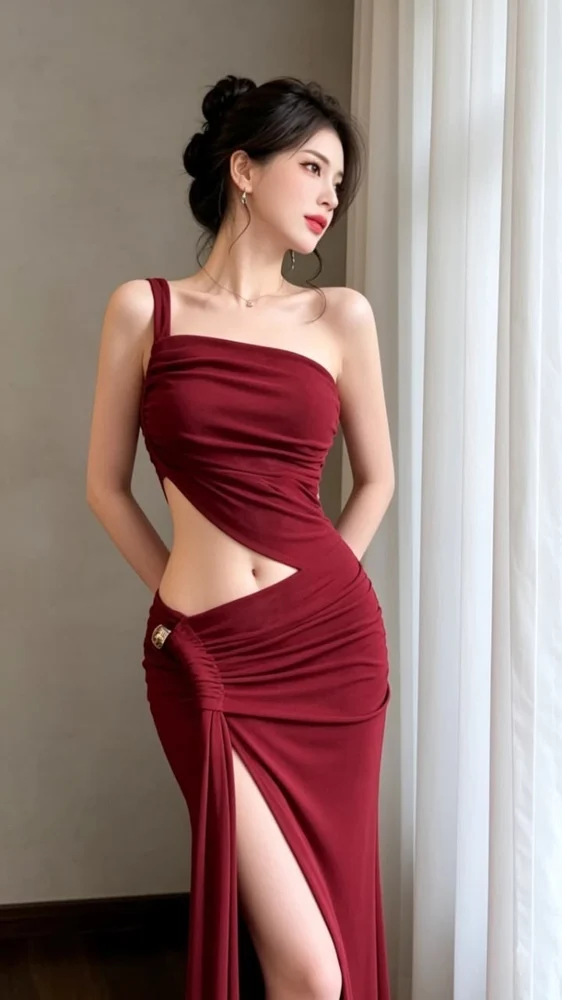
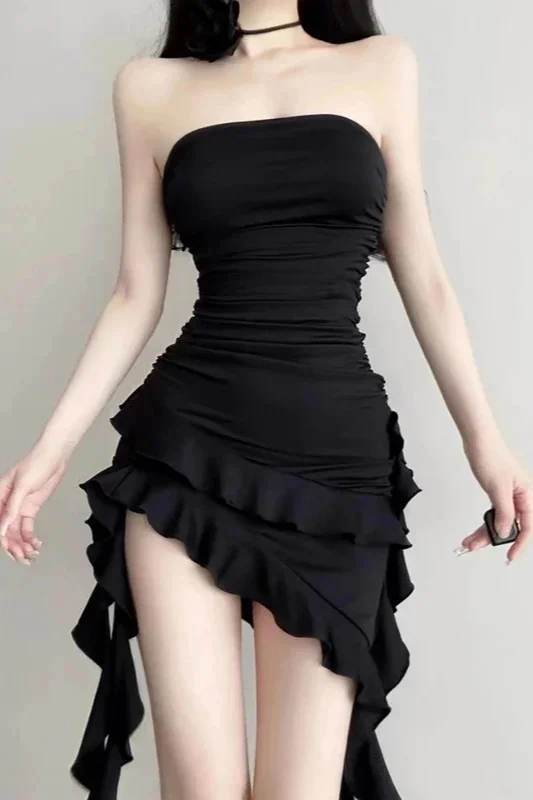
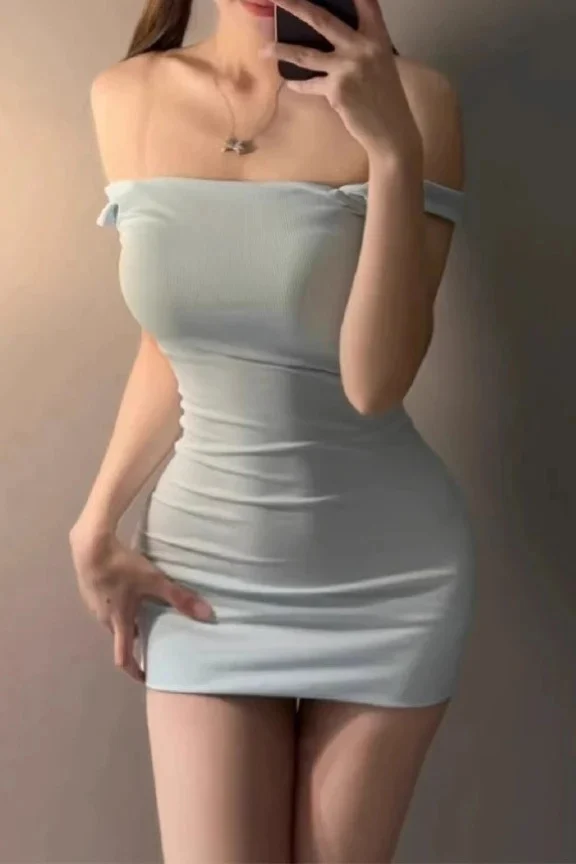
Outfit collage + Example video