 kitloom
Shopify · Buyer-style images · Platform guides
Turn product photos into up to five casual home snapshots in one consistent setting: full, side, low-angle and two distinct close-ups.
Choose the placement
For a Shopify product gallery, put an easily identifiable product image first, then arrange use, detail and size imagery. Preview the gallery in your own theme on mobile.
Prepare your materials
Upload 1–8 photos of the same product. Product details come from these originals; the home is generated from your preferences.
The full view is required and anchors the home. Retry it first if it fails; changing the product or home requires a new task.
Natural indoor light, everyday clutter and gentle wrinkles; no added dirt, damage or polished studio look.
AI-generated examples, not real buyer reviews. Delivery: independent 1600 × 2000 JPEG images, 4:5. Check product details before use.
Buyer-style images · Guides ↗What you’ll receive
Beanbag
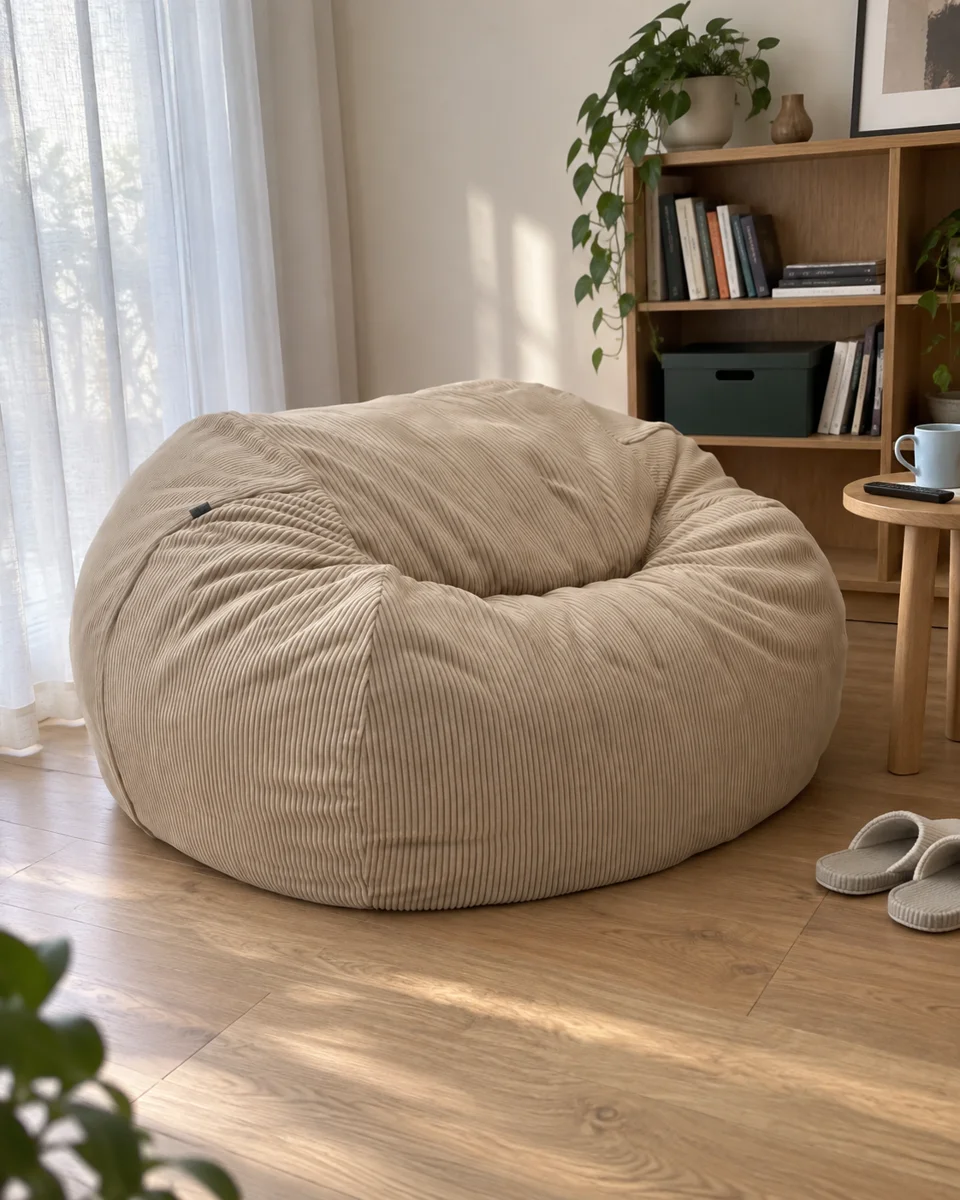
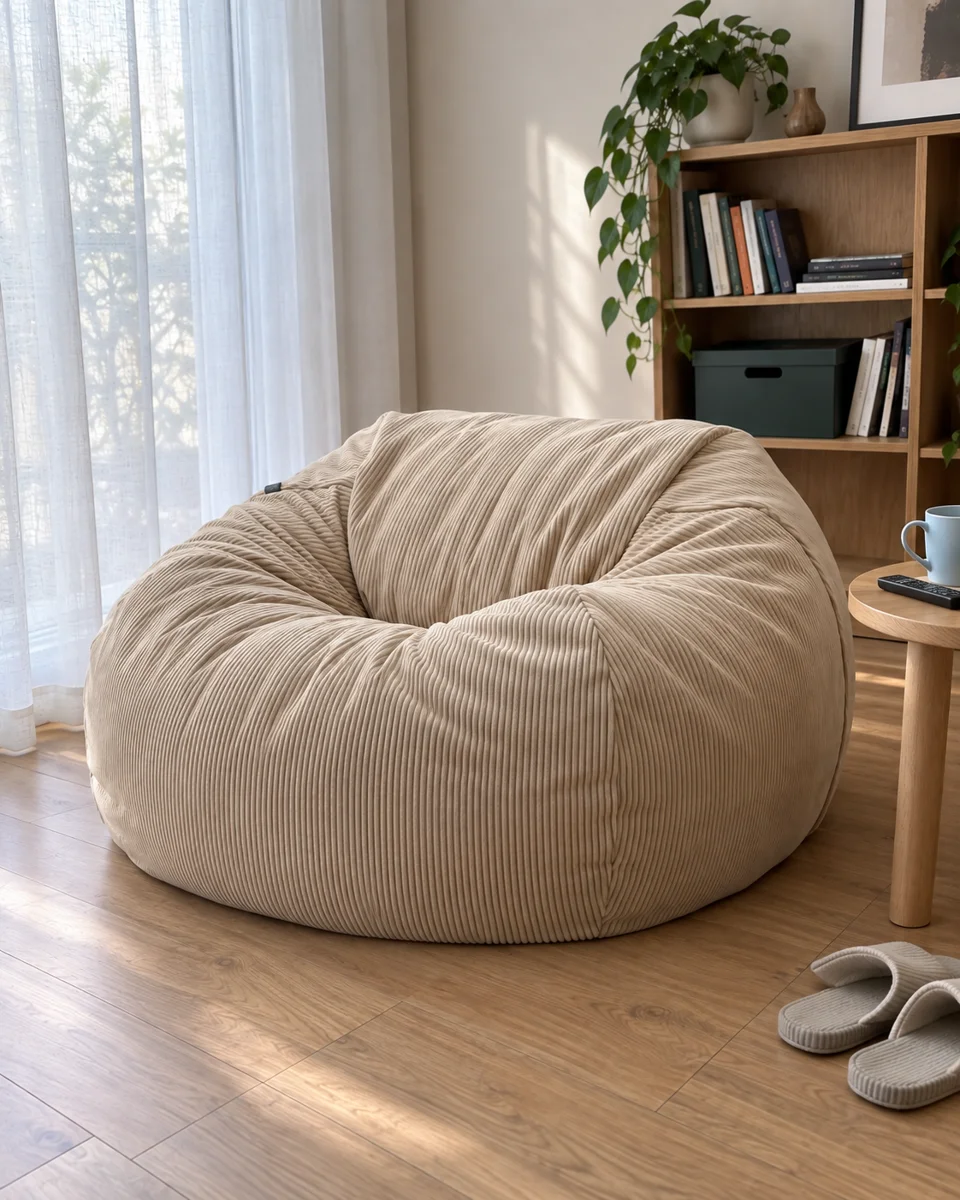
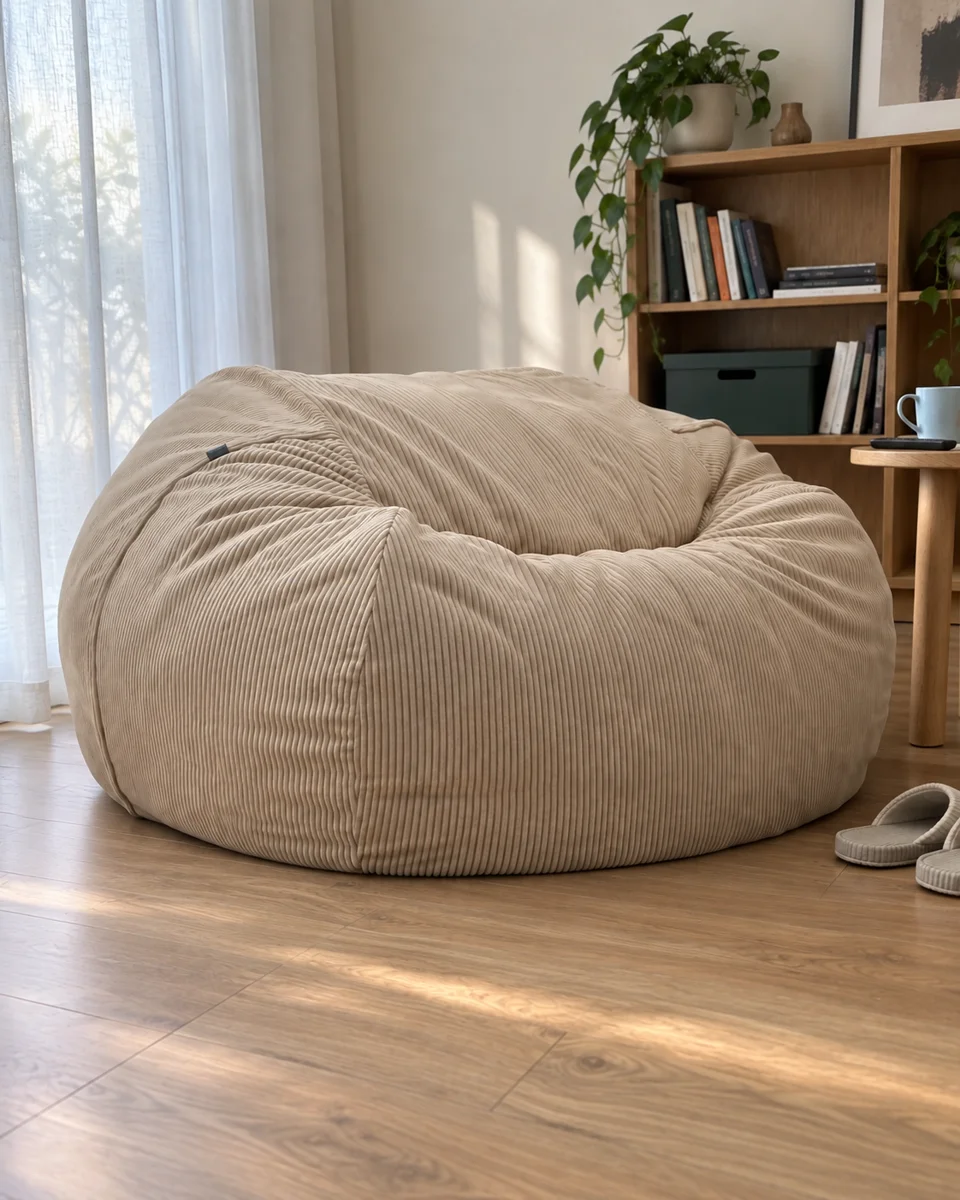
Storage bucket
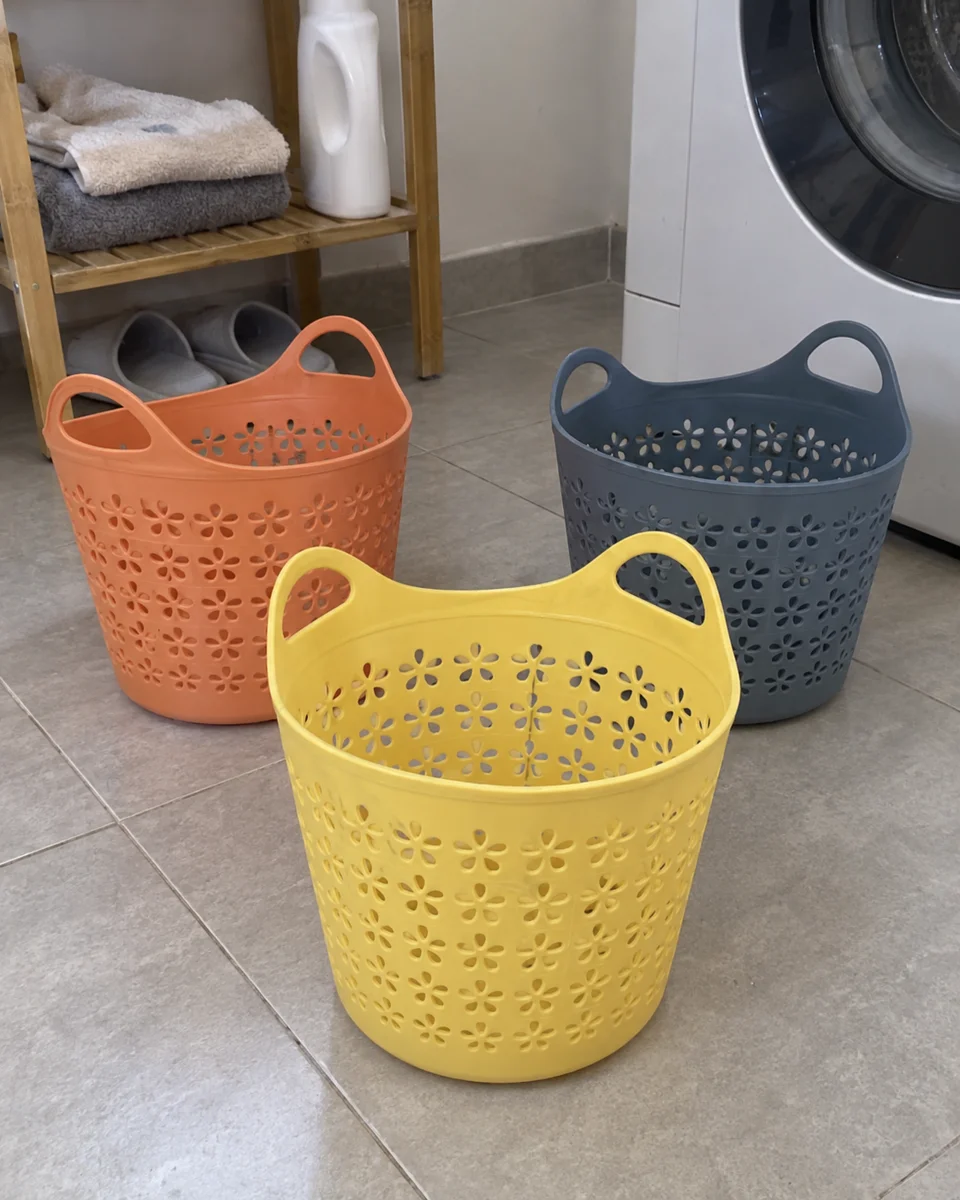
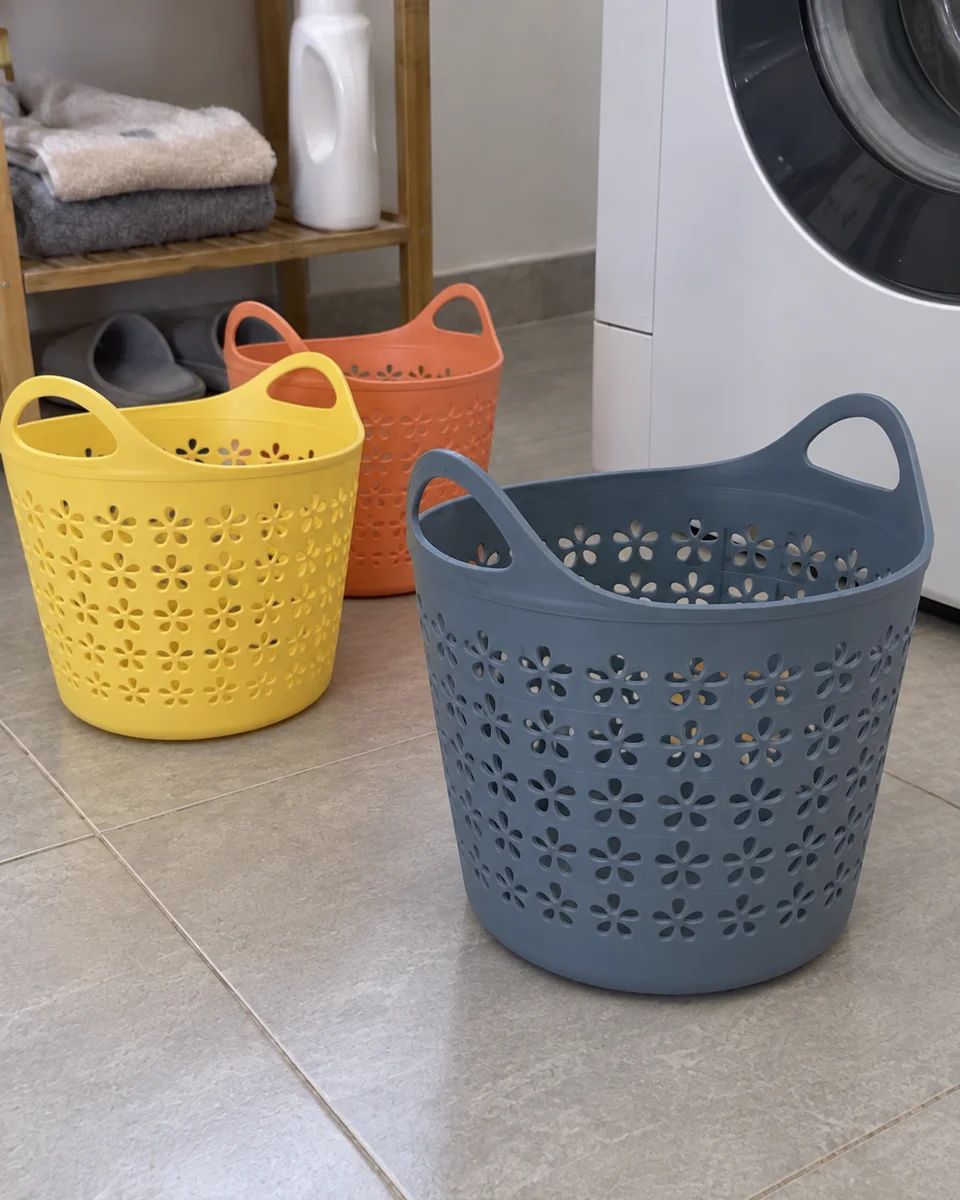
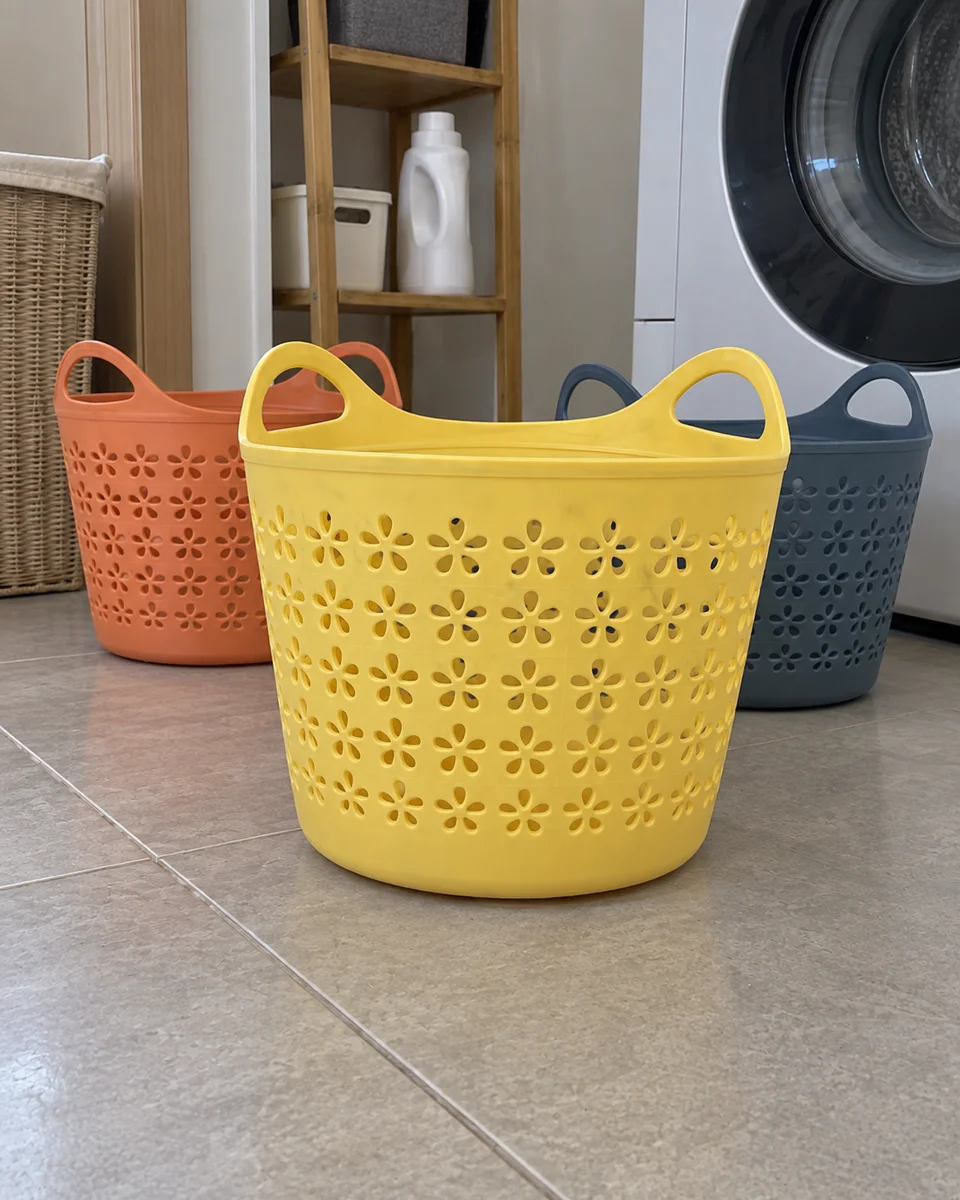
AI-generated examples, not real buyer reviews. Delivery: independent 1600 × 2000 JPEG images, 4:5. Check product details before use.
Review the result · Before publishing
Compare the result with your source materials: product shape, colors, labels, quantities and text. Download selected files, adjust the crop for the actual placement and preview on a phone. Kitloom does not publish to the platform. These are creative recommendations, not a guarantee of platform approval; check the current requirements in your account.
Styled product images are not evidence of a real purchase or customer review.