 kitloom
Shopify · Reference-inspired Product Images · Platform guides
Use your product photos and one design reference to create 1–4 ecommerce image variants with text you review and confirm.
Choose the placement
For a Shopify product gallery, put an easily identifiable product image first, then arrange use, detail and size imagery. Preview the gallery in your own theme on mobile.
Prepare your materials
Uncheck facts you do not want to use. Text linked to an unchecked fact is cleared; review or rewrite it before generating.
Upload one design reference for layout, colors and lighting. Its product, brand and claims will not be reused.
Upload 1–8 photos of your own product. These define its appearance and authentic markings.
Reference-inspired Product Images · Guides ↗What you’ll receive
Desk lamp
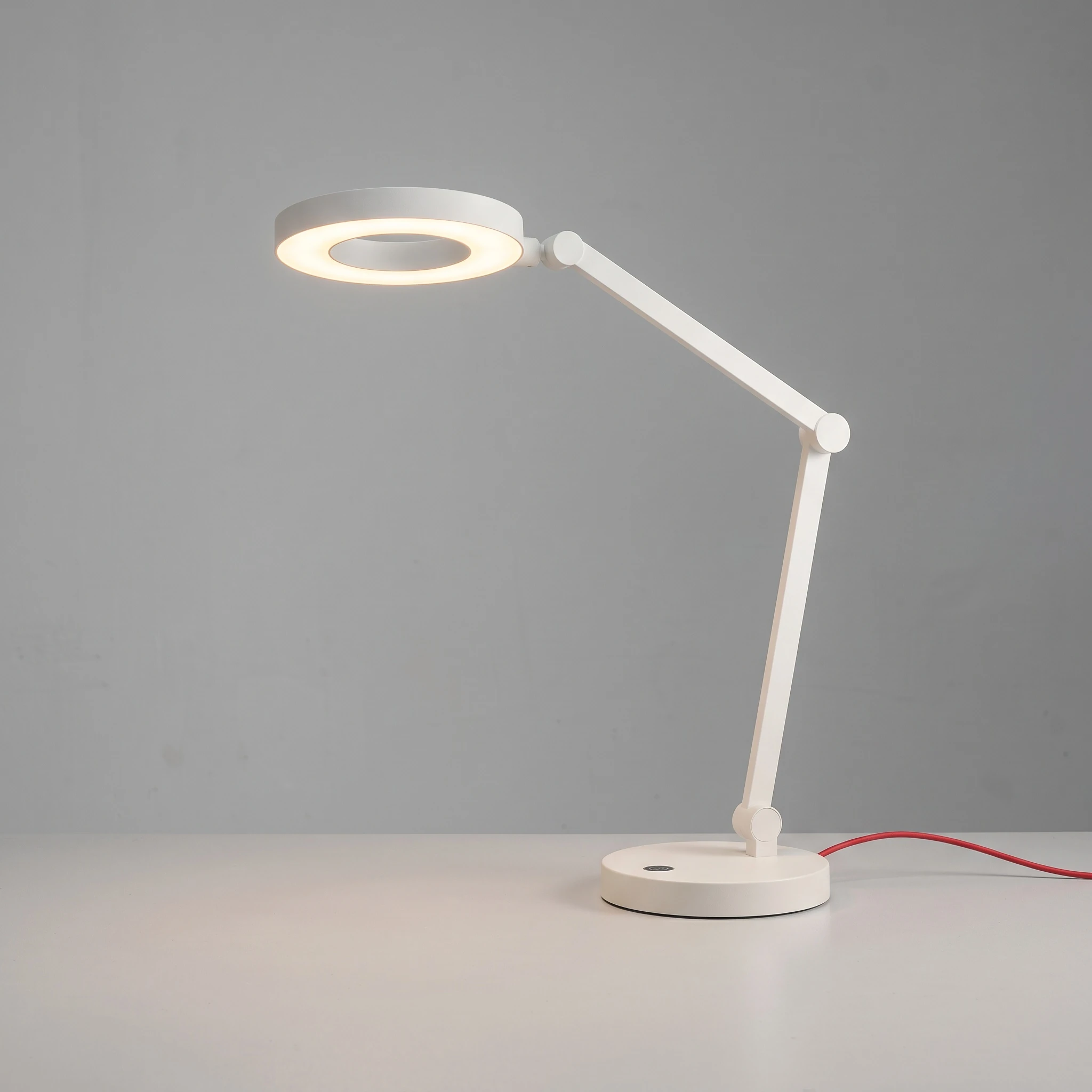
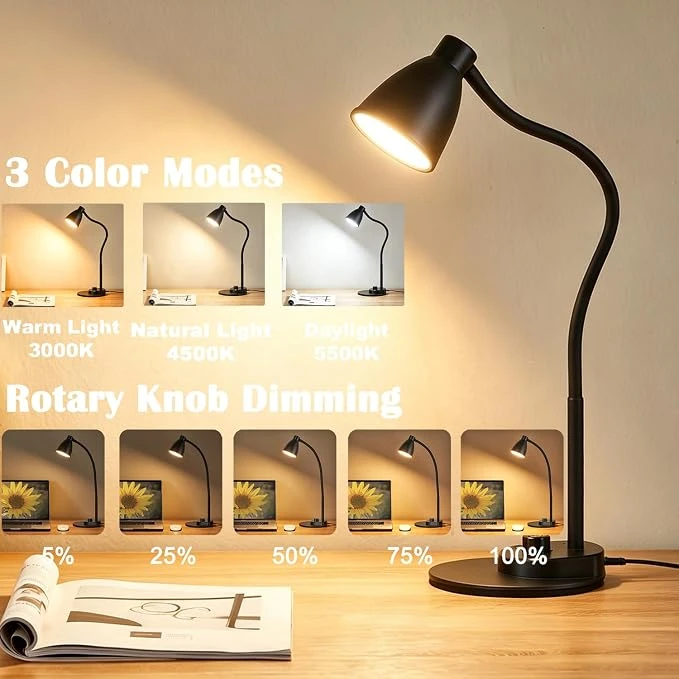
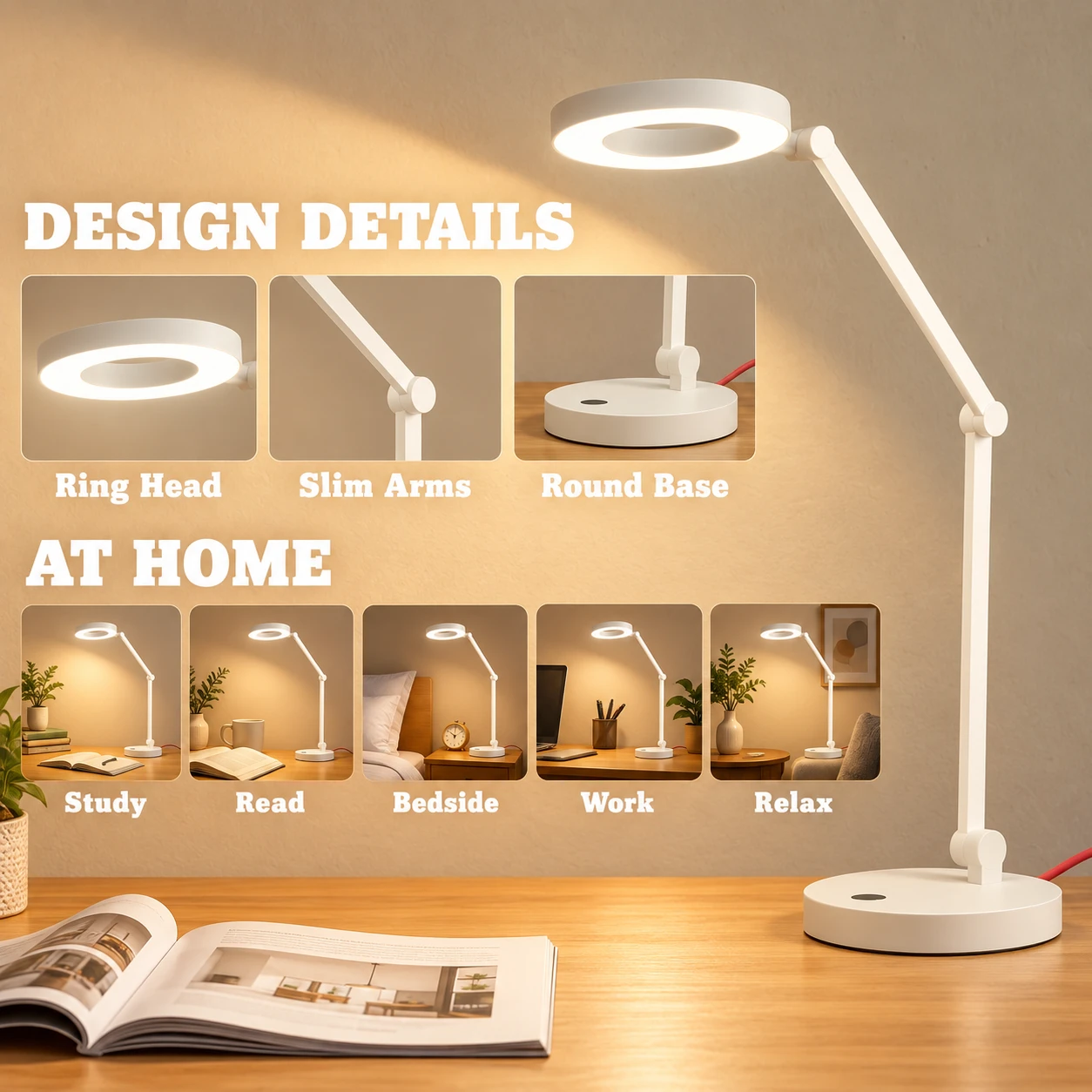
Product photo + design reference → AI-generated result. Only the result is a delivery example. New images use 2K resolution; inspect product details before use.
Review the result · Before publishing
Compare the result with your source materials: product shape, colors, labels, quantities and text. Download selected files, adjust the crop for the actual placement and preview on a phone. Kitloom does not publish to the platform. These are creative recommendations, not a guarantee of platform approval; check the current requirements in your account.