 kitloom
Xiaohongshu · AI Portrait Photos · Platform guides
Create 1–9 coordinated portrait photos from photography references. Use your own adult identity photos or an original adult model, review the shoot plan, then choose which photos to generate.
Choose the placement
For Xiaohongshu notes, choose a clear cover and order images as a short visual story. Put context in the accompanying note rather than filling each image with text.
Prepare your materials
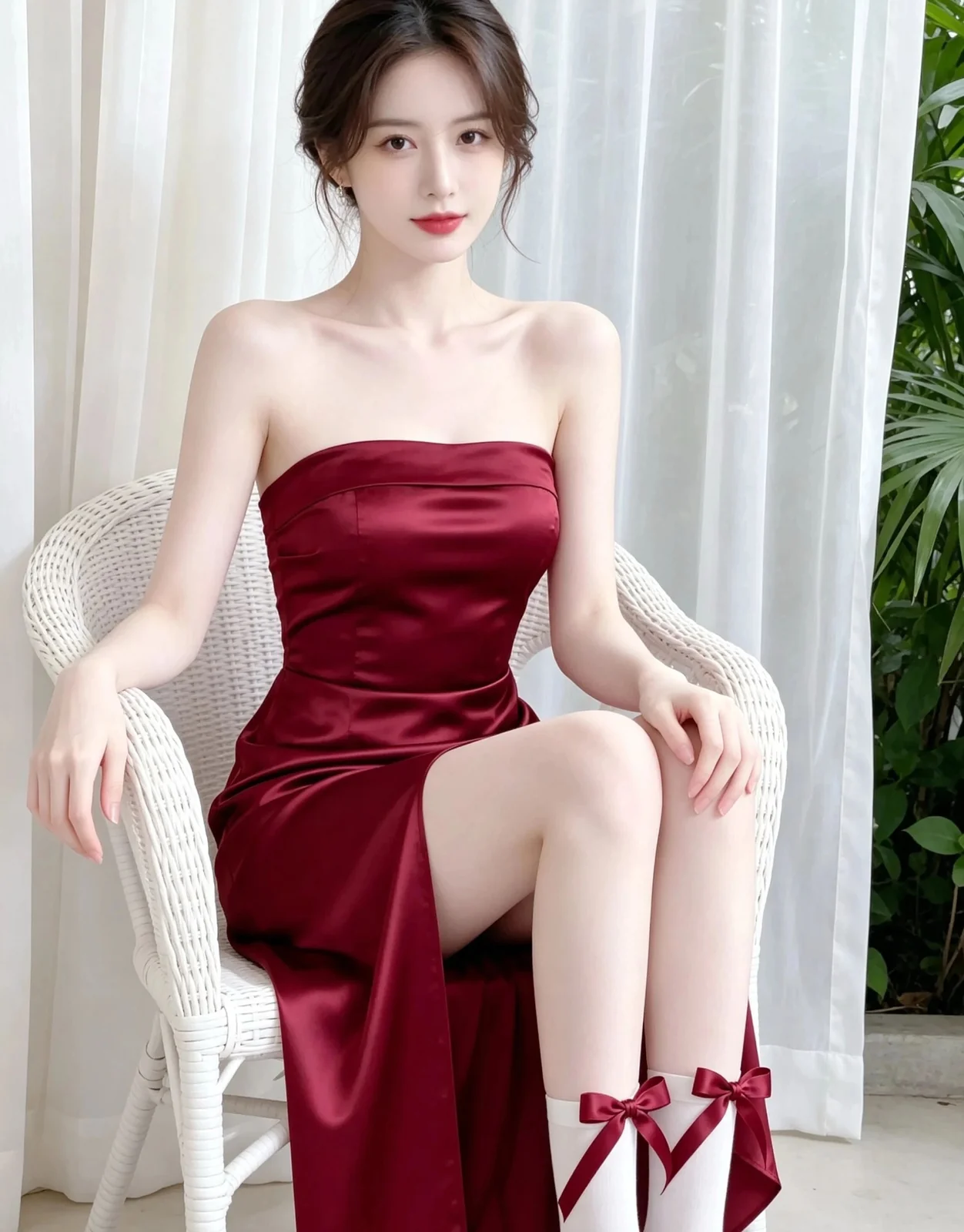
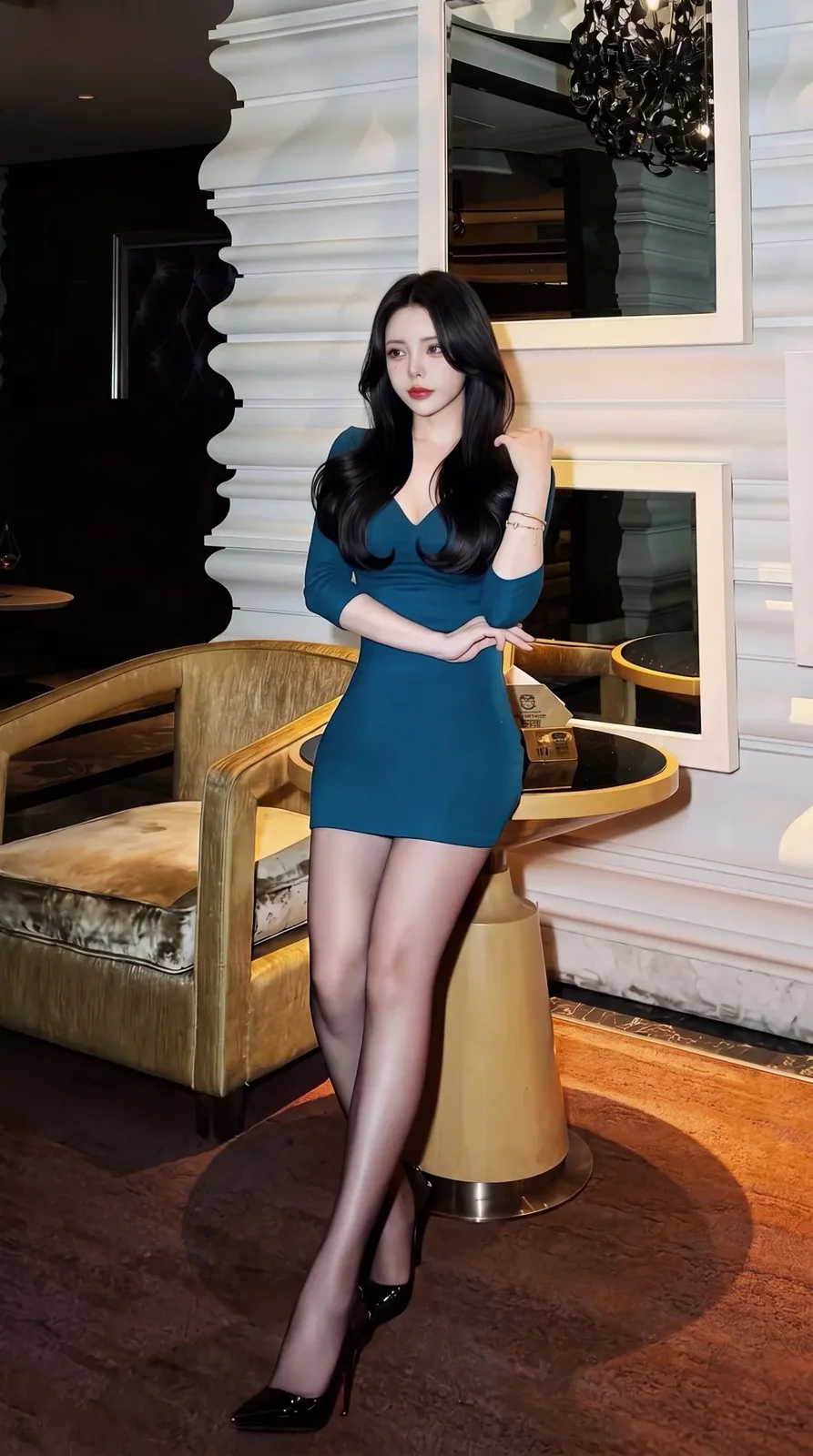
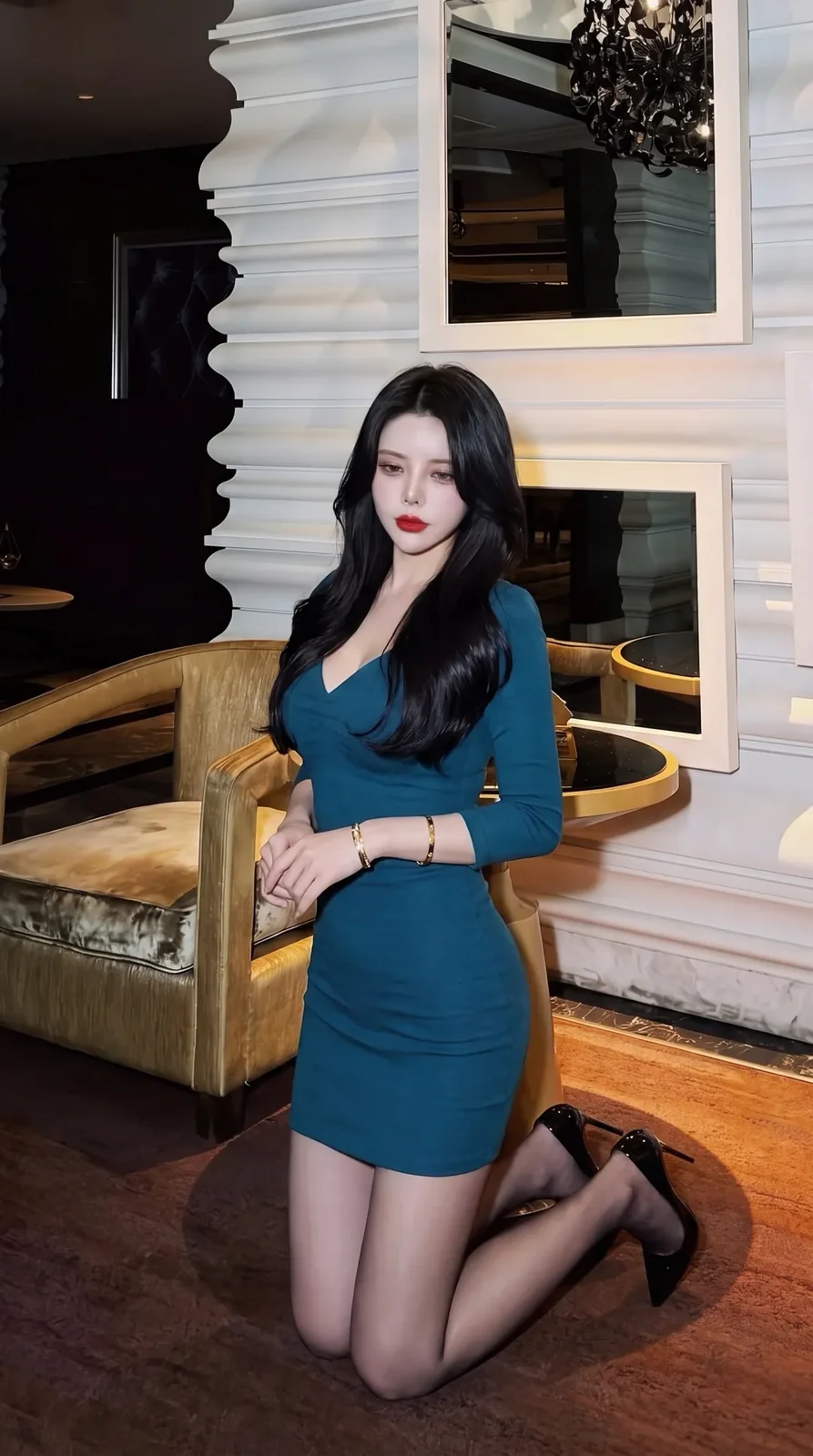
Upload 1–8 references for makeup, wardrobe, scene, light and photographic style. These do not define the person's identity.
The first photo establishes the original model and is required. If it fails, dependent photos are skipped and refunded. Retry the first photo to unlock them; further retries are not automatic.
Upload 1–3 clear photos of the same adult. These preserve facial identity only; styling and expression follow the photography plan.
AI Portrait Photos · Guides ↗What you’ll receive
Photography references
Generated result
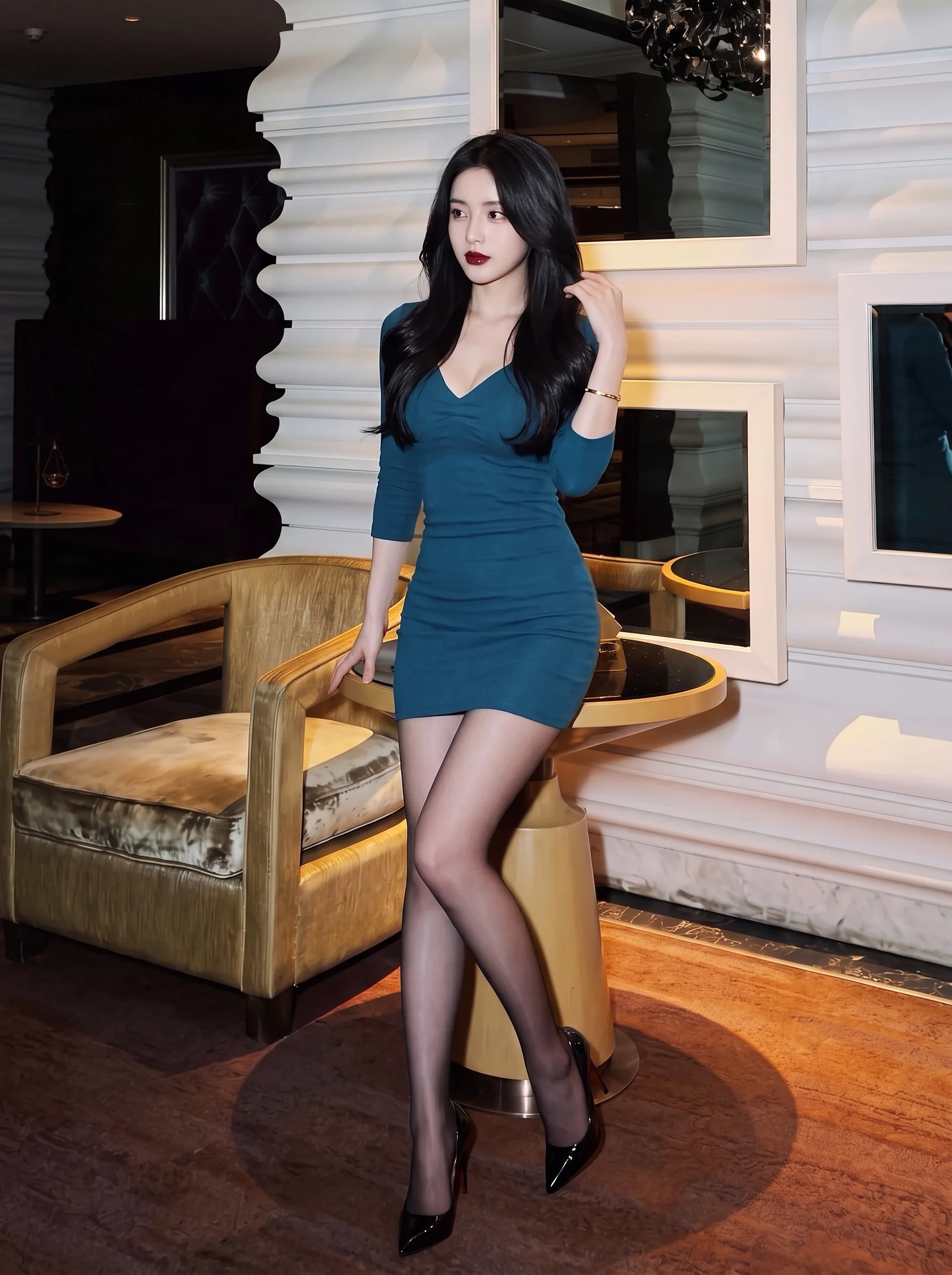
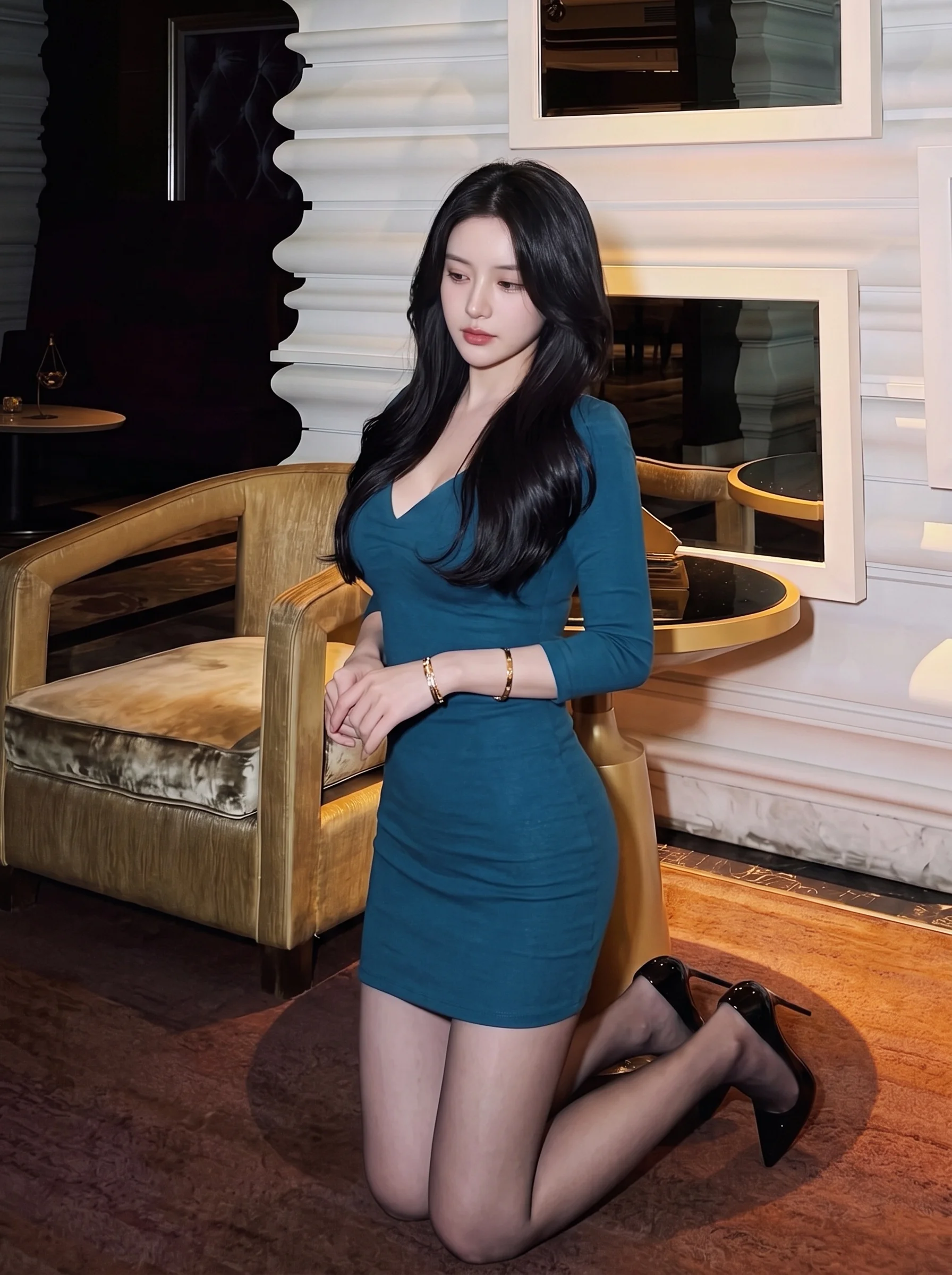
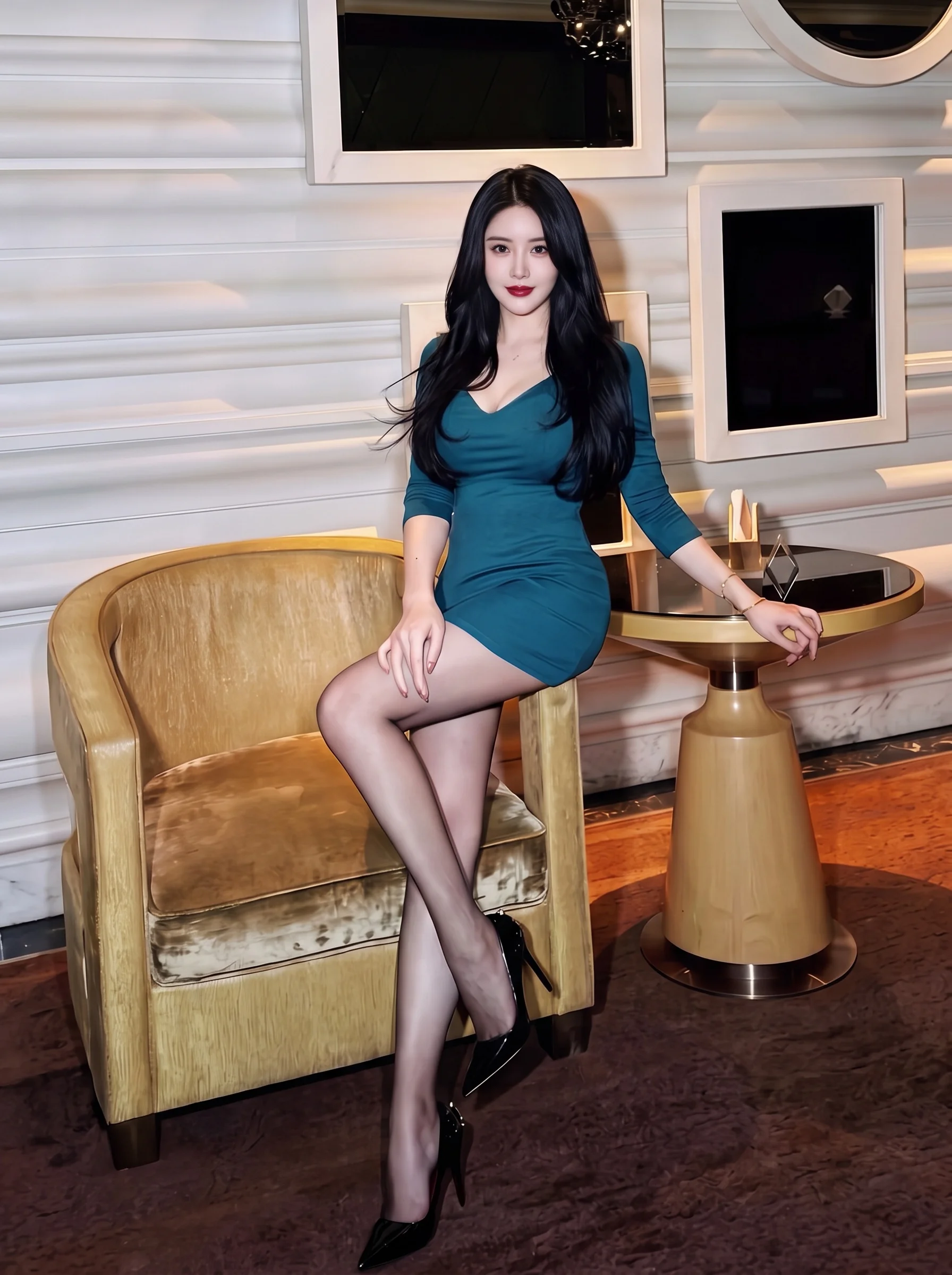
Review the result · Before publishing
Compare the result with your source materials: product shape, colors, labels, quantities and text. Download selected files, adjust the crop for the actual placement and preview on a phone. Kitloom does not publish to the platform. These are creative recommendations, not a guarantee of platform approval; check the current requirements in your account.