 kitloom
Shopify · Model Scene Fusion · Platform guides
Place your model in one scene, with consistent outfits and 1–9 natural photographs.
Choose the placement
For a Shopify product gallery, put an easily identifiable product image first, then arrange use, detail and size imagery. Preview the gallery in your own theme on mobile.
Prepare your materials
Upload a scene, choose your model and outfit, then review each planned shot before generating.
Upload one clear scene without a prominent foreground person. The output follows its aspect ratio.
Model Scene Fusion · Guides ↗What you’ll receive
Scene + model

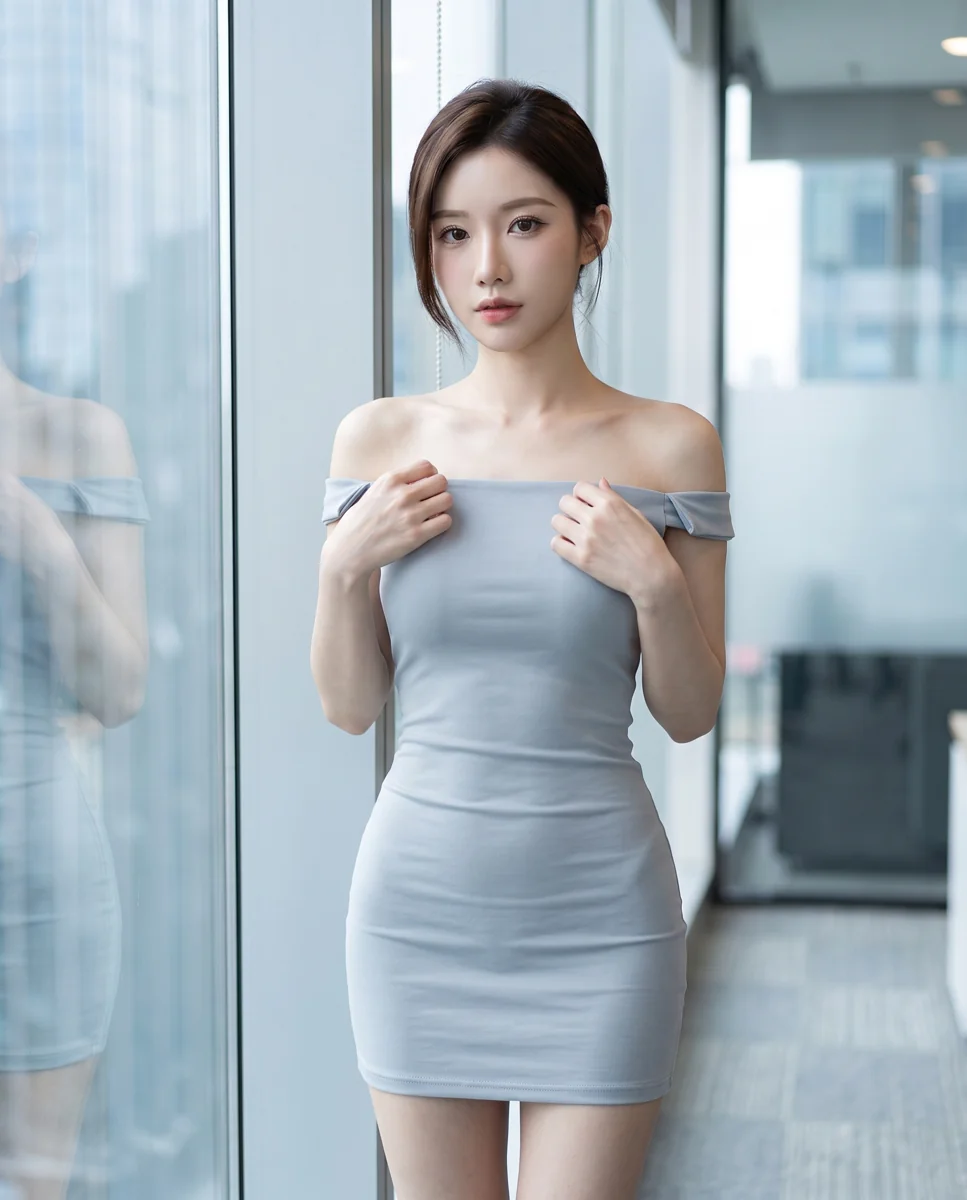
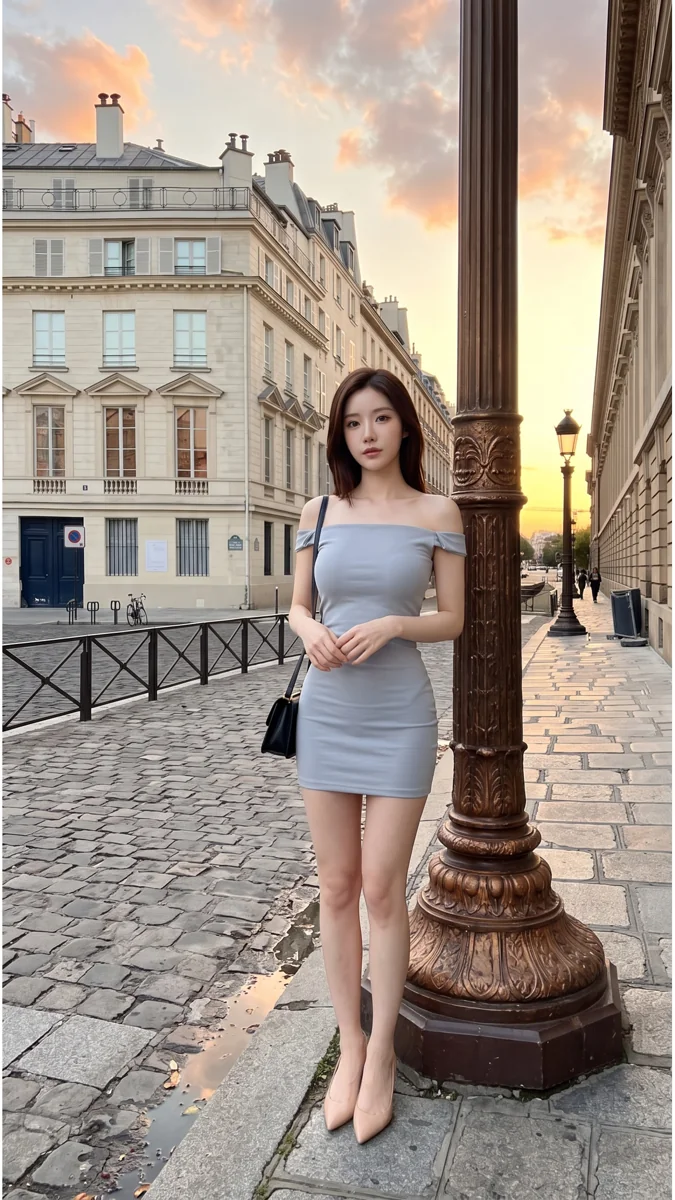
Scene fusion result
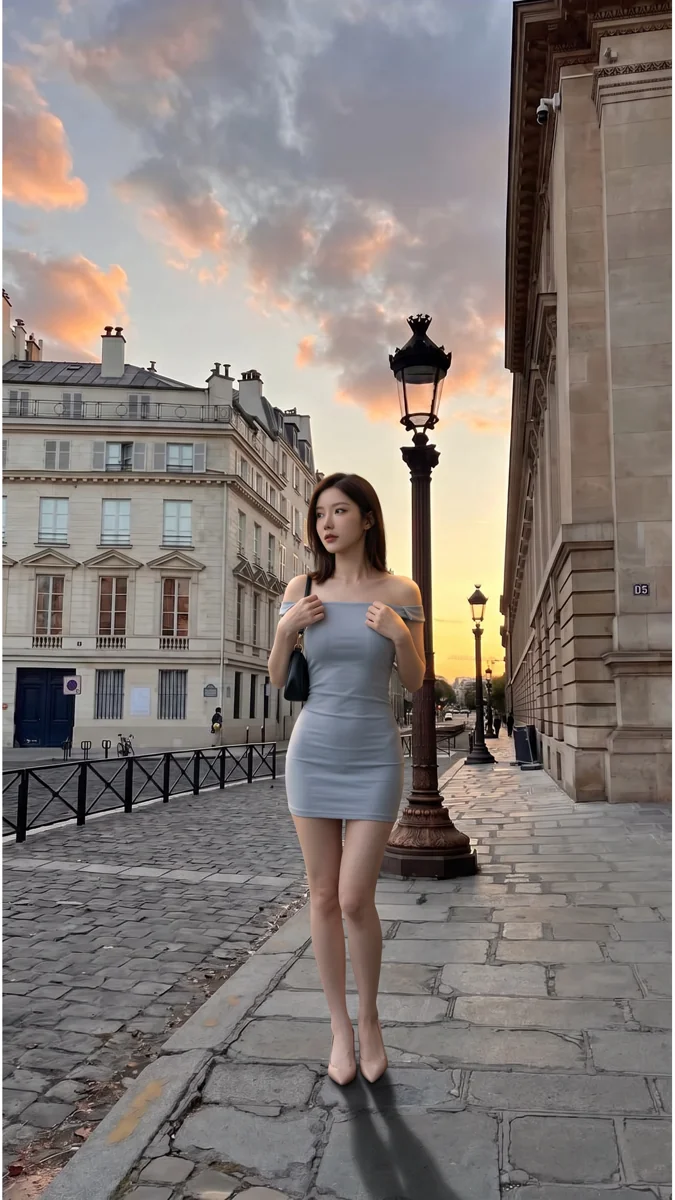
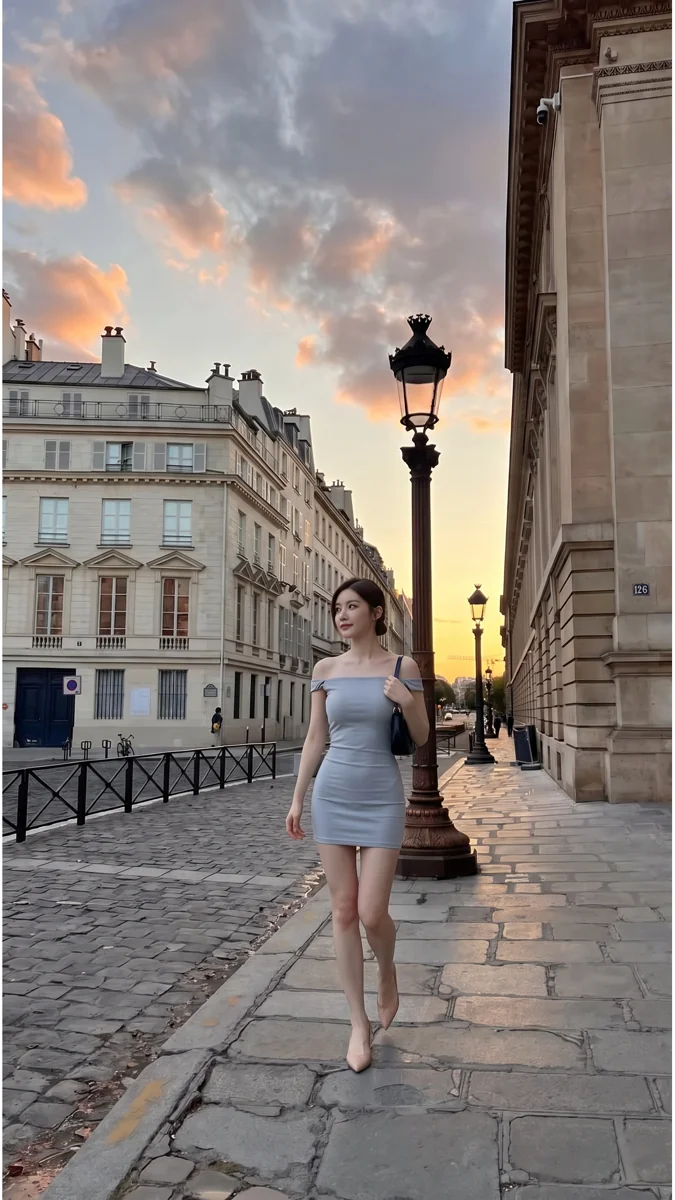
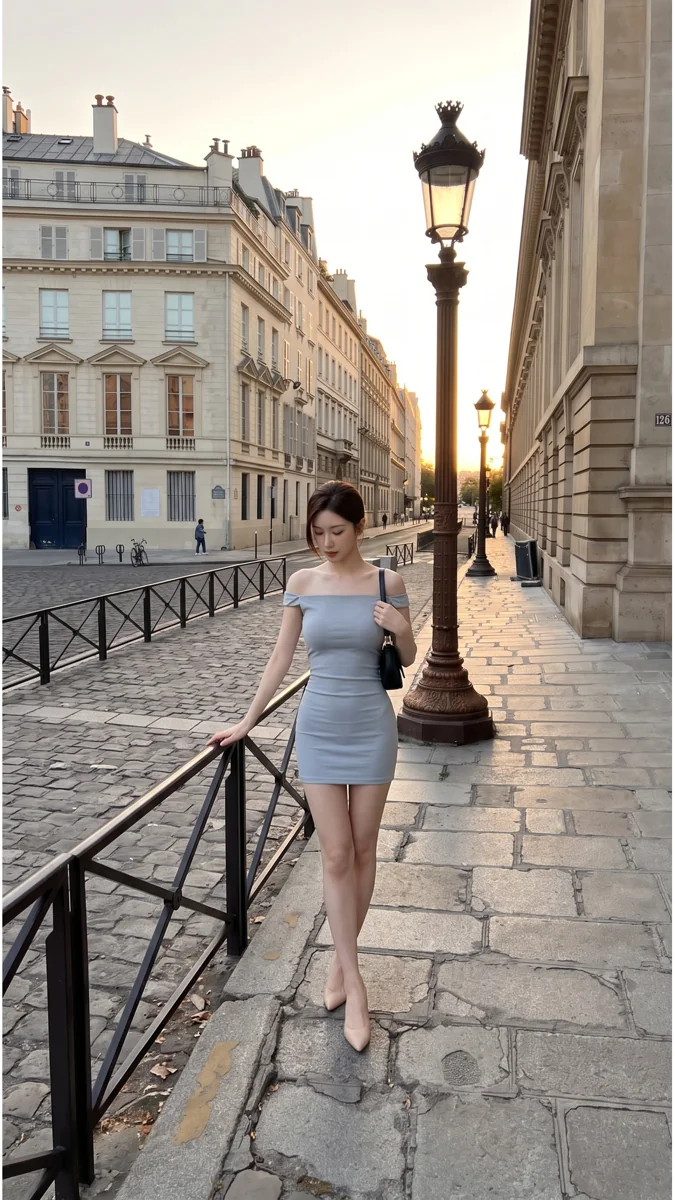
Review the result · Before publishing
Compare the result with your source materials: product shape, colors, labels, quantities and text. Download selected files, adjust the crop for the actual placement and preview on a phone. Kitloom does not publish to the platform. These are creative recommendations, not a guarantee of platform approval; check the current requirements in your account.