 kitloom
Douyin Shop · Product Video · Platform guides
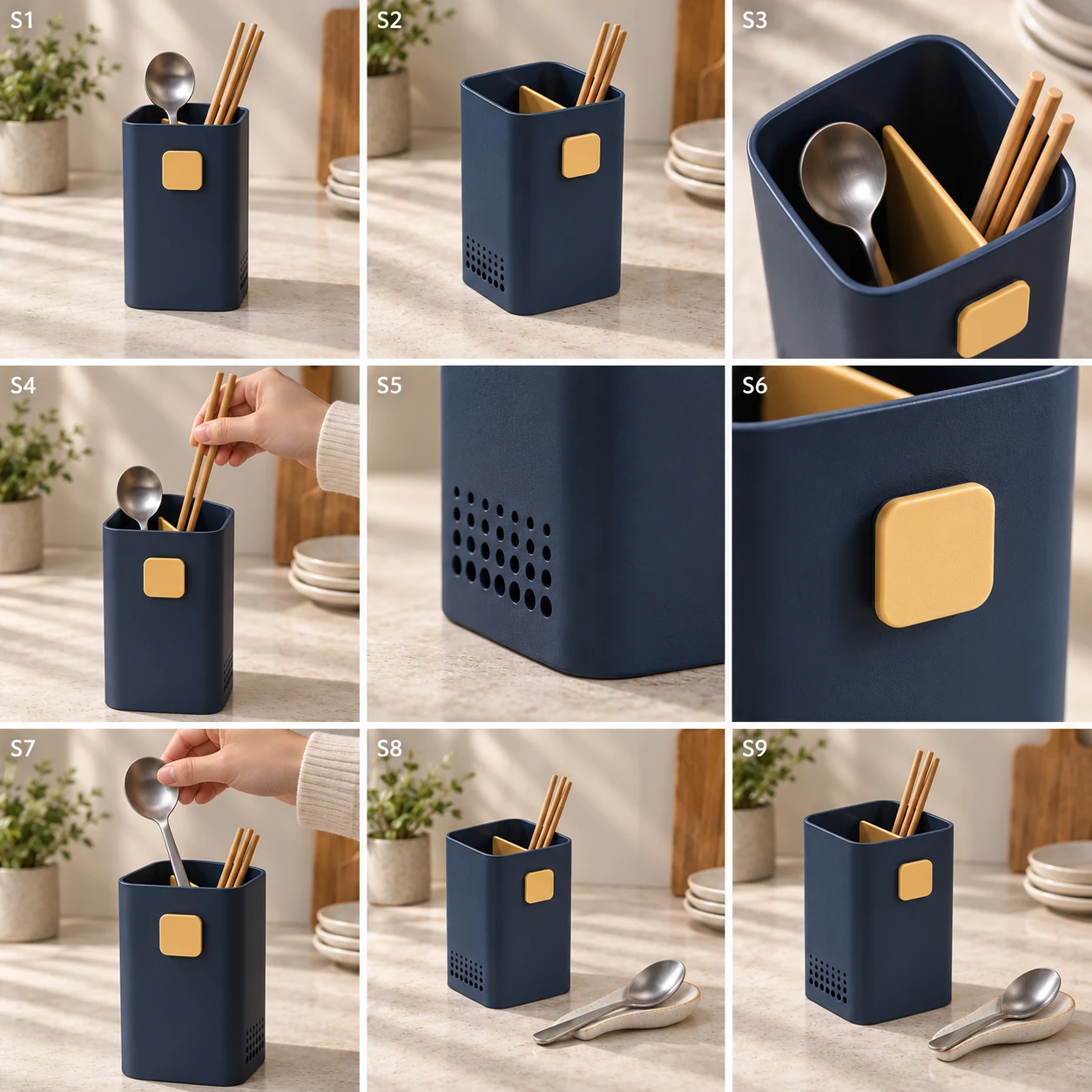
Turn product photos into a nine-frame storyboard and English video prompts. Generate an optional 8–15 second product video when ready.
Choose the placement
For Douyin Shop, decide whether this asset supports a product card, a short-video opening or a livestream cover before planning. Keep the featured SKU recognizable when controls cover the lower screen.
For Douyin Shop or TikTok Shop, plan a product-led opening and leave space for captions and interface overlays. A static scene is preparation material, not a livestream; a storyboard is not a finished video.
Prepare your materials
English scripts and voiceover only. Square storyboard; optional native 2K video.
Optional references guide colors, typography and visual rhythm, never product facts or competitor branding.
Product Video · Guides ↗What you’ll receive
Product photos (1–3)
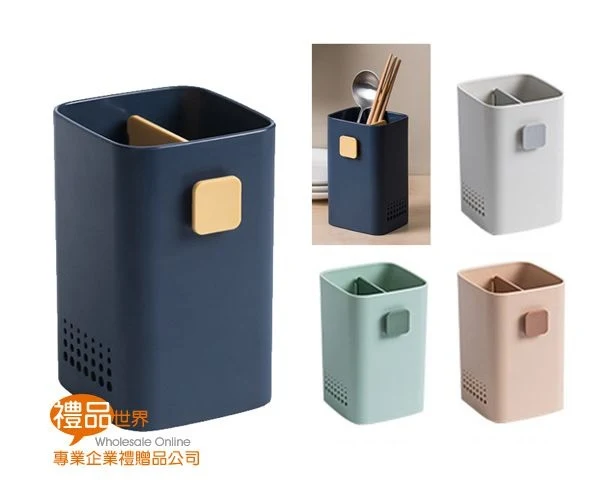
Nine-frame storyboard
Review the result · Before publishing
Compare the result with your source materials: product shape, colors, labels, quantities and text. Download selected files, adjust the crop for the actual placement and preview on a phone. Kitloom does not publish to the platform. These are creative recommendations, not a guarantee of platform approval; check the current requirements in your account.