 kitloom
TikTok Shop · Product Video · Platform guides
Turn product photos into a nine-frame storyboard and English video prompts. Generate an optional 8–15 second product video when ready.
Choose the placement
For TikTok Shop, choose the market and audience before writing the brief. Review any generated English voiceover against that audience, then add captions in your video editor; downloading does not attach a product link.
For Douyin Shop or TikTok Shop, plan a product-led opening and leave space for captions and interface overlays. A static scene is preparation material, not a livestream; a storyboard is not a finished video.
Prepare your materials
English scripts and voiceover only. Square storyboard; optional native 2K video.
Optional references guide colors, typography and visual rhythm, never product facts or competitor branding.
Product Video · Guides ↗What you’ll receive
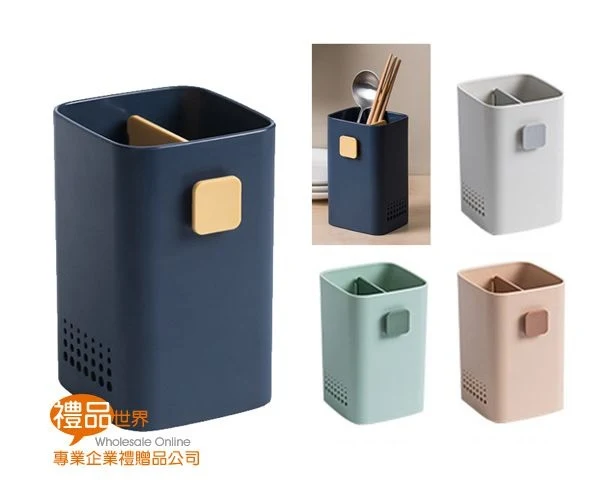
Product photos (1–3)
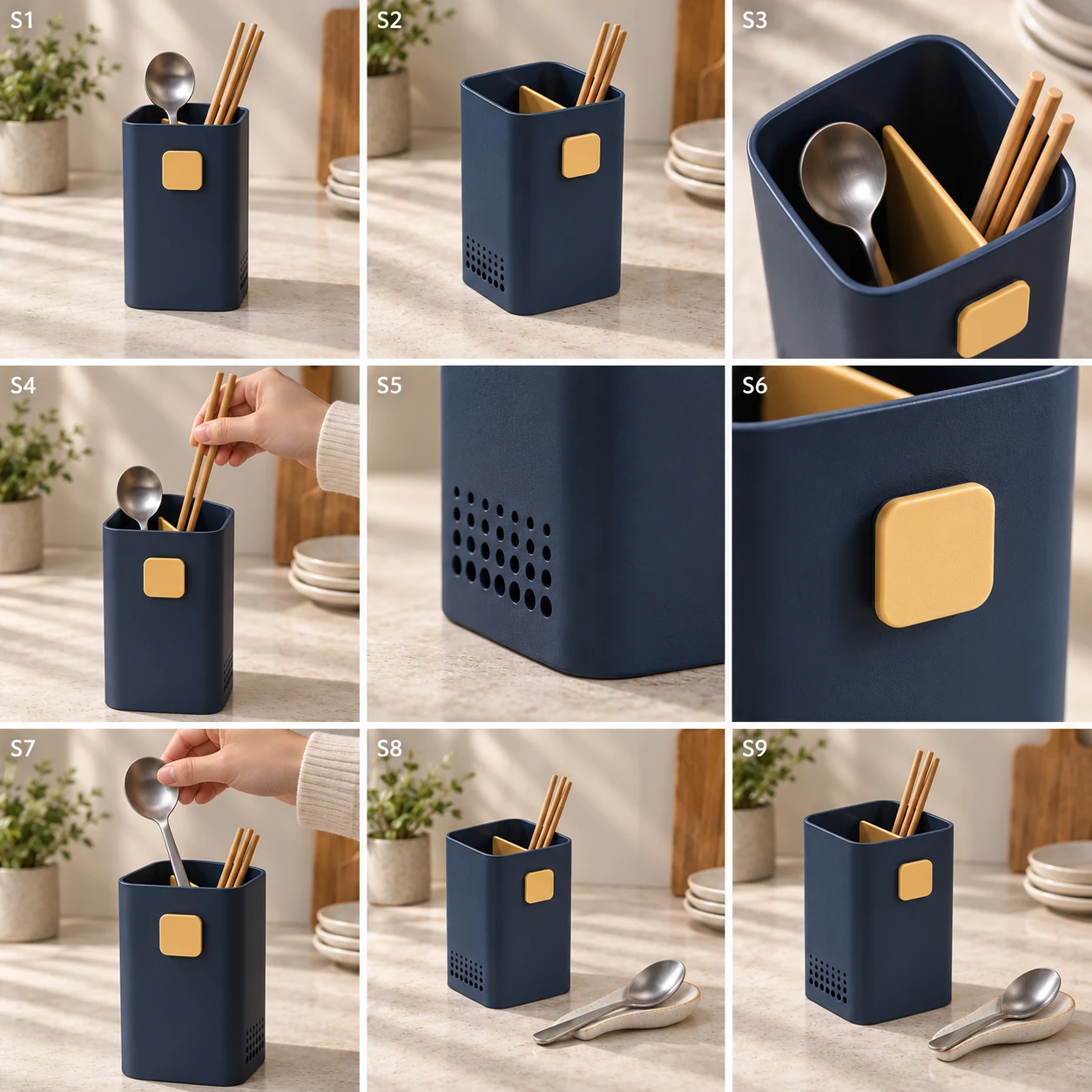
Nine-frame storyboard
Review the result · Before publishing
Compare the result with your source materials: product shape, colors, labels, quantities and text. Download selected files, adjust the crop for the actual placement and preview on a phone. Kitloom does not publish to the platform. These are creative recommendations, not a guarantee of platform approval; check the current requirements in your account.