 kitloom
Instagram · Brand Social Avatars & Covers · Platform guides
Create matching avatars, covers and post templates from your Logo or IP.
Choose the placement
For Instagram, check both the feed crop and profile thumbnail. Keep the character or mark readable without relying on tiny text; prepare a separate crop if needed.
Prepare your materials
Supply the Logo or IP for your selected avatar type. Existing Logo sets resolve to the actual artwork.
Raster PNG images with platform-specific sizes. Safe-area previews are illustrative; verify cropping in the platform before publishing.
Raster PNG images with platform-specific sizes. Safe-area previews are illustrative; verify cropping in the platform before publishing.
Brand Social Avatars & Covers · Guides ↗What you’ll receive
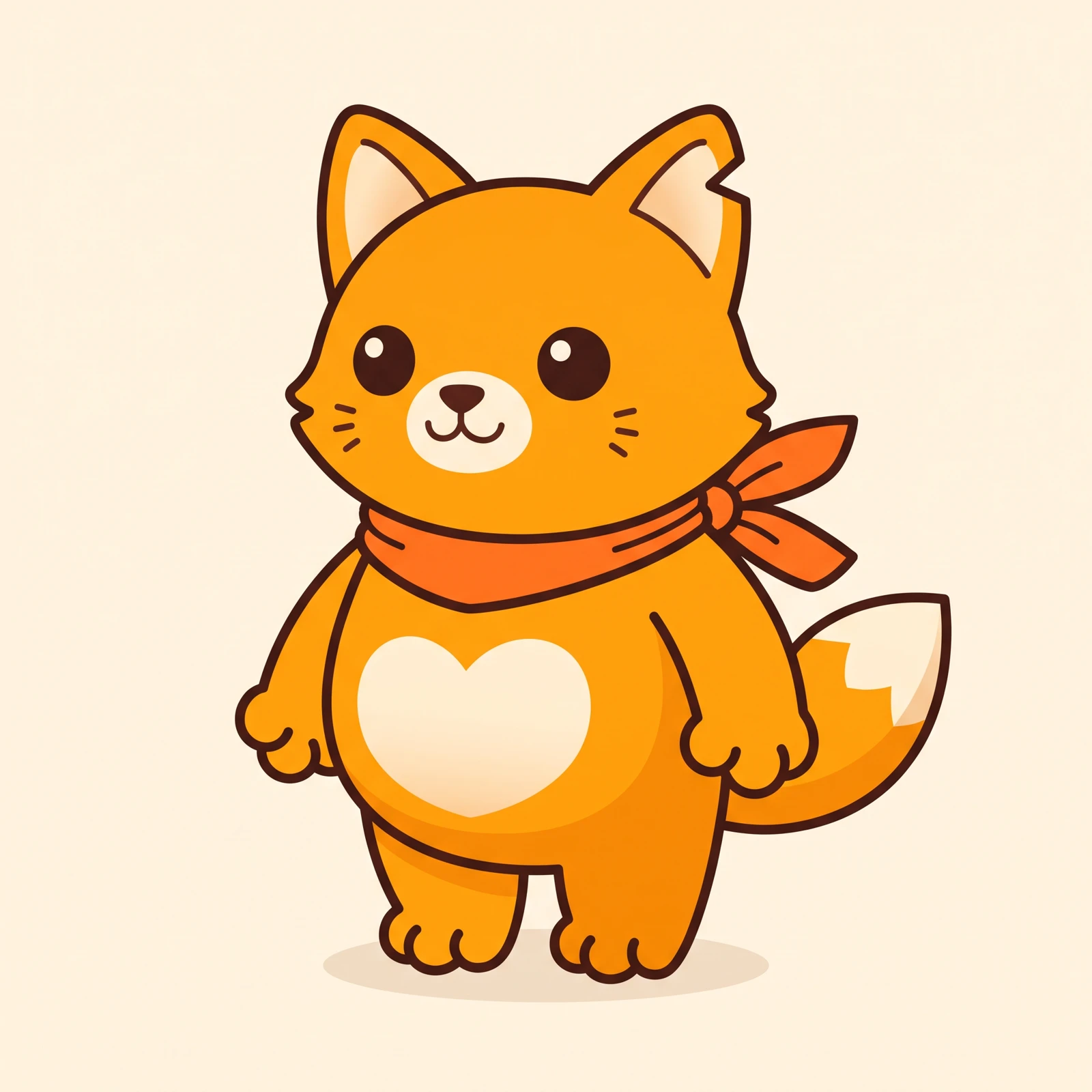
Reference image
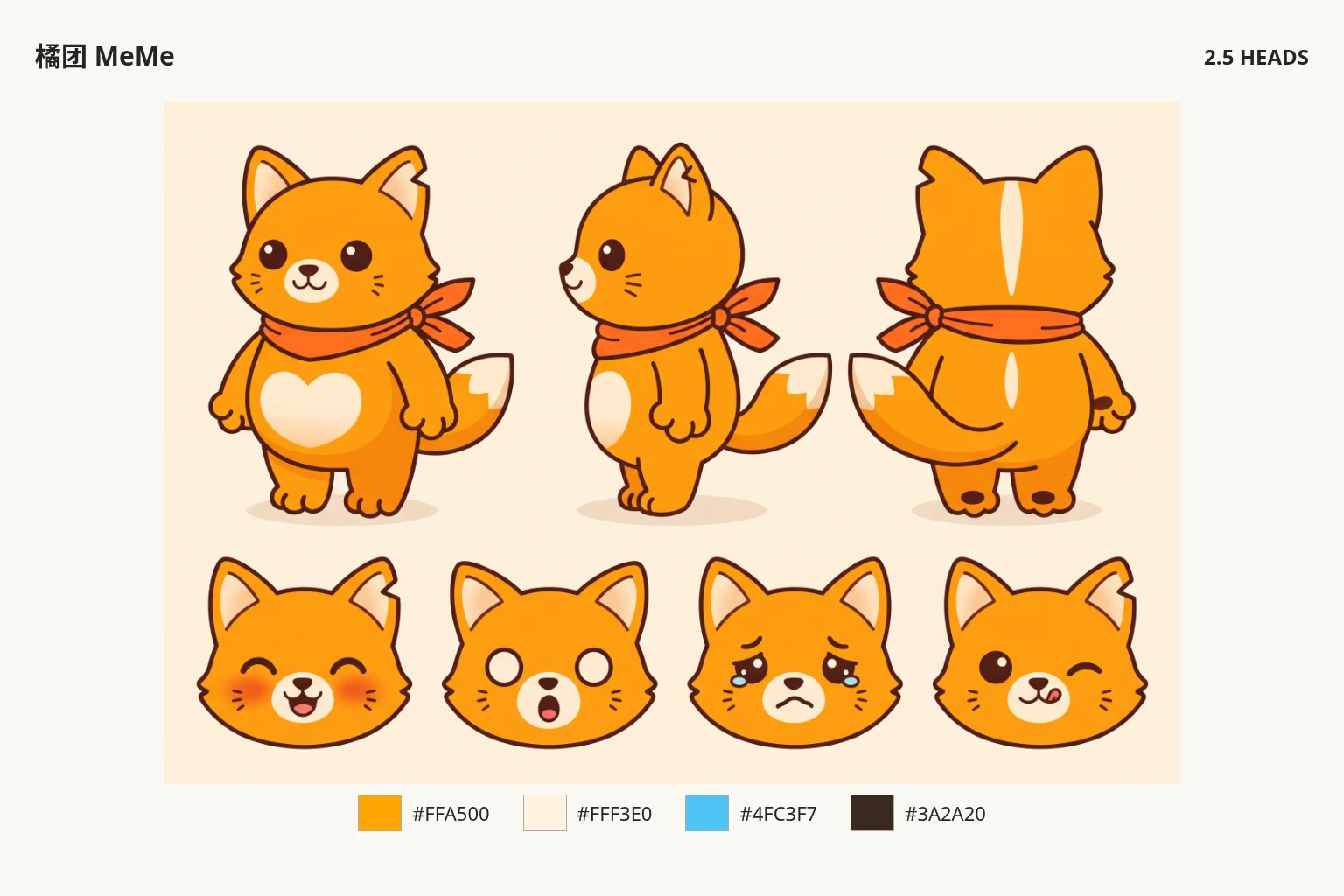
Generated result
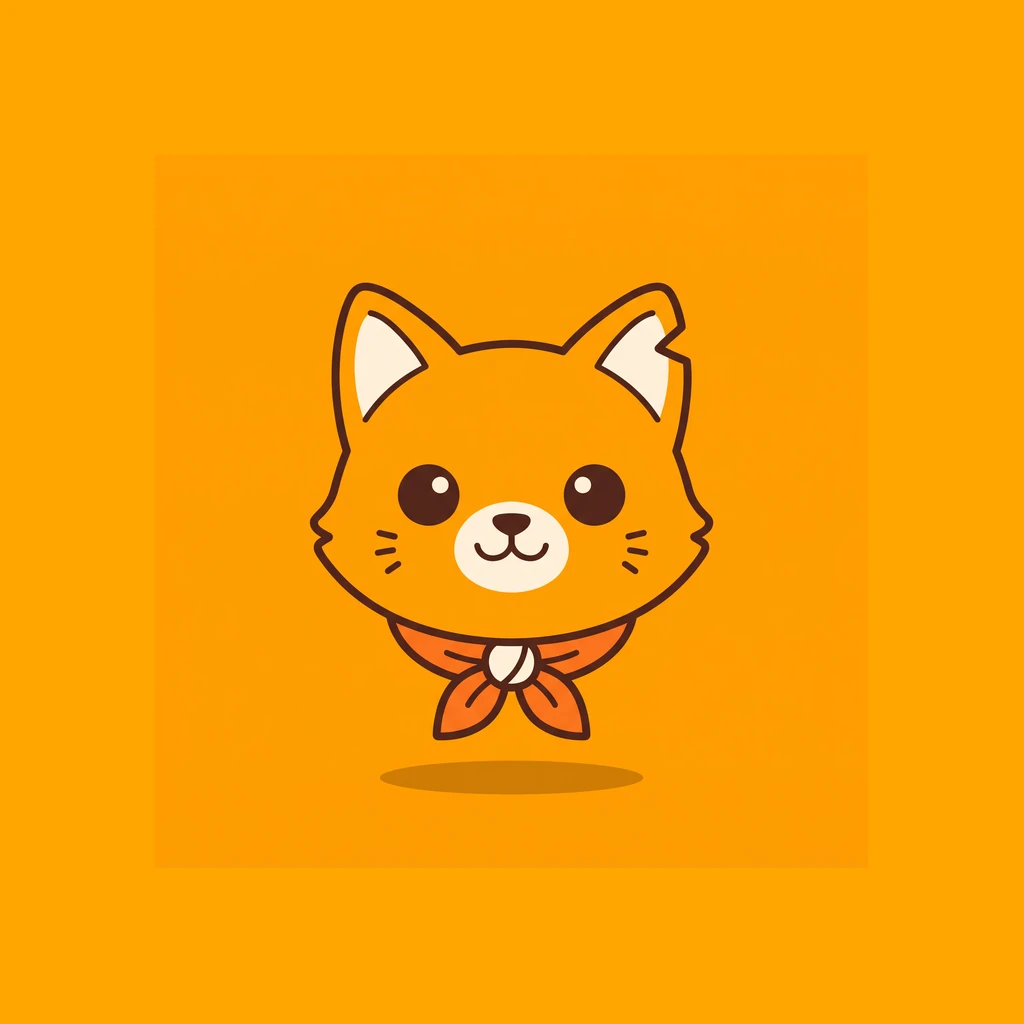
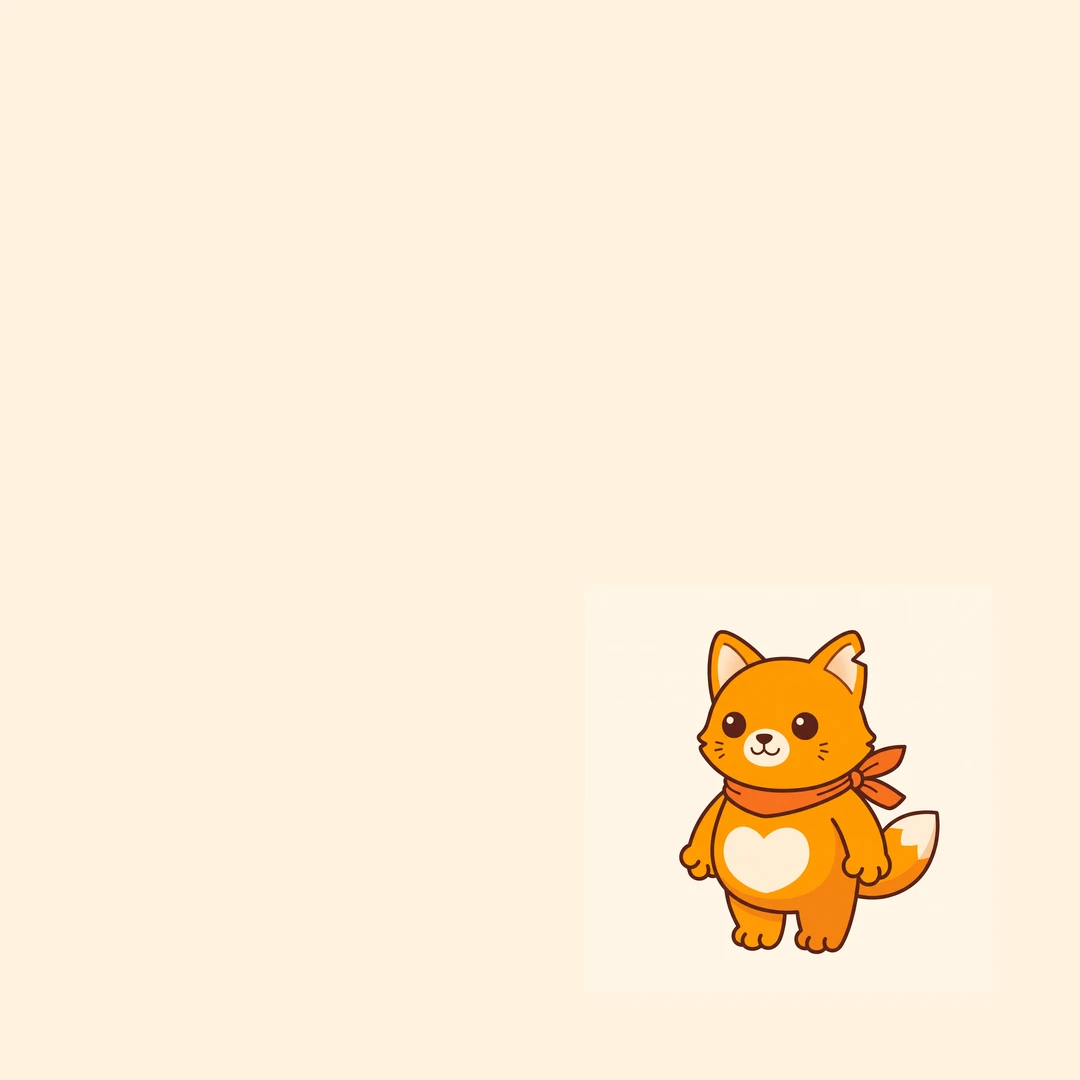
Review the result · Before publishing
Review identity, text and the actual placement crop. Check thumbnail readability and mobile overlays. Download the appropriate image or video and publish through your own account; Kitloom does not publish it for you. Check current requirements before posting.