kitloom
Brand Social Avatars & Covers · Guides
Create matching avatars, covers and post templates from your Logo or IP.
- Primary Logo
- Choose outputs · Create image plan
- Review brand and layouts · Generate complete kit
Raster PNG images with platform-specific sizes. Safe-area previews are illustrative; verify cropping in the platform before publishing.
Supply the Logo or IP for your selected avatar type. Existing Logo sets resolve to the actual artwork.
Planning is free: up to 3 analyses per draft and 10 per workspace per UTC day. Credits are charged only after confirmation; undelivered images are refunded.
What you’ll receive
Create matching avatars, covers and post templates from your Logo or IP.
Reference image
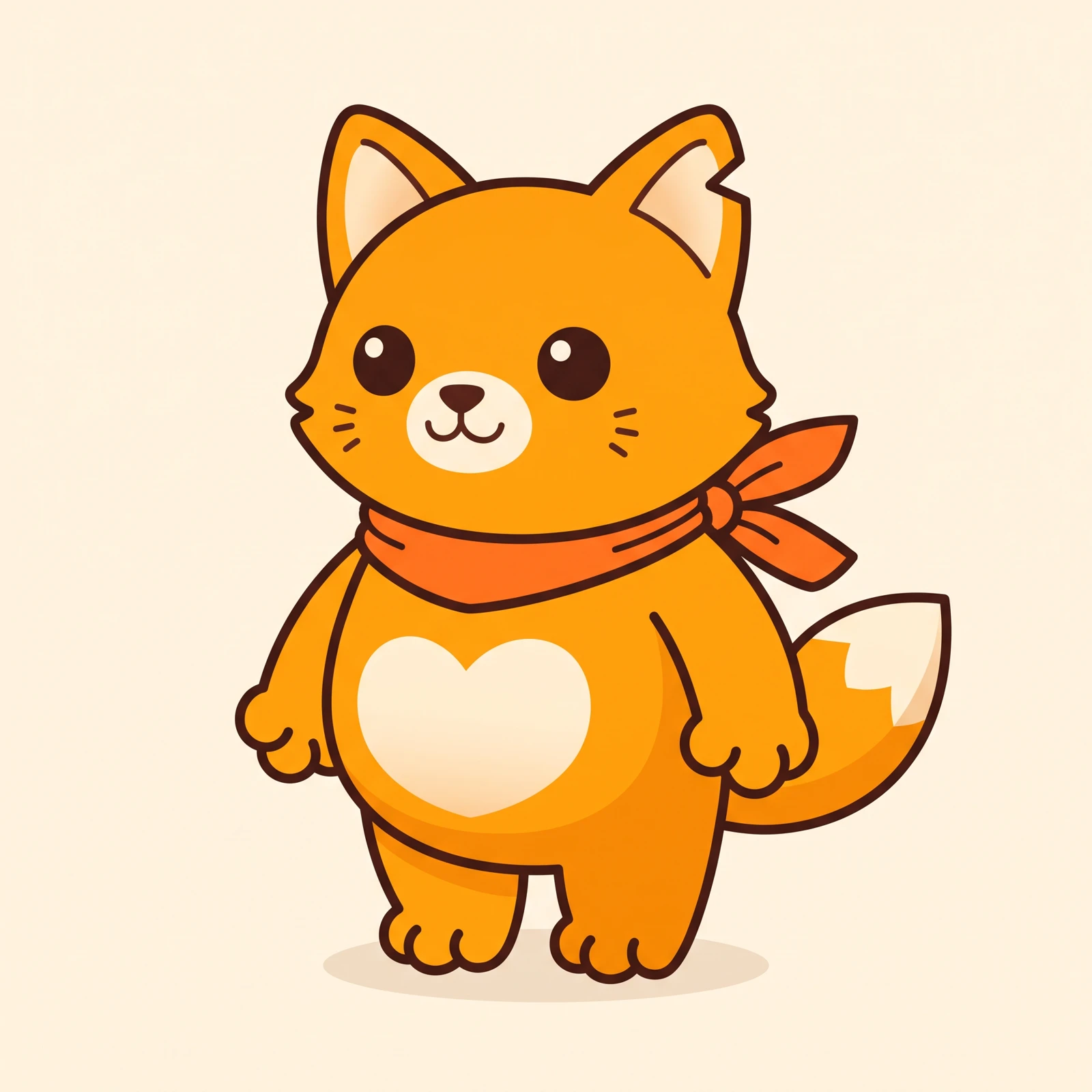
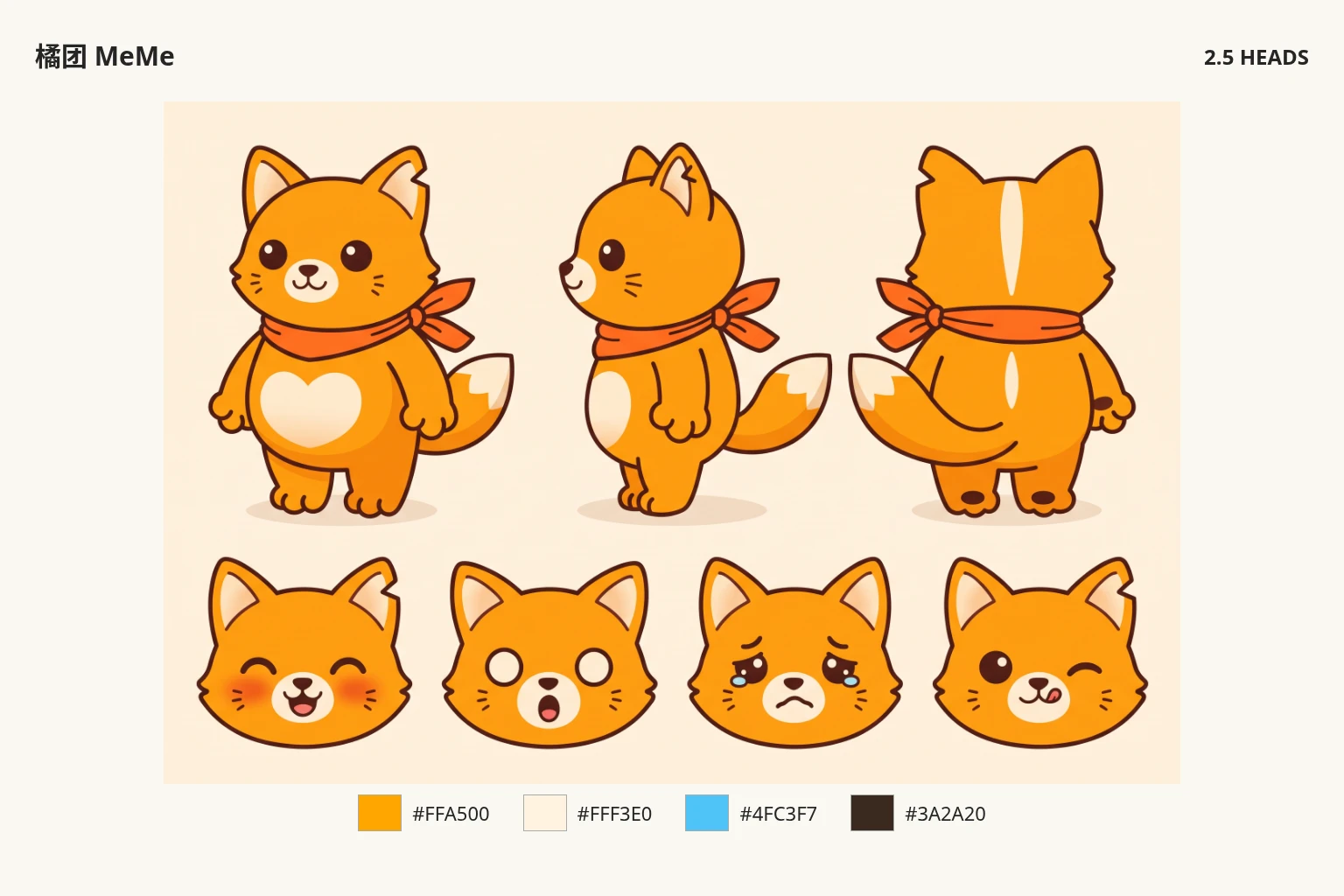
Generated result