 kitloom
Instagram · Video Cover & Title A/B · Platform guides
Turn photos or video frames into 3–4 cover variants. Compare one variable at a time, with editable titles and publishing copy.
Choose the placement
For Instagram, check both the feed crop and profile thumbnail. Keep the character or mark readable without relying on tiny text; prepare a separate crop if needed.
Prepare your materials
MP4 · up to 200 MiB · up to 5 minutes. Select frames after extraction.
Only the chosen variable changes. Original photos are preserved; products are not redrawn. Background tests need a different image for every cover.
Layout preview. The dashed 3:4 crop is only a preview, not a second deliverable. Final text fitting is checked during export.
Choose a title, background or typography test; review the suggested titles before making covers.
No automatic posting or measured performance claims. The ZIP includes a comparison sheet, copy and an empty CSV test log.
Retry adjustments can change typography, crop and titles. Changing a fixed variable means the new version is no longer a strict single-variable comparison.
Video Cover & Title A/B · Guides ↗What you’ll receive
Select source photos
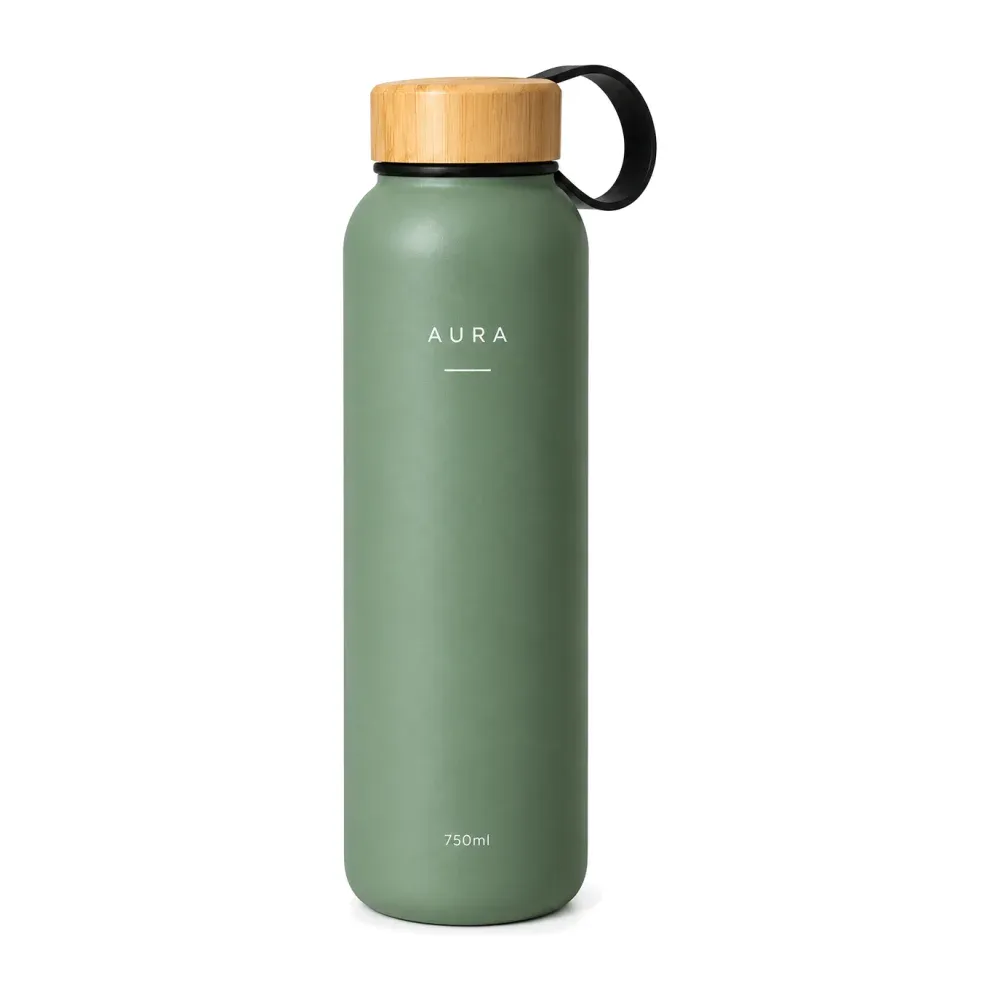
Cover variants
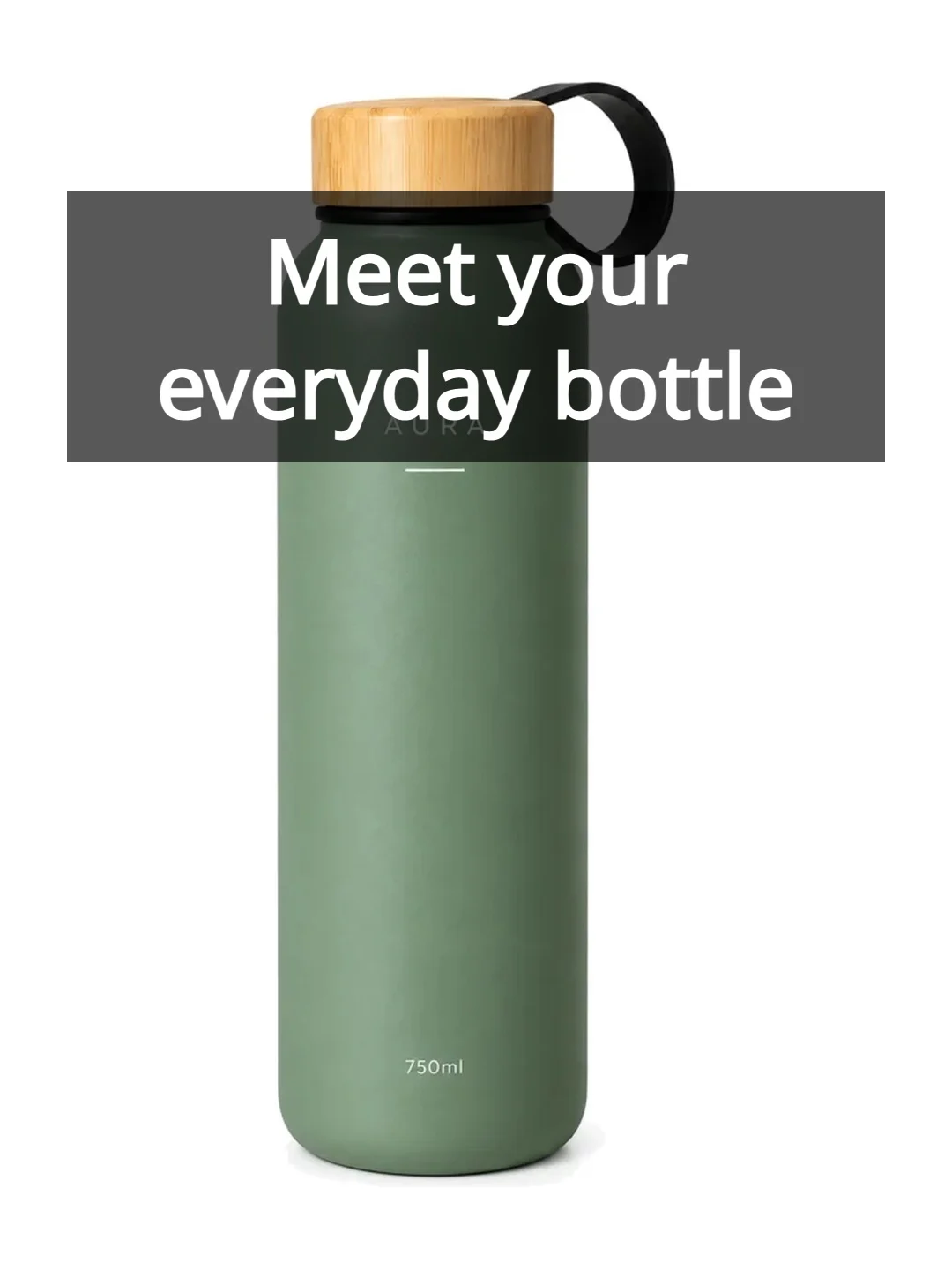
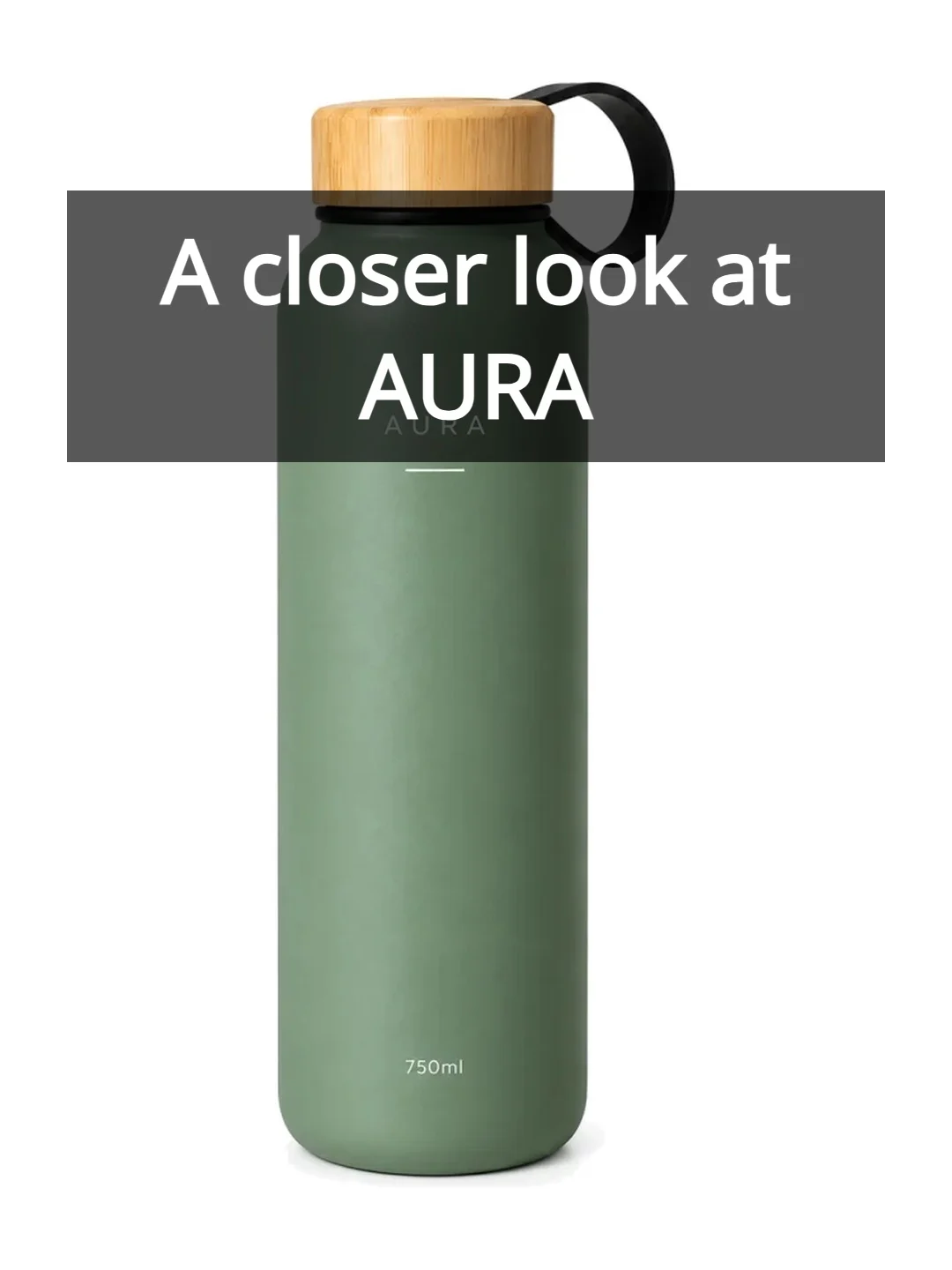
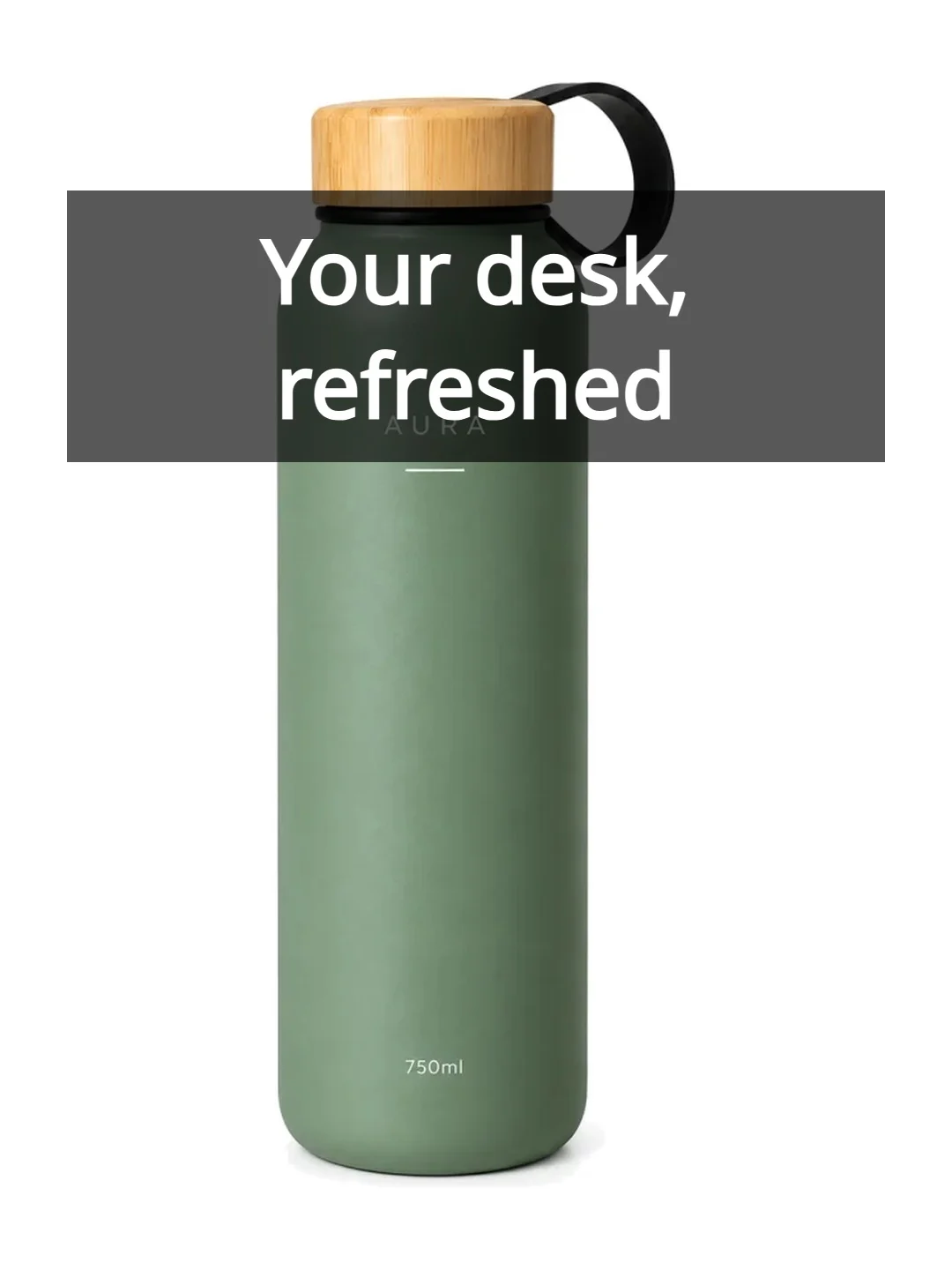
Demonstration covers use the attributed AURA sample photo. No performance results are implied.
Review the result · Before publishing
Review identity, text and the actual placement crop. Check thumbnail readability and mobile overlays. Download the appropriate image or video and publish through your own account; Kitloom does not publish it for you. Check current requirements before posting.