kitloom
Video Cover & Title A/B · Guides
Turn photos or video frames into 3–4 cover variants. Compare one variable at a time, with editable titles and publishing copy.
- Select source photos
- Choose clear images or video frames · Create cover plan
- Review covers and copy · Generate complete kit
Only the chosen variable changes. Original photos are preserved; products are not redrawn. Background tests need a different image for every cover.
Choose a title, background or typography test; review the suggested titles before making covers.
No automatic posting or measured performance claims. The ZIP includes a comparison sheet, copy and an empty CSV test log.
Planning is free: up to 3 analyses per draft and 10 per workspace per UTC day. Credits are charged only after confirmation; undelivered images are refunded.
What you’ll receive
Turn photos or video frames into 3–4 cover variants. Compare one variable at a time, with editable titles and publishing copy.
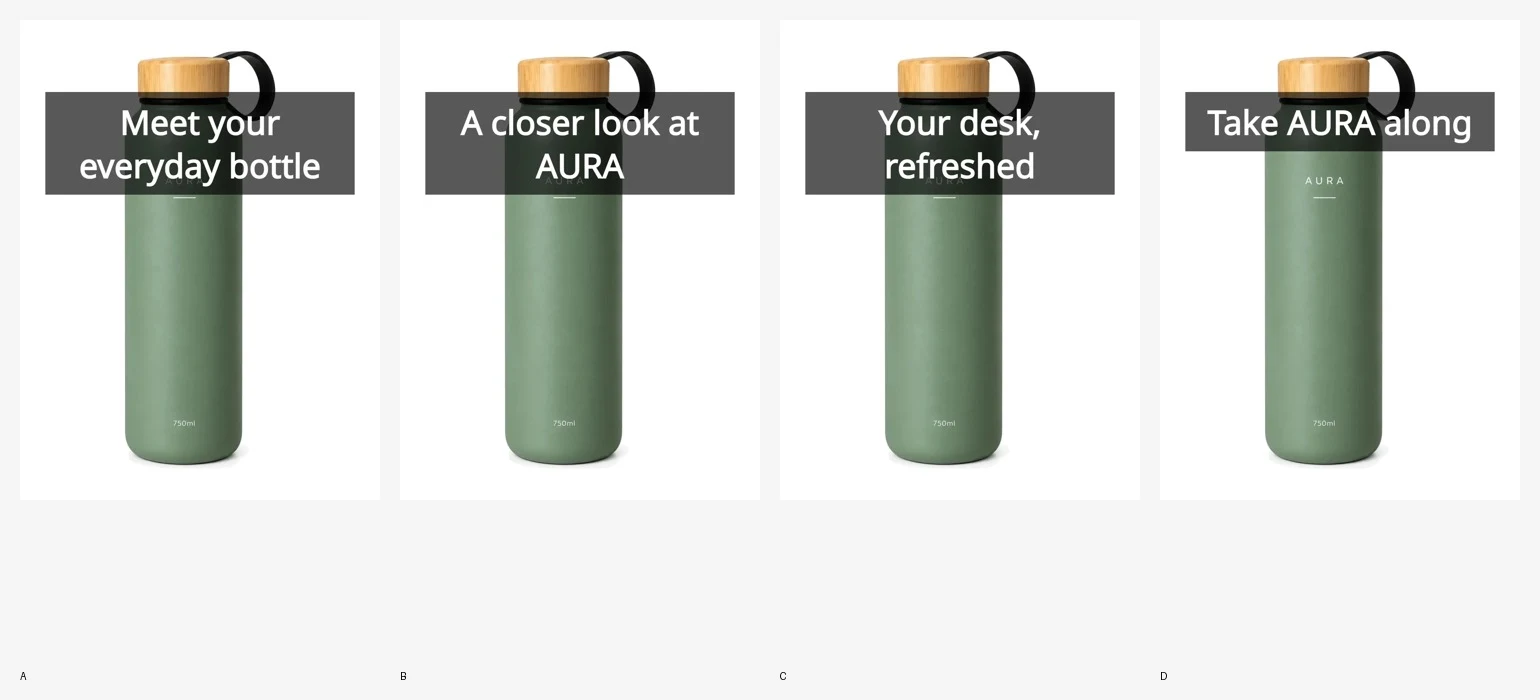
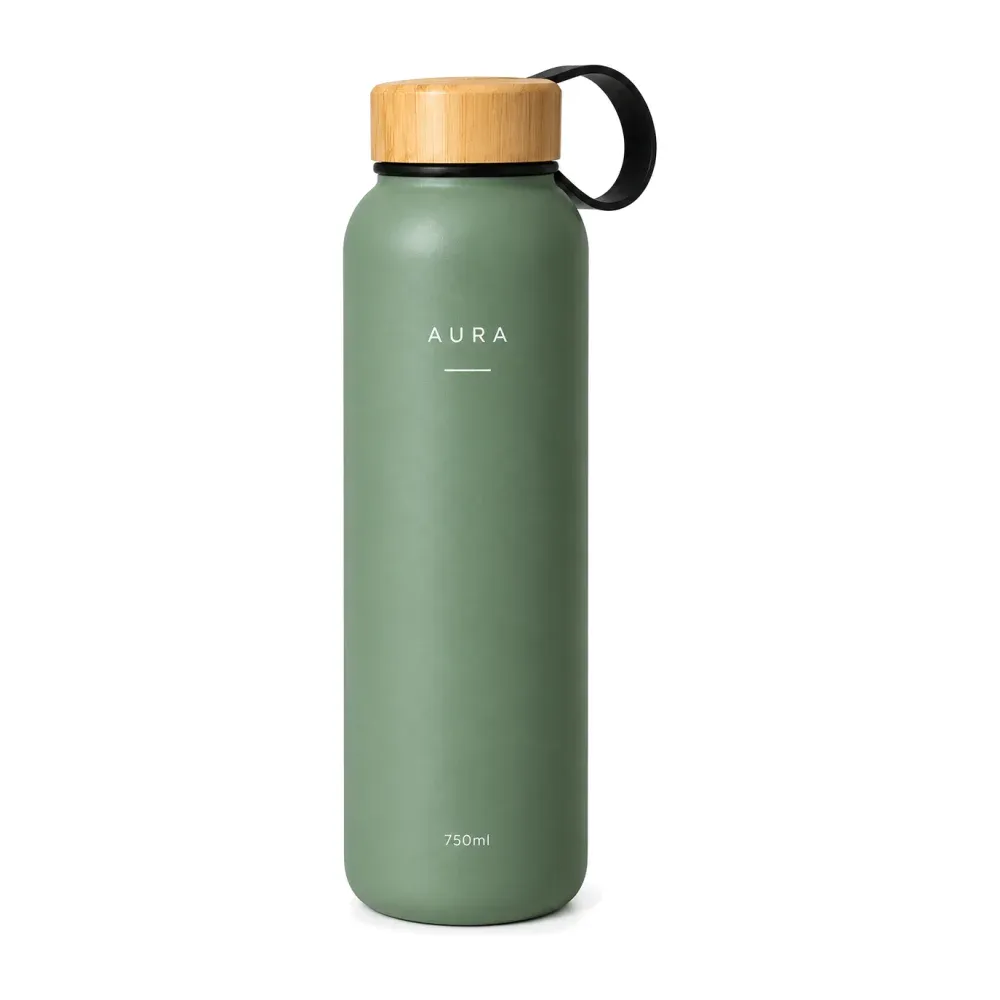
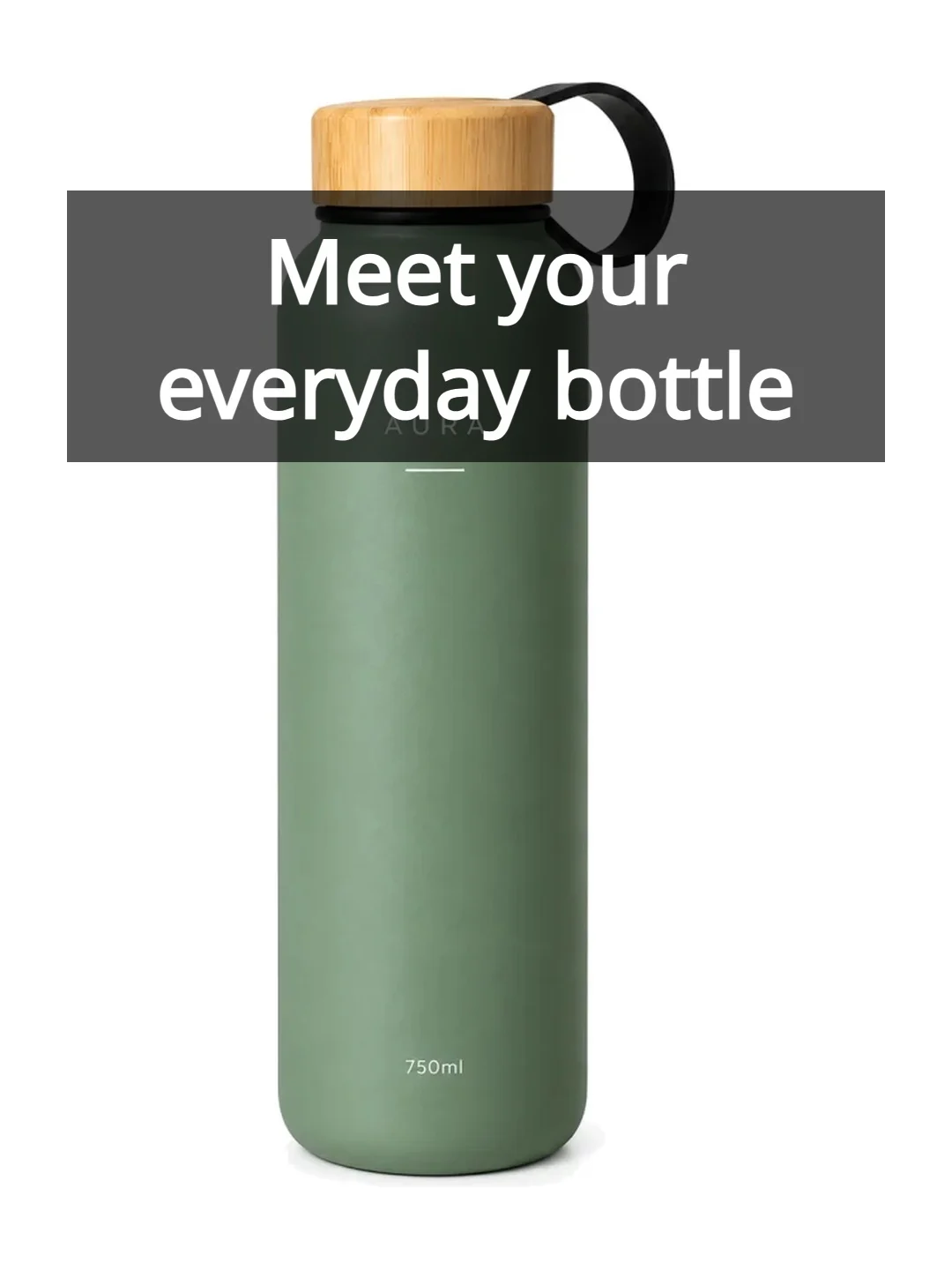
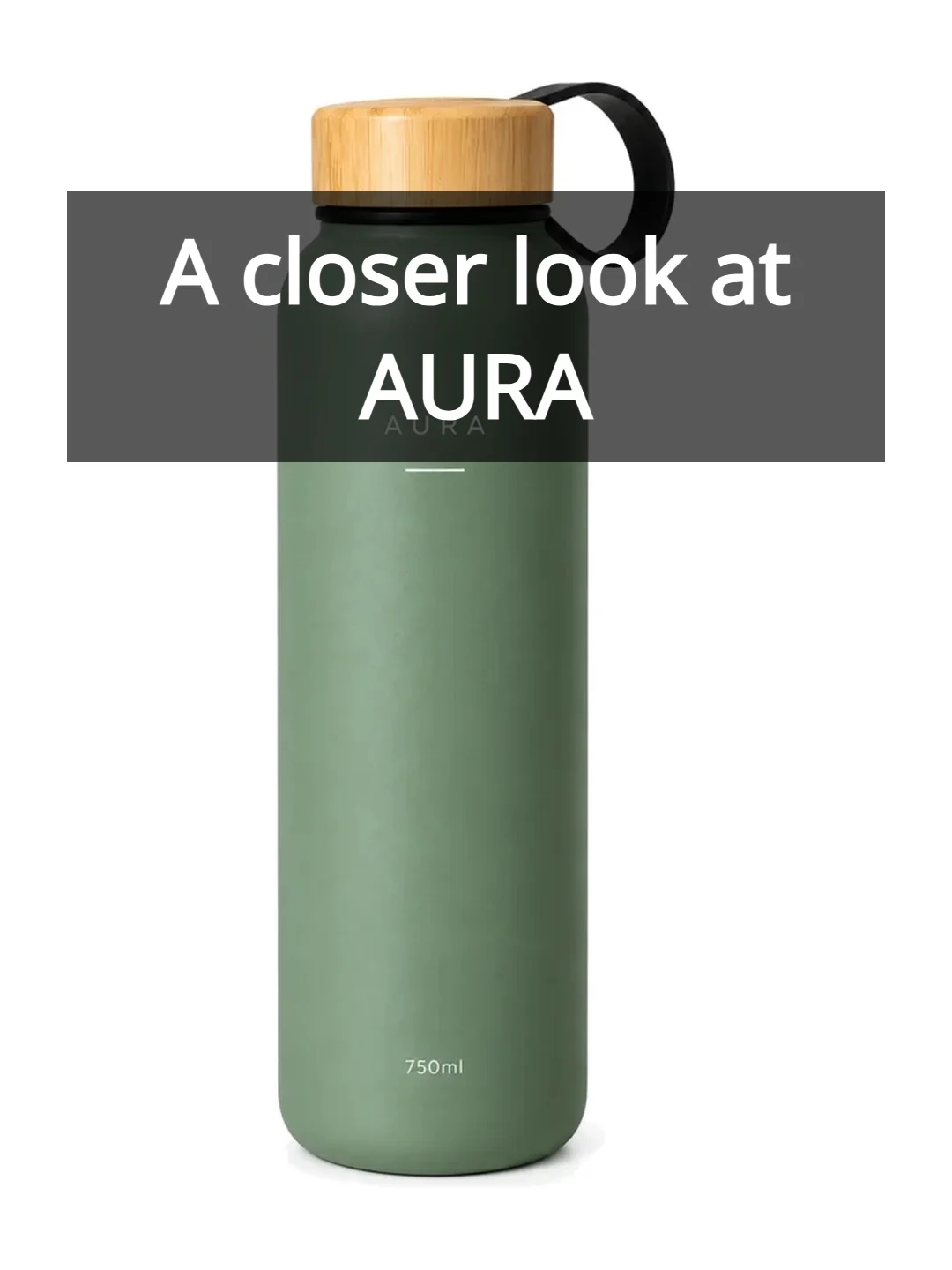
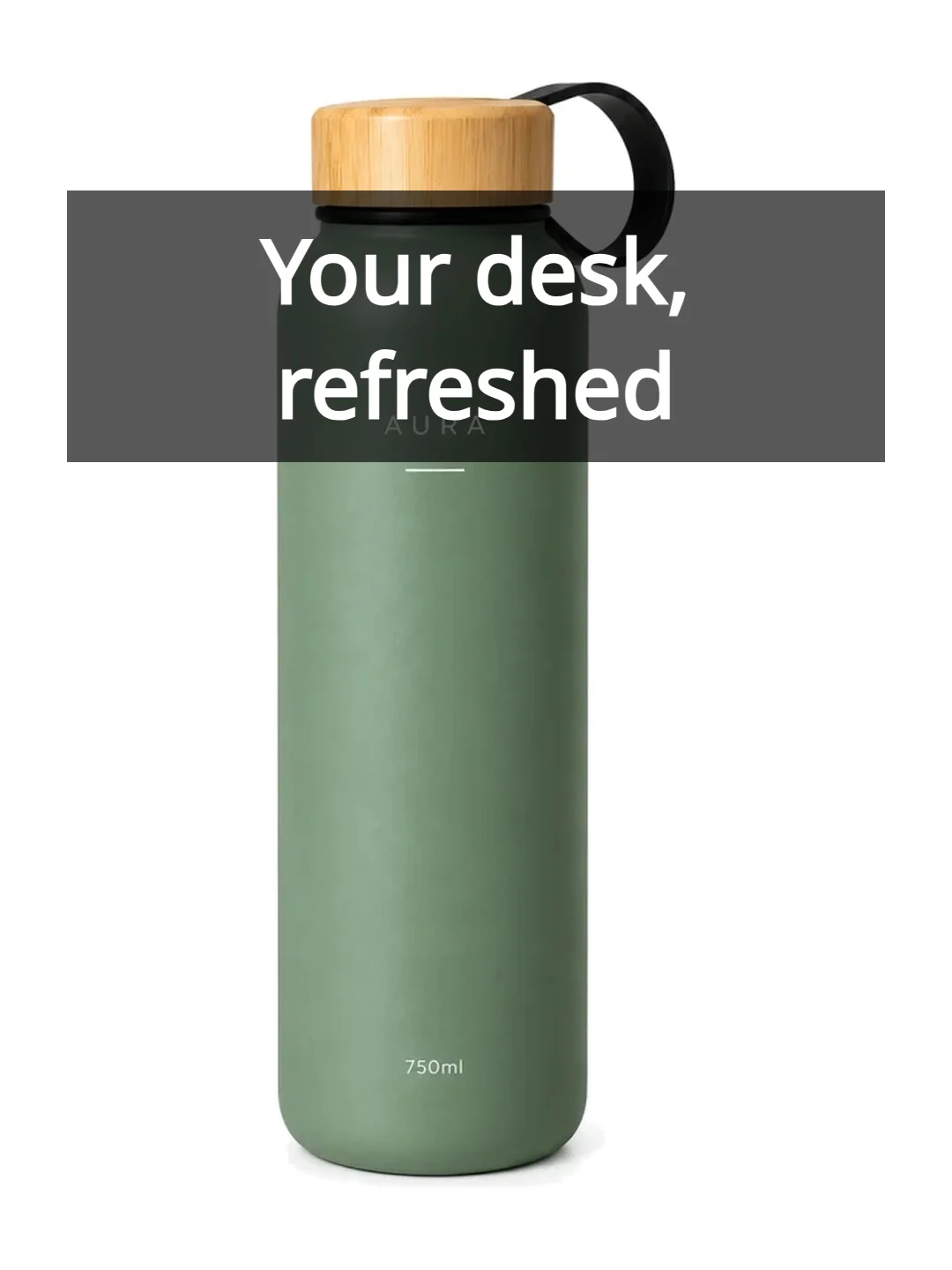
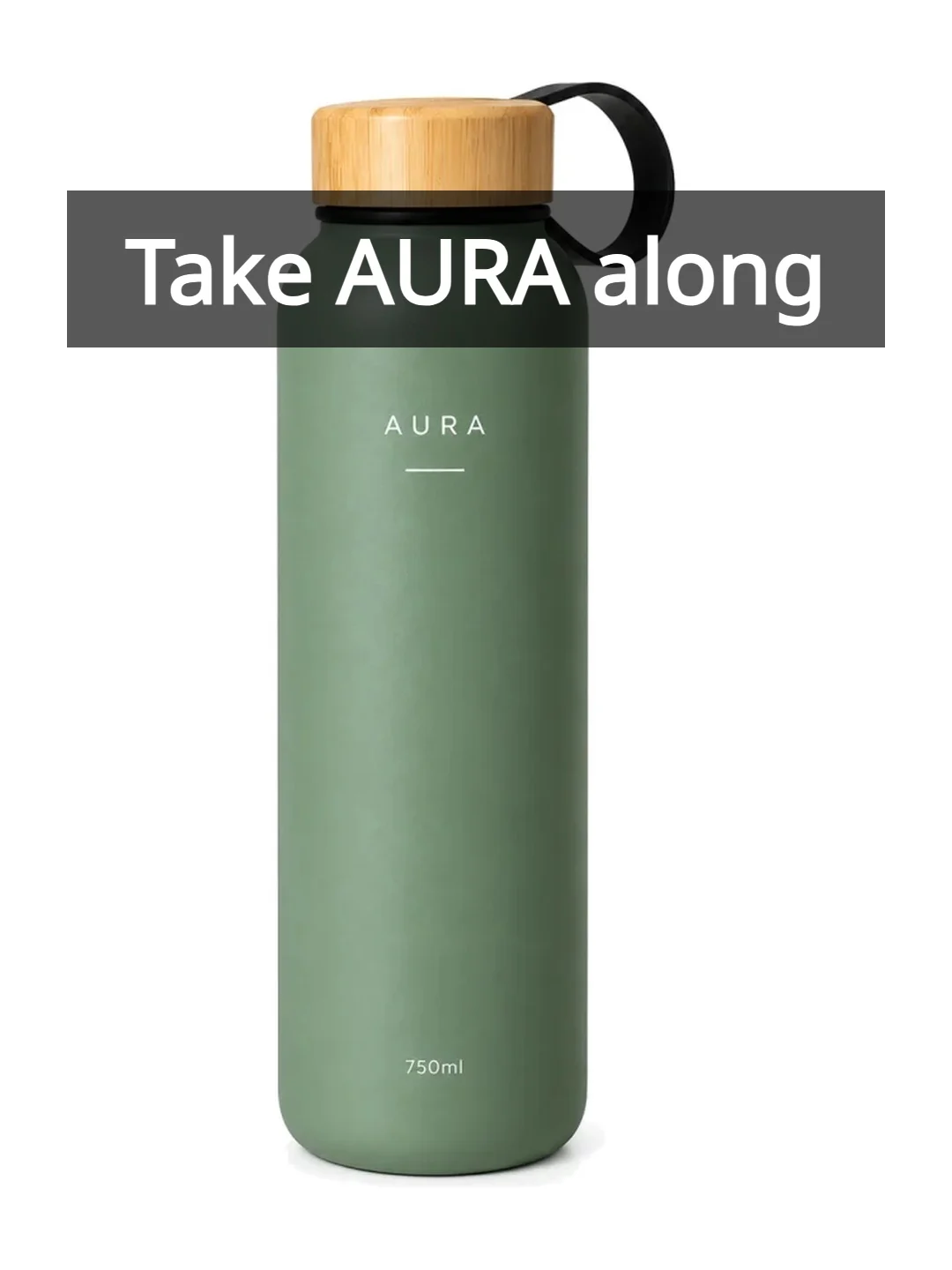
Demonstration covers use the attributed AURA sample photo. No performance results are implied.
Select source photos
Cover variants
Review covers and copy