 kitloom
Facebook · Storefront & Interior Images · Platform guides
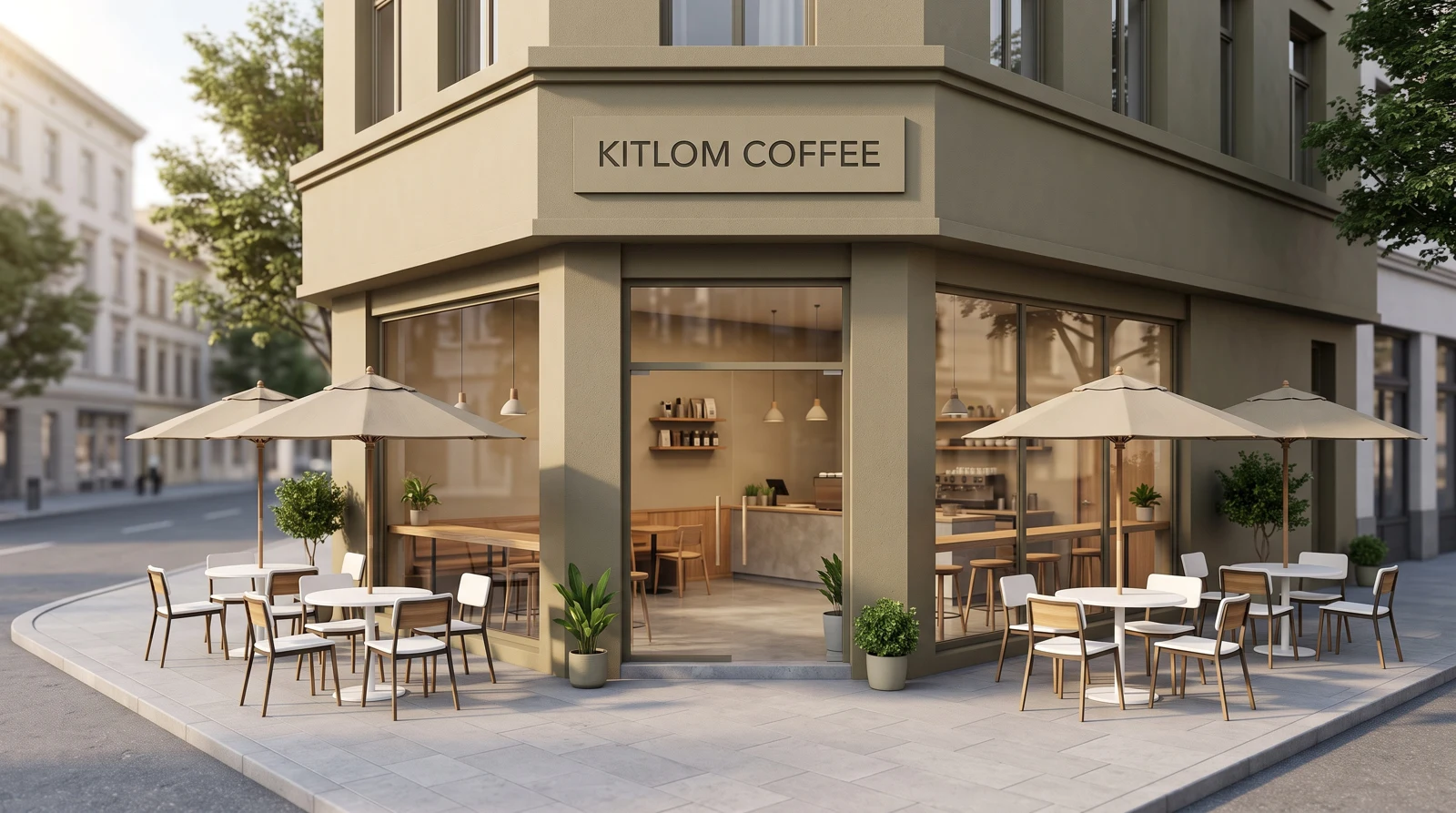
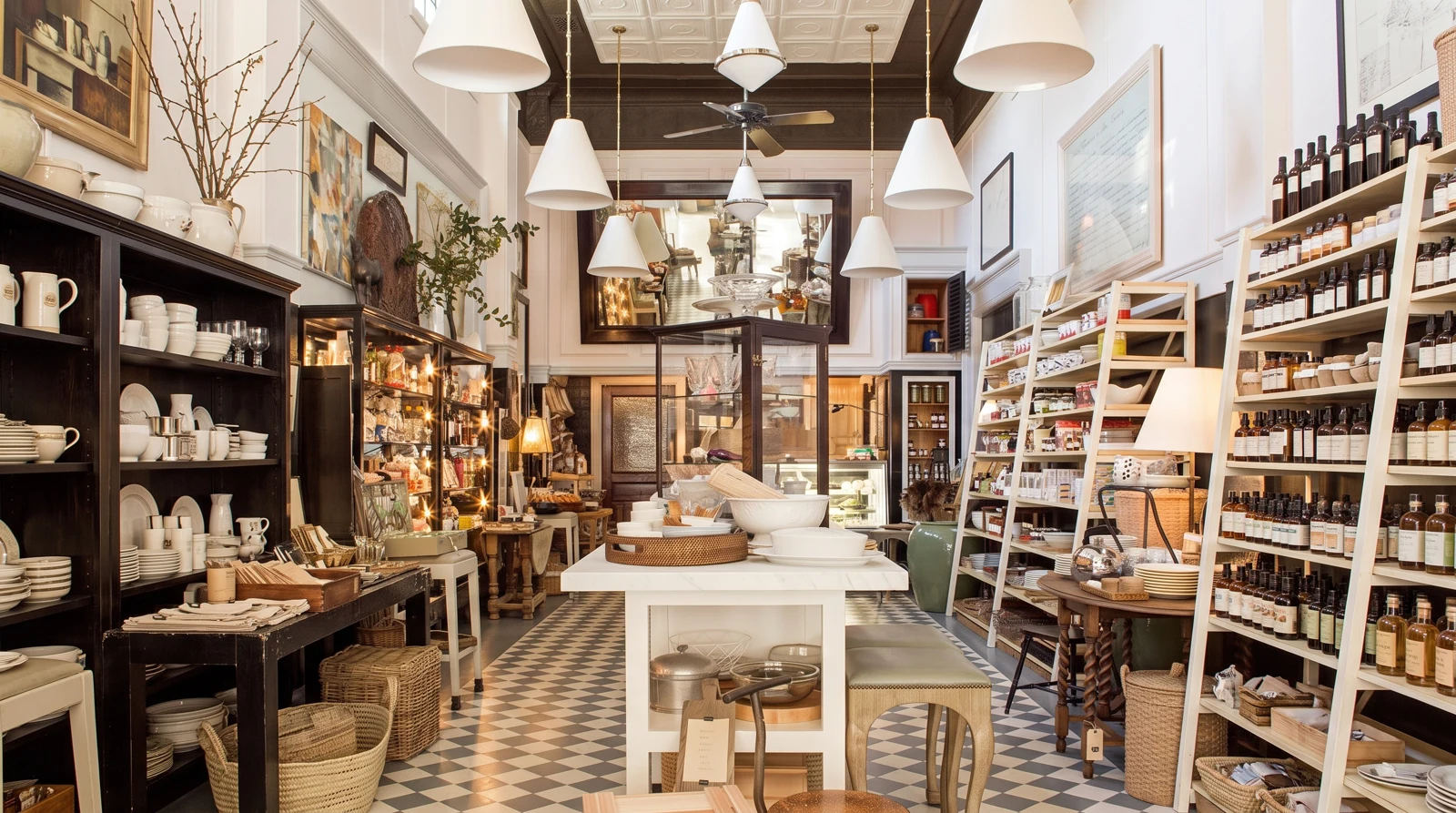
Enhance an existing storefront or design a new retail space, with exterior, interior, detail and overhead views.
Choose the placement
For a Facebook business Page, show the purpose of the space and keep signage readable. Present proposed interiors as concepts, not photographs of an already completed location.
Prepare your materials
Upload photos of the same shop that show the requested area. Style references do not define its structure.
Optional: upload one reference for materials, colors and lighting. Its shop structure, signage and brand will not be copied.
Overhead layouts are conceptual visuals, not measured floor plans or construction drawings.
Optional and separate from the task name. Leave blank to preserve original signage in existing mode, or add no text in concept mode. Check generated lettering before use.
Storefront & Interior Images · Guides ↗What you’ll receive
Storefront & Interior Images

Review the result · Before publishing
Compare the result with your source materials: product shape, colors, labels, quantities and text. Download selected files, adjust the crop for the actual placement and preview on a phone. Kitloom does not publish to the platform. These are creative recommendations, not a guarantee of platform approval; check the current requirements in your account.