kitloom
Virtual Try-On Scenes · Guides
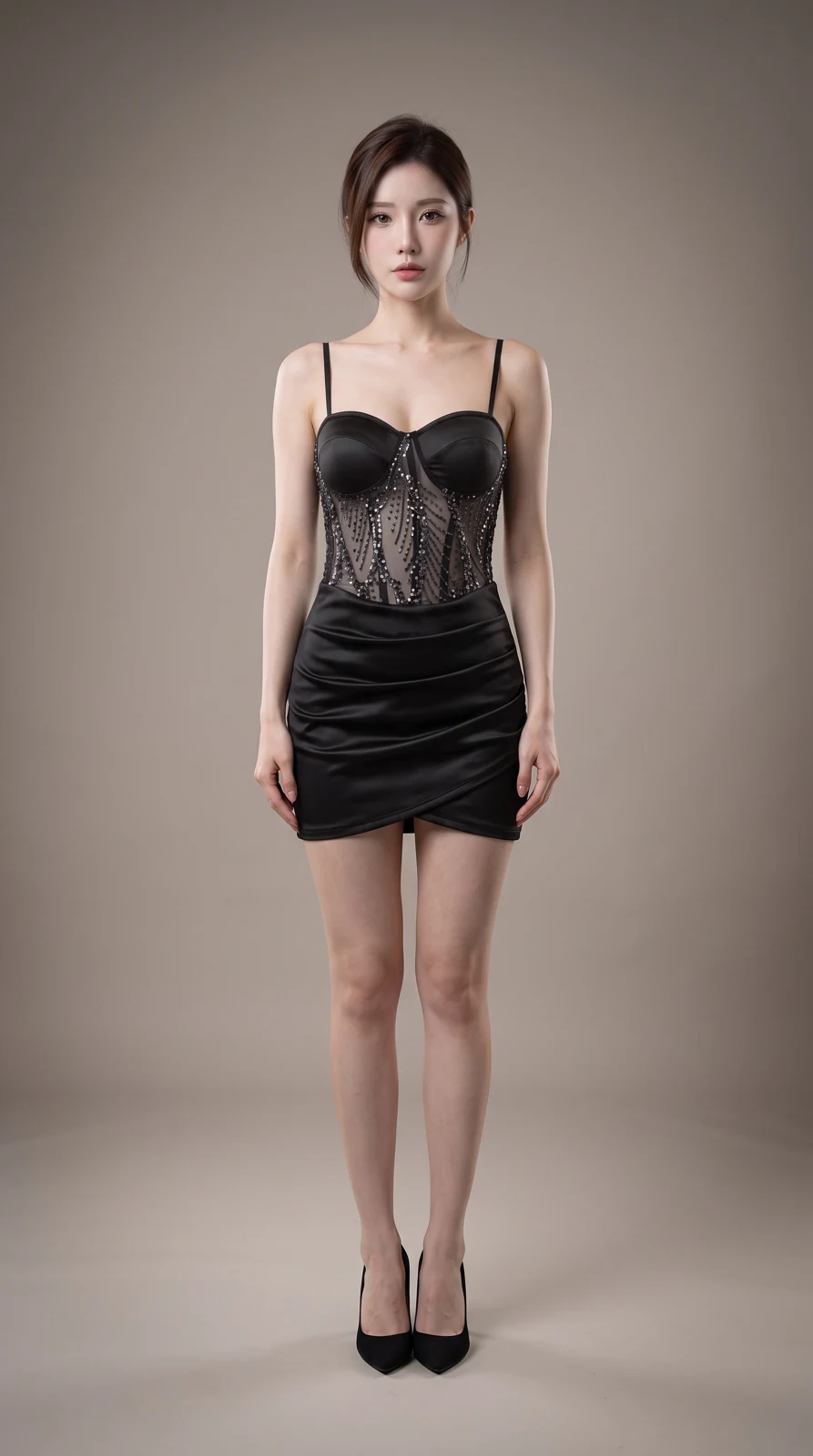
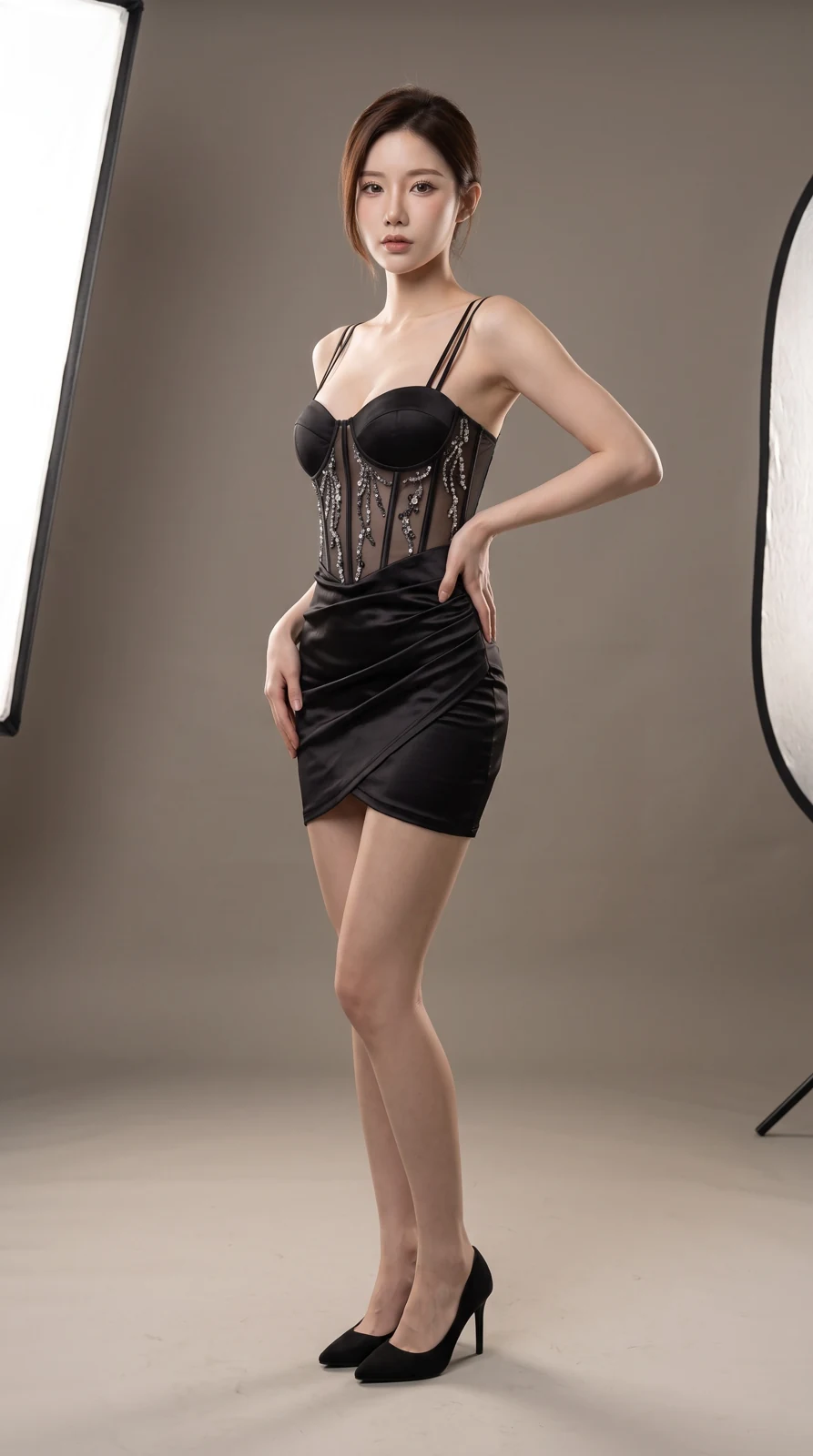
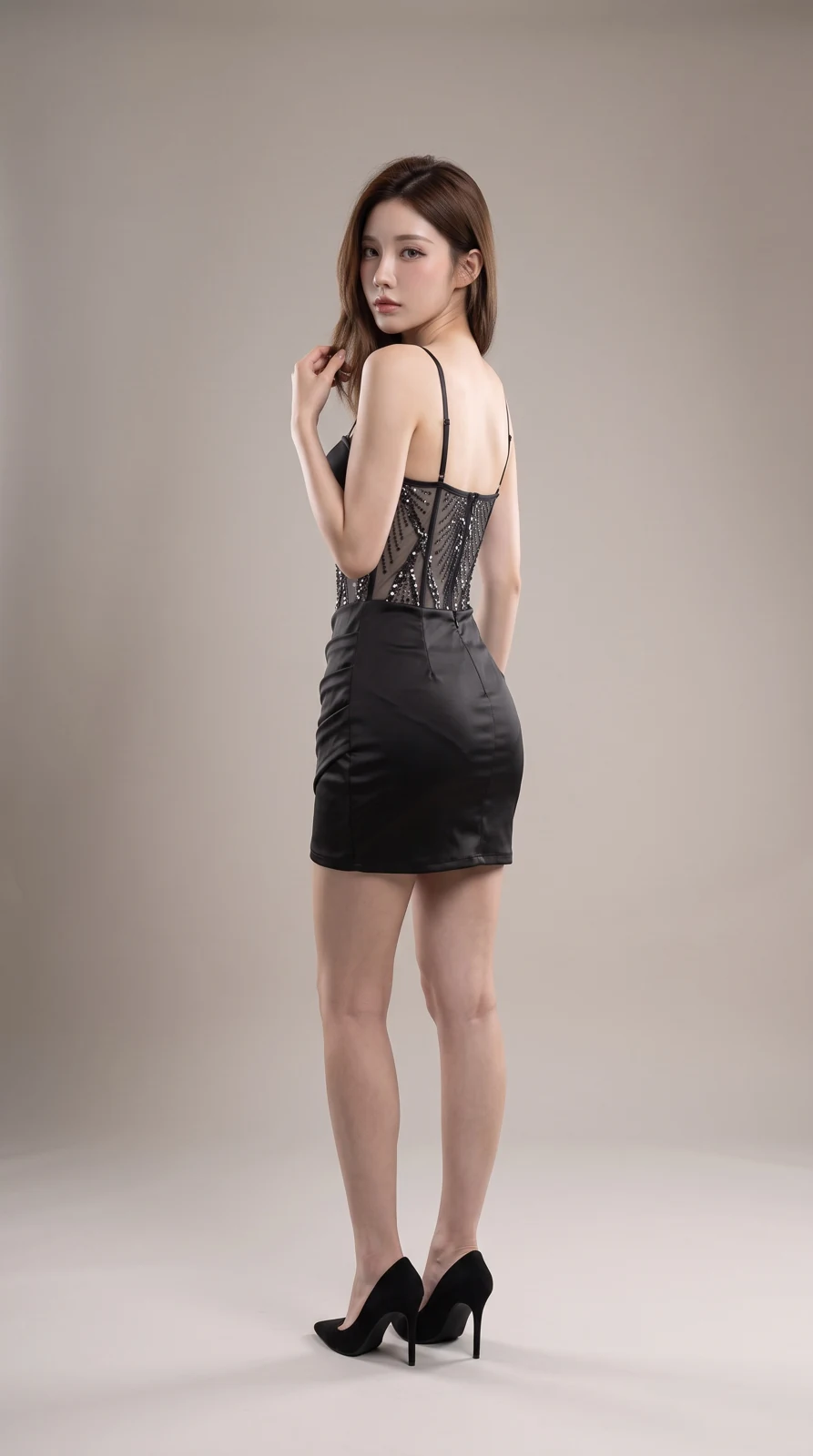
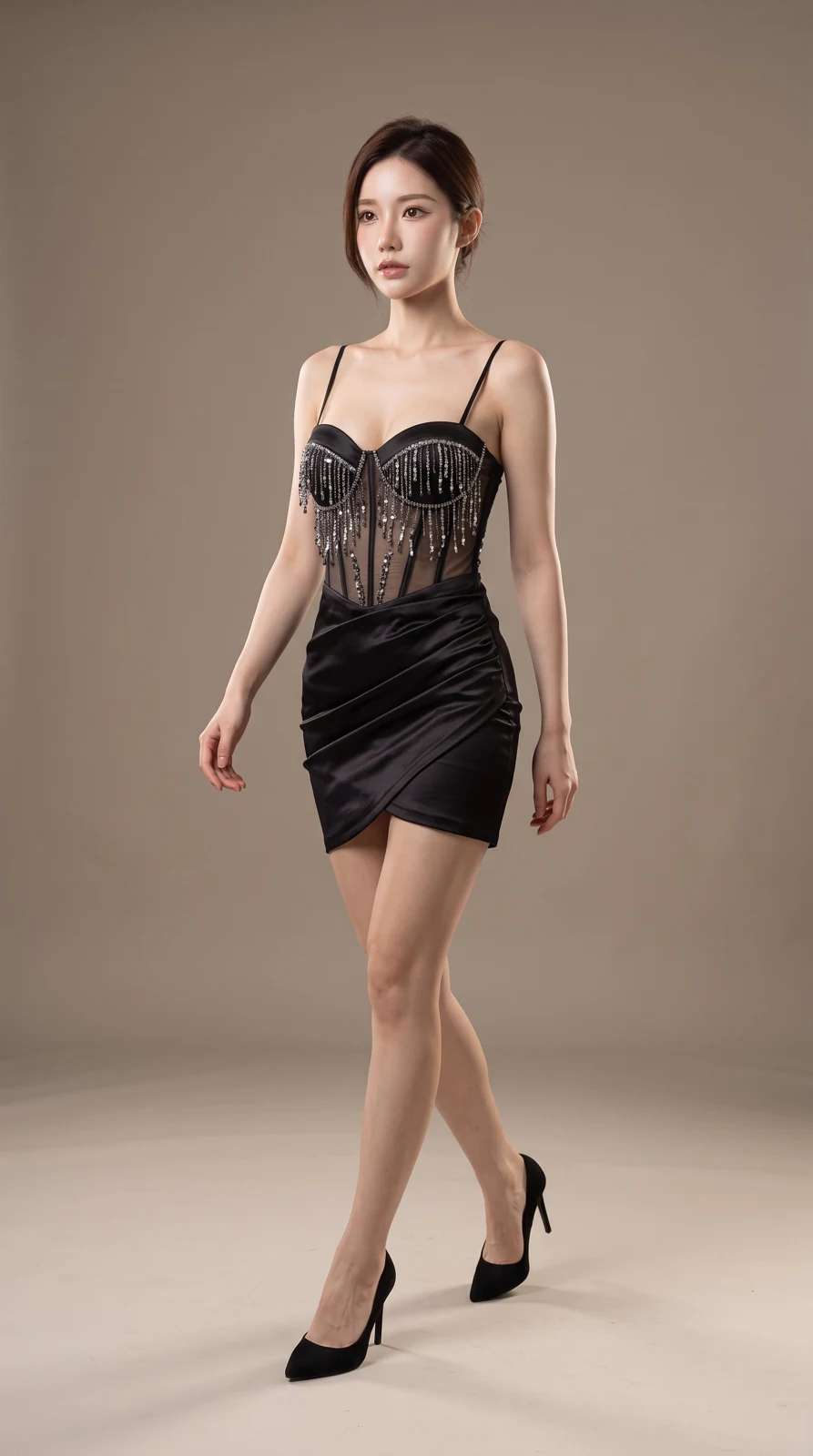
Create 1–4 try-on photos of one garment, pair of shoes, bag or accessory. Add your model and a scene reference, or let AI create an adult model and setting.
- Real product photos
- Model photo · Create image plan
- Review product and photography plan · Generate complete kit
Upload 1–8 clear views of the same wearable item, not several different products.
Optional: one clear photo of an adult. Keep this person’s appearance and hairstyle while adapting pose and scene. Without a photo, an adult is generated from your preferences.
Optional: one scene without a prominent foreground person. It guides the environment and layout; style adds lighting and mood.
Keep real product logos and labels; do not add headlines, prices or promotional text.
Planning is free: up to 3 analyses per draft and 10 per workspace per UTC day. Credits are charged only after confirmation; undelivered images are refunded.
What you’ll receive
Create 1–4 try-on photos of one garment, pair of shoes, bag or accessory. Add your model and a scene reference, or let AI create an adult model and setting.
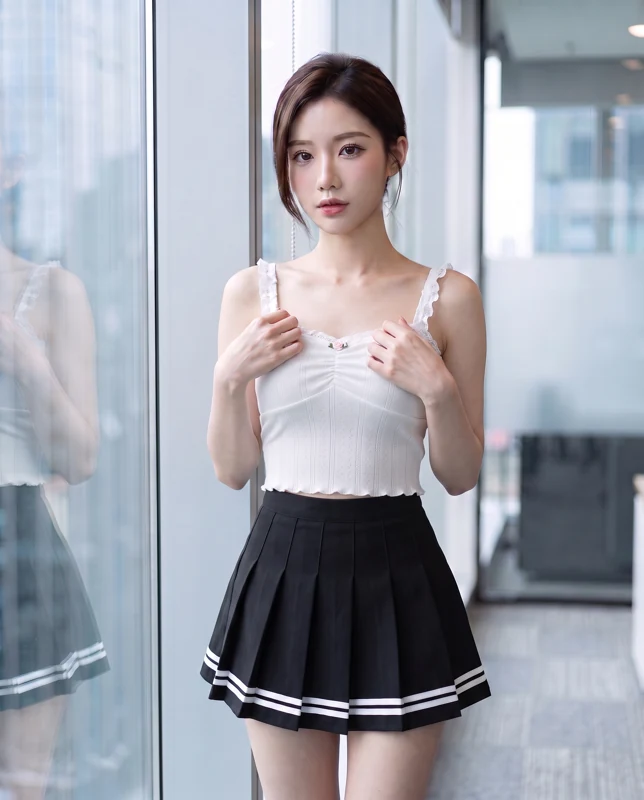
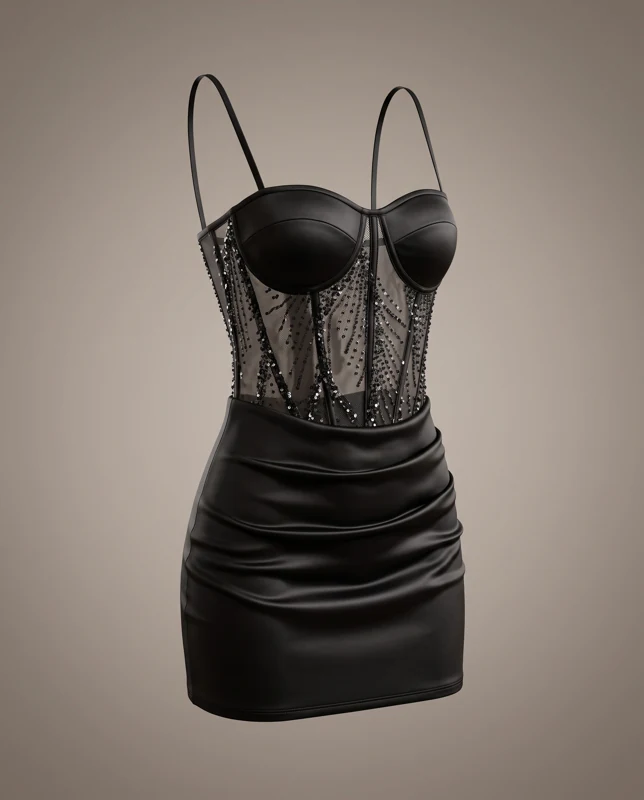
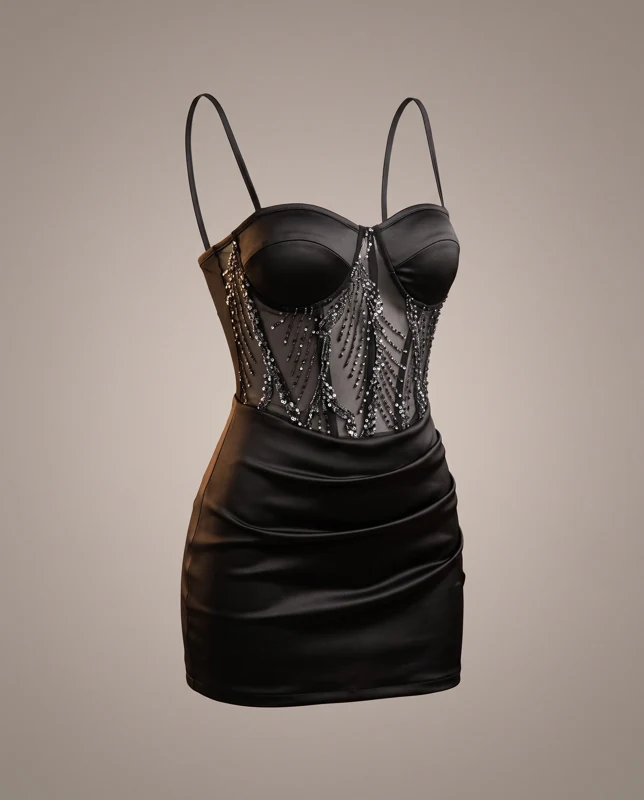
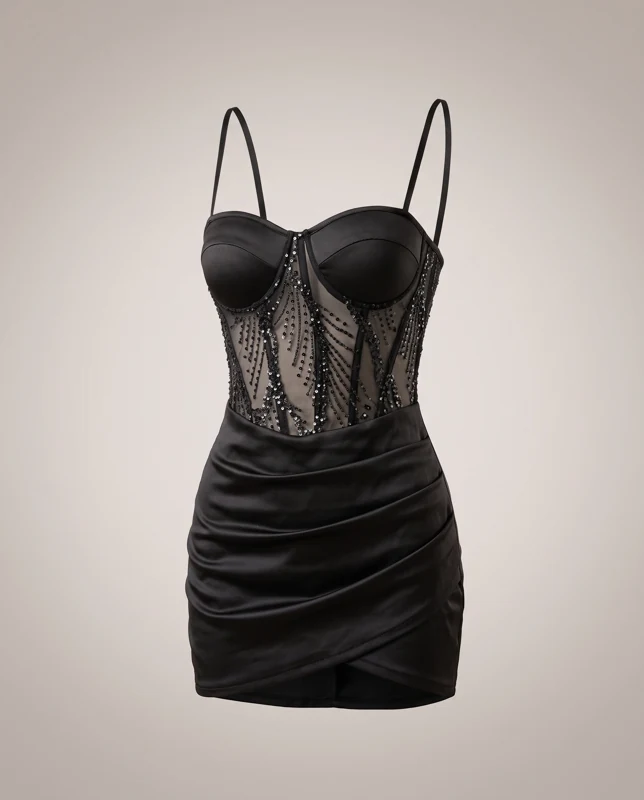
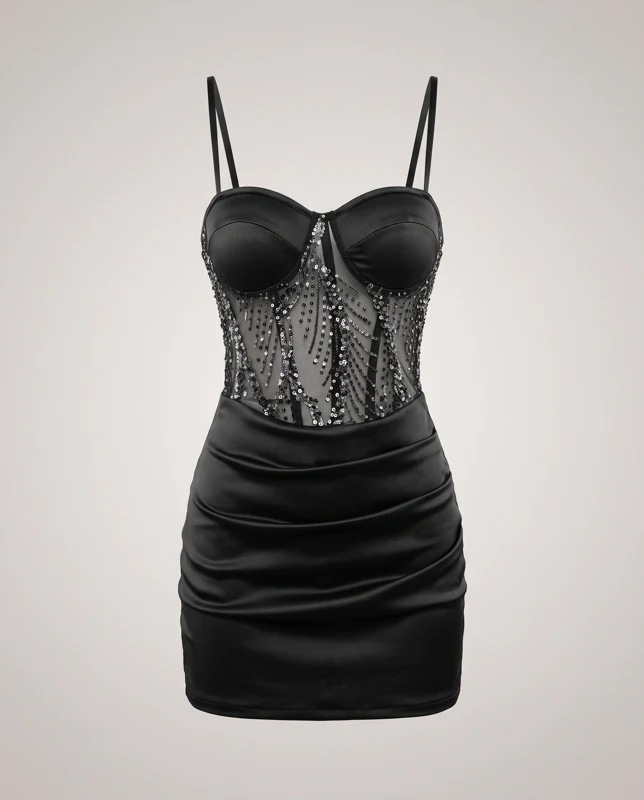
Generated result