kitloom
Product Before & After · Guides
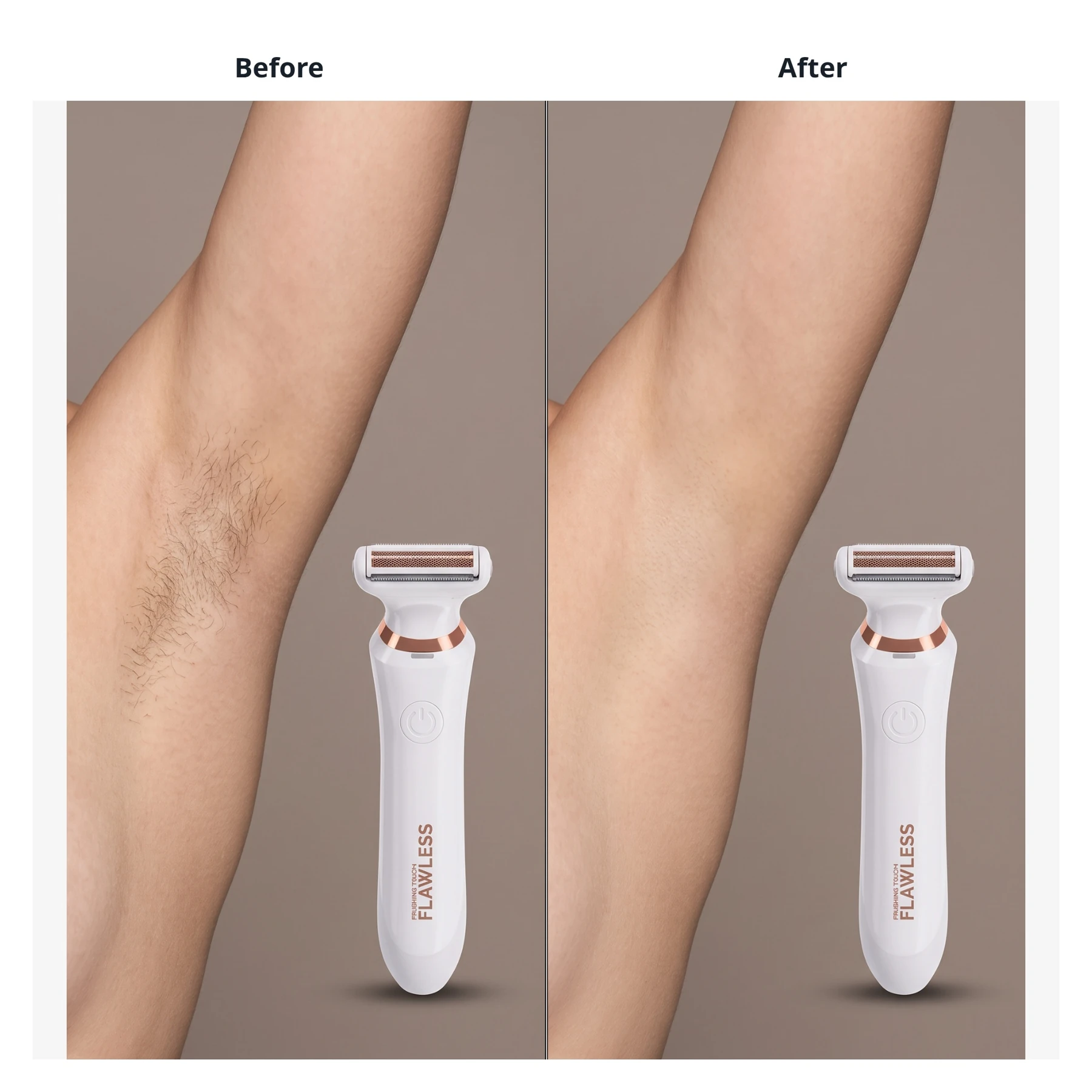
Create 1–4 product before-and-after comparison images from photos or state descriptions, with confirmed labels and optional data.
- Real product photos
- Before/after references · Create image plan
- Review comparison images · Generate complete kit
Upload 1–8 photos of the same product. Each output is one complete before-and-after composition.
Use comparable before and after photos, or describe both states. Review the plan before generating.
Confirmed copy and data are typeset separately. The model does not invent measurements or improvement percentages.
Planning is free: up to 3 analyses per draft and 10 per workspace per UTC day. Credits are charged only after confirmation; undelivered images are refunded.
What you’ll receive
Create 1–4 product before-and-after comparison images from photos or state descriptions, with confirmed labels and optional data.