 kitloom
Taobao · Product Multi-Angle Set · Platform guides
Create separate product views with consistent light and background, plus a free grid overview.
Choose the placement
For a Taobao listing, separate the identification image from detail-page explanations. Keep the actual variant clear and preview small thumbnails before uploading.
Prepare your materials
Upload 1–8 clear photos of the same product. Include packaging or accessories only if they are sold together and confirmed in the product details.
Optional: one visual style reference, used only for composition and lighting, never product identity or claims.
Keep real product logos and labels; do not add headlines, prices or promotional text.
Unseen exterior views may be inferred. Packaging and parts require photos; unavailable shots can be skipped.
The free overview uses your selected image versions. ZIP includes individual photos, overview and source notes.
Product Multi-Angle Set · Guides ↗What you’ll receive
Real product photos
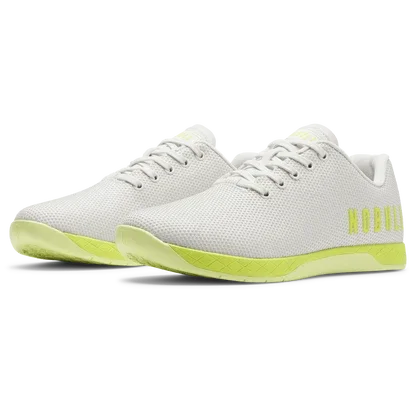
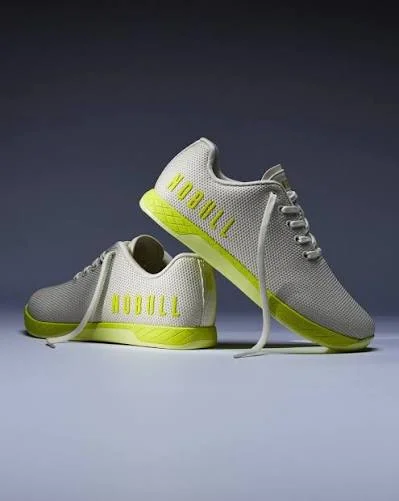
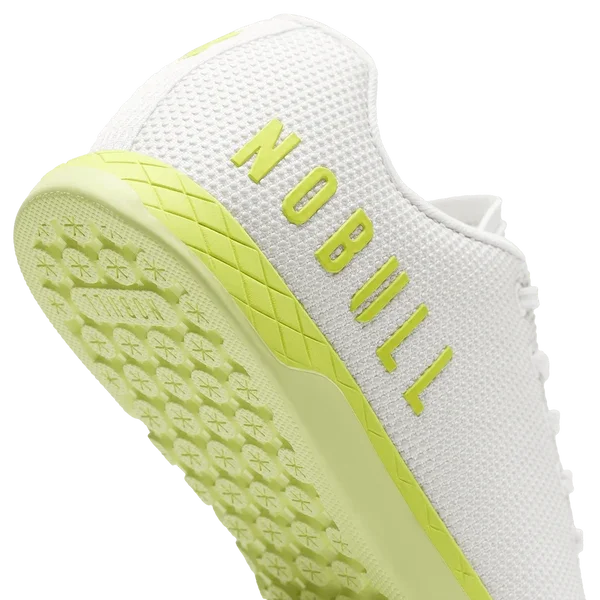
Product Multi-Angle Set
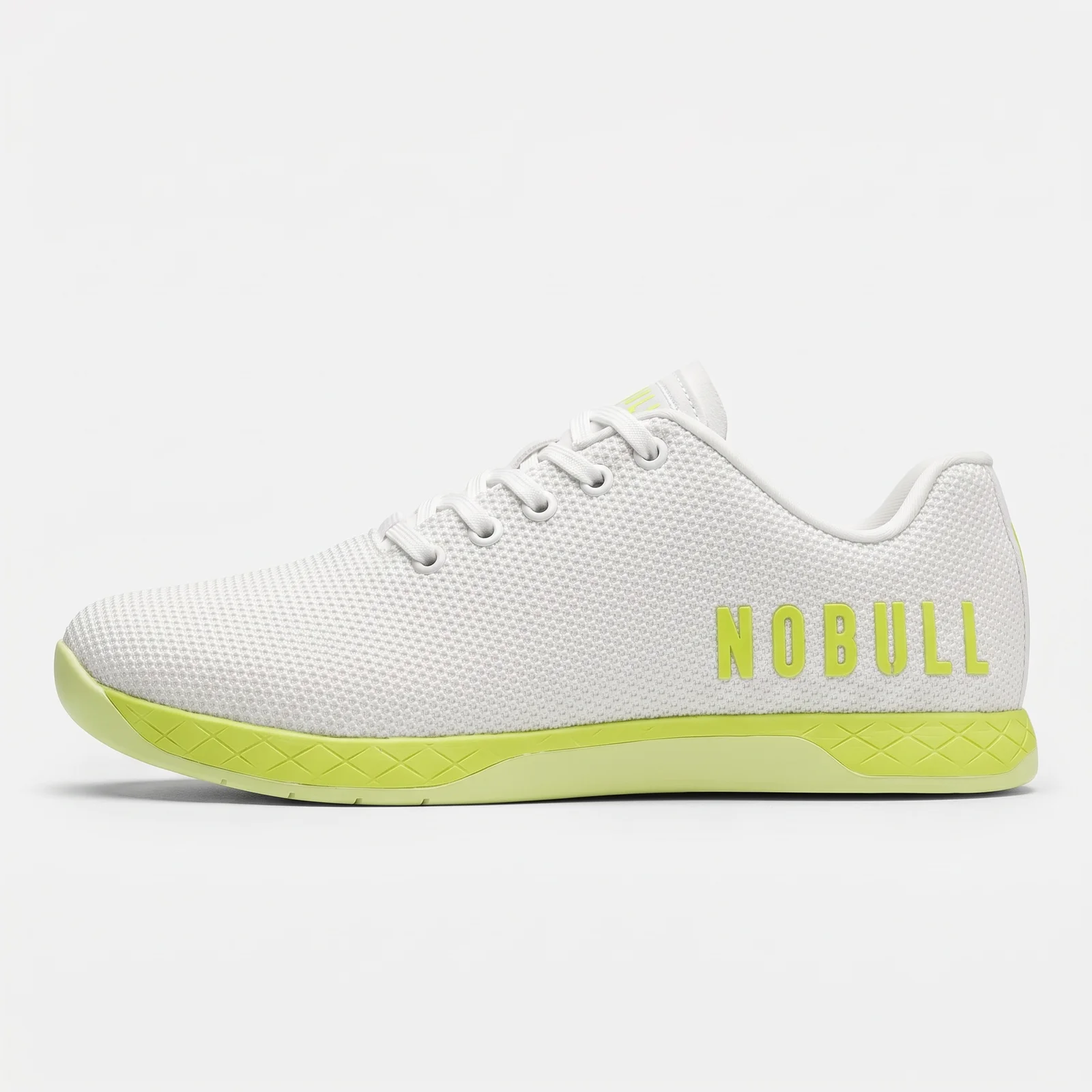
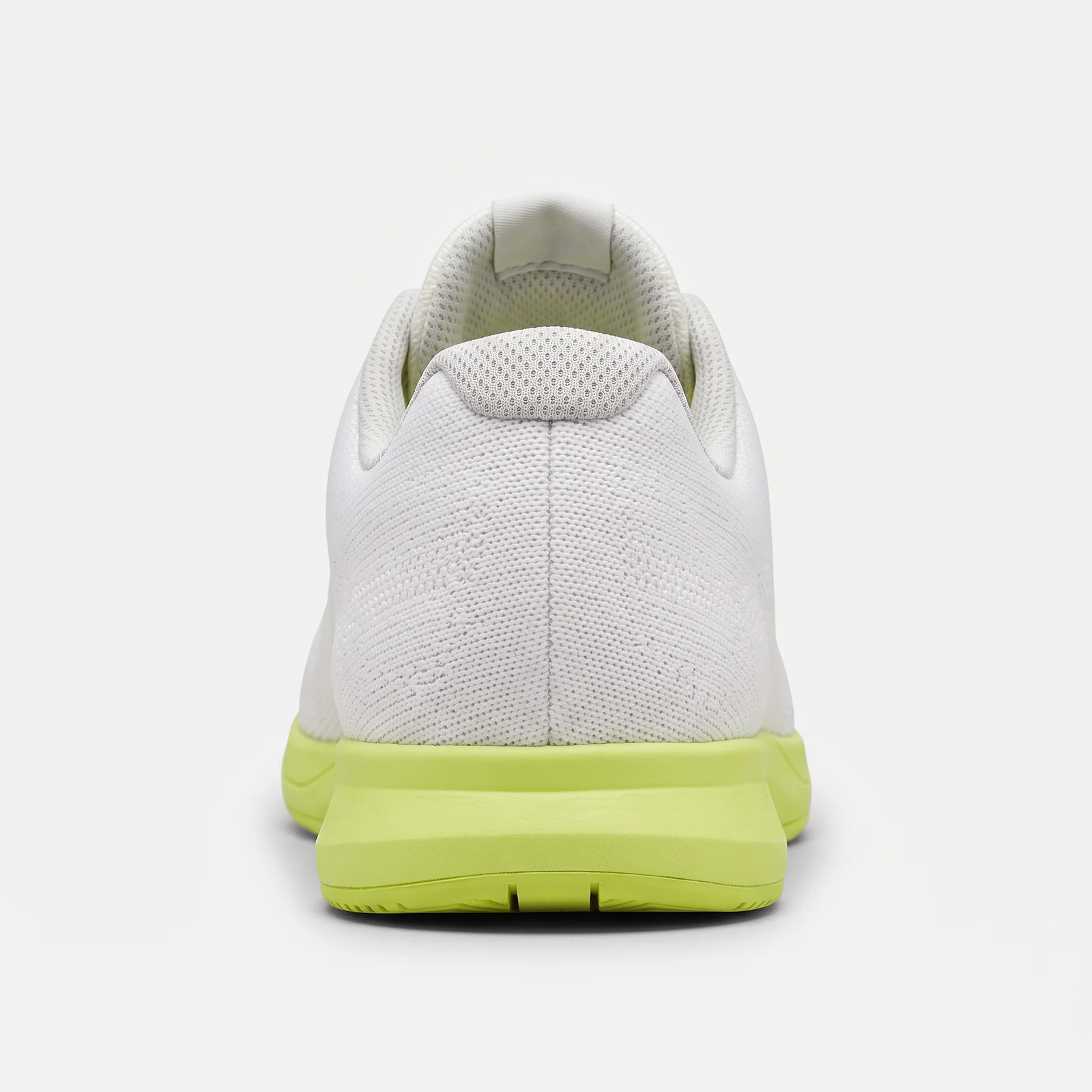
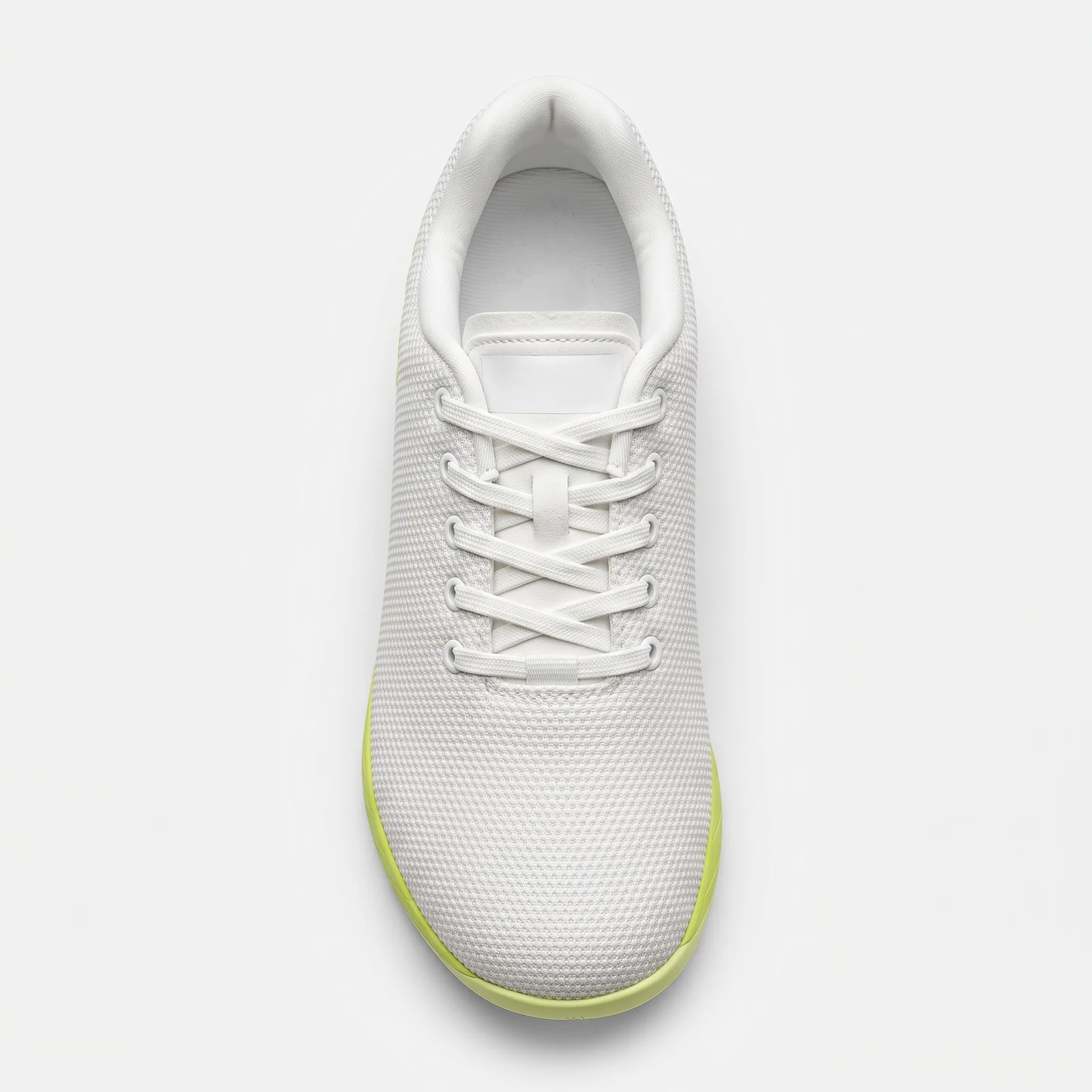
Review the result · Before publishing
Compare the result with your source materials: product shape, colors, labels, quantities and text. Download selected files, adjust the crop for the actual placement and preview on a phone. Kitloom does not publish to the platform. These are creative recommendations, not a guarantee of platform approval; check the current requirements in your account.