 kitloom
Taobao · Model Try-On · Platform guides
Change outfits in 1–9 model photos using the same garment references, preserving each original pose and background.
Choose the placement
For a Taobao listing, separate the identification image from detail-page explanations. Keep the actual variant clear and preview small thumbnails before uploading.
Prepare your materials
Only the selected clothing is replaced. Keep the original pose, expression, hairstyle, background and unselected garments. Review the plan before paying; undelivered images are refunded.
Upload 1–4 views of the same garment per slot. Use clear clothing photos; other people in these photos are not model references.
Upload 1–9 adult single-person originals. Each original produces one independent try-on image, in upload order.
Model Try-On · Guides ↗What you’ll receive
Originals and clothing
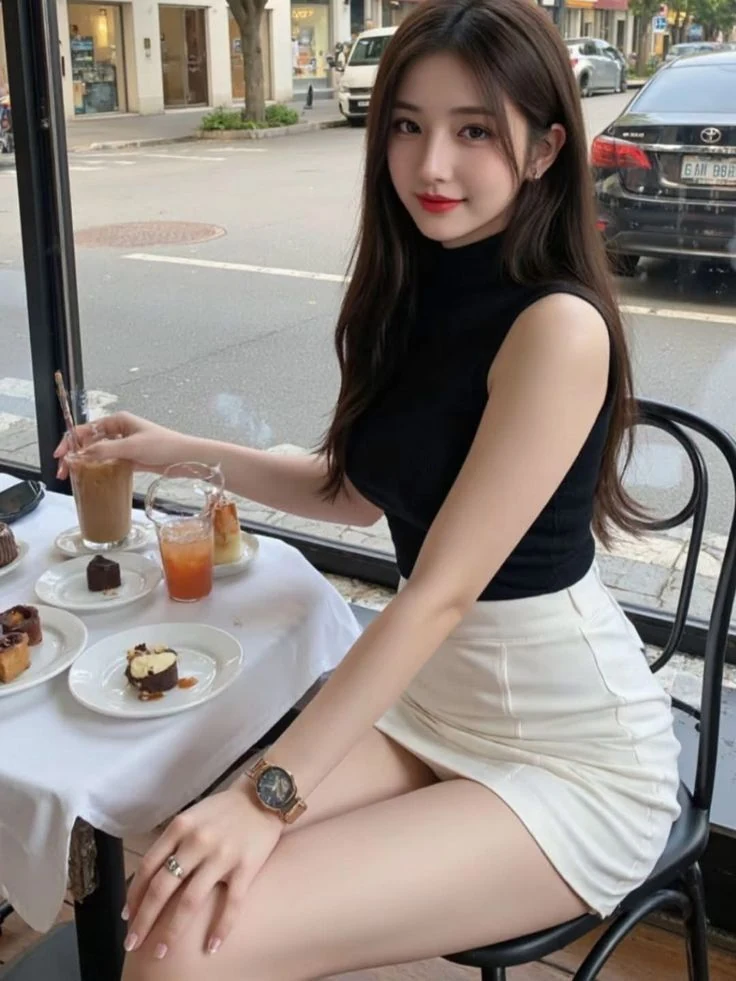
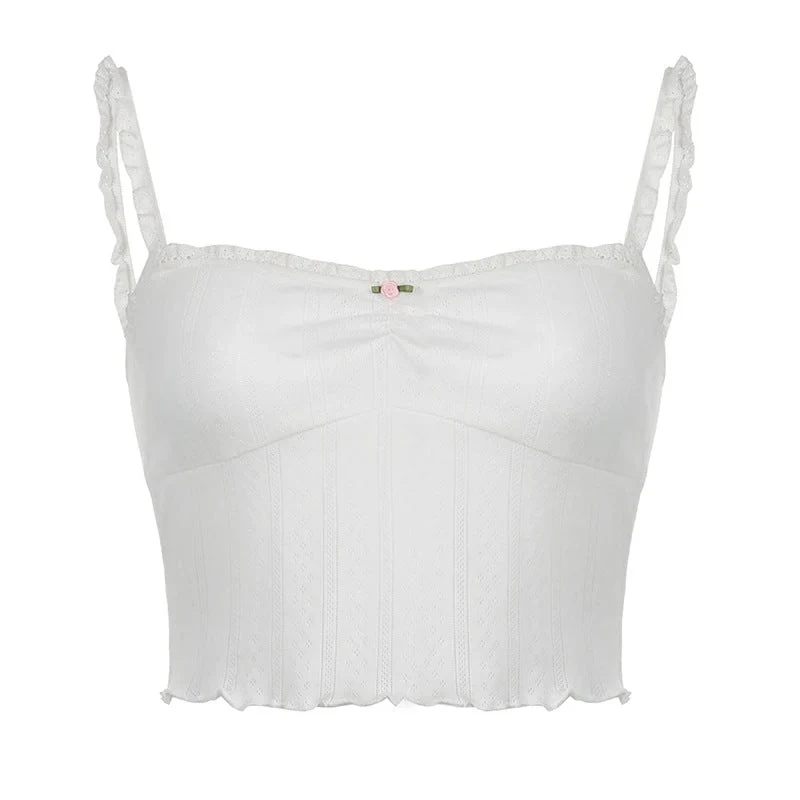
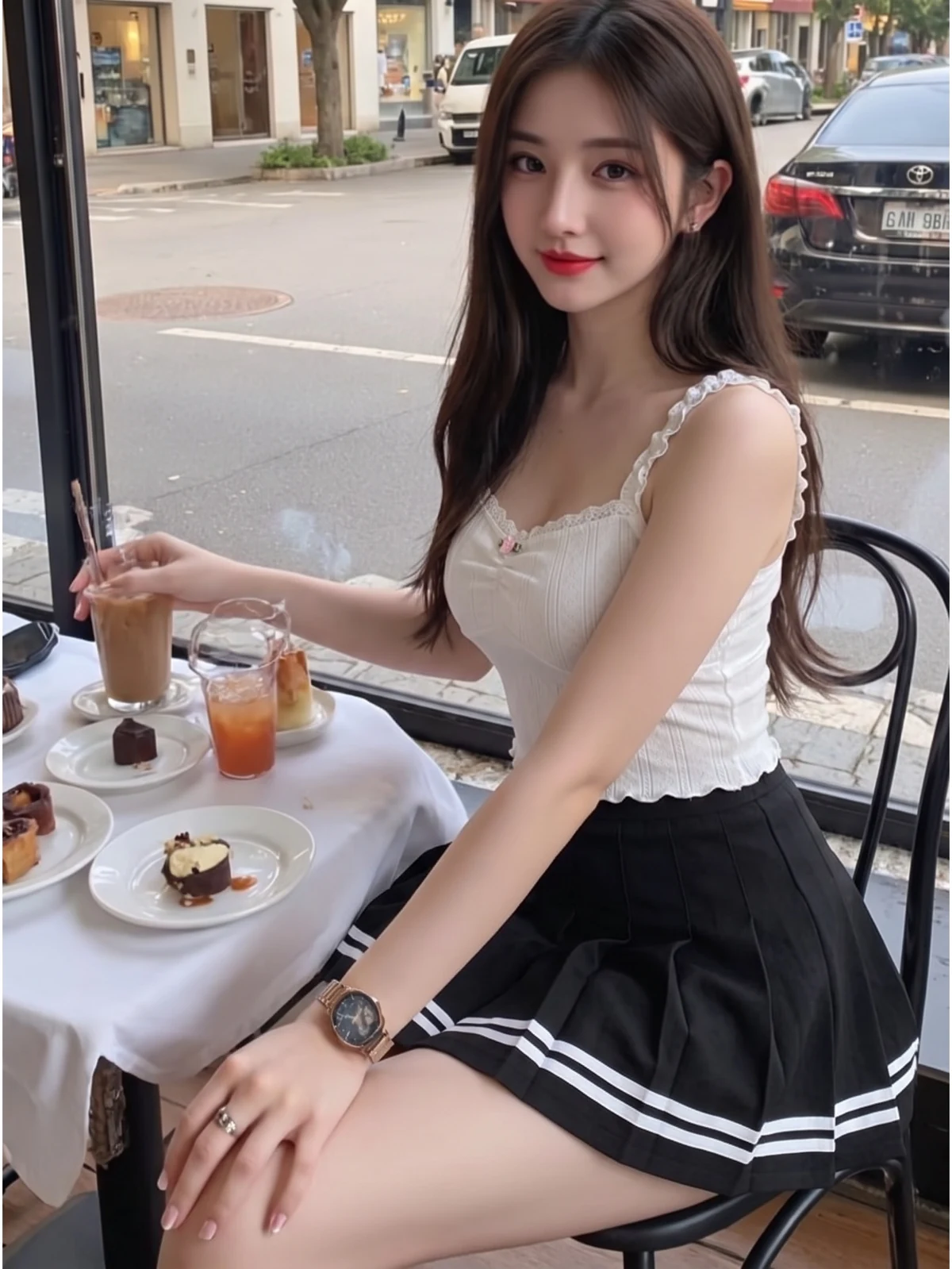
Review the result · Before publishing
Compare the result with your source materials: product shape, colors, labels, quantities and text. Download selected files, adjust the crop for the actual placement and preview on a phone. Kitloom does not publish to the platform. These are creative recommendations, not a guarantee of platform approval; check the current requirements in your account.