 kitloom
Taobao · Brand IP Merchandise · Platform guides
Turn your IP into eight merchandise categories: craft-adapted artwork, product mockups and an optional collection image.
Choose the placement
For a Taobao listing, separate the identification image from detail-page explanations. Keep the actual variant clear and preview small thumbnails before uploading.
Prepare your materials
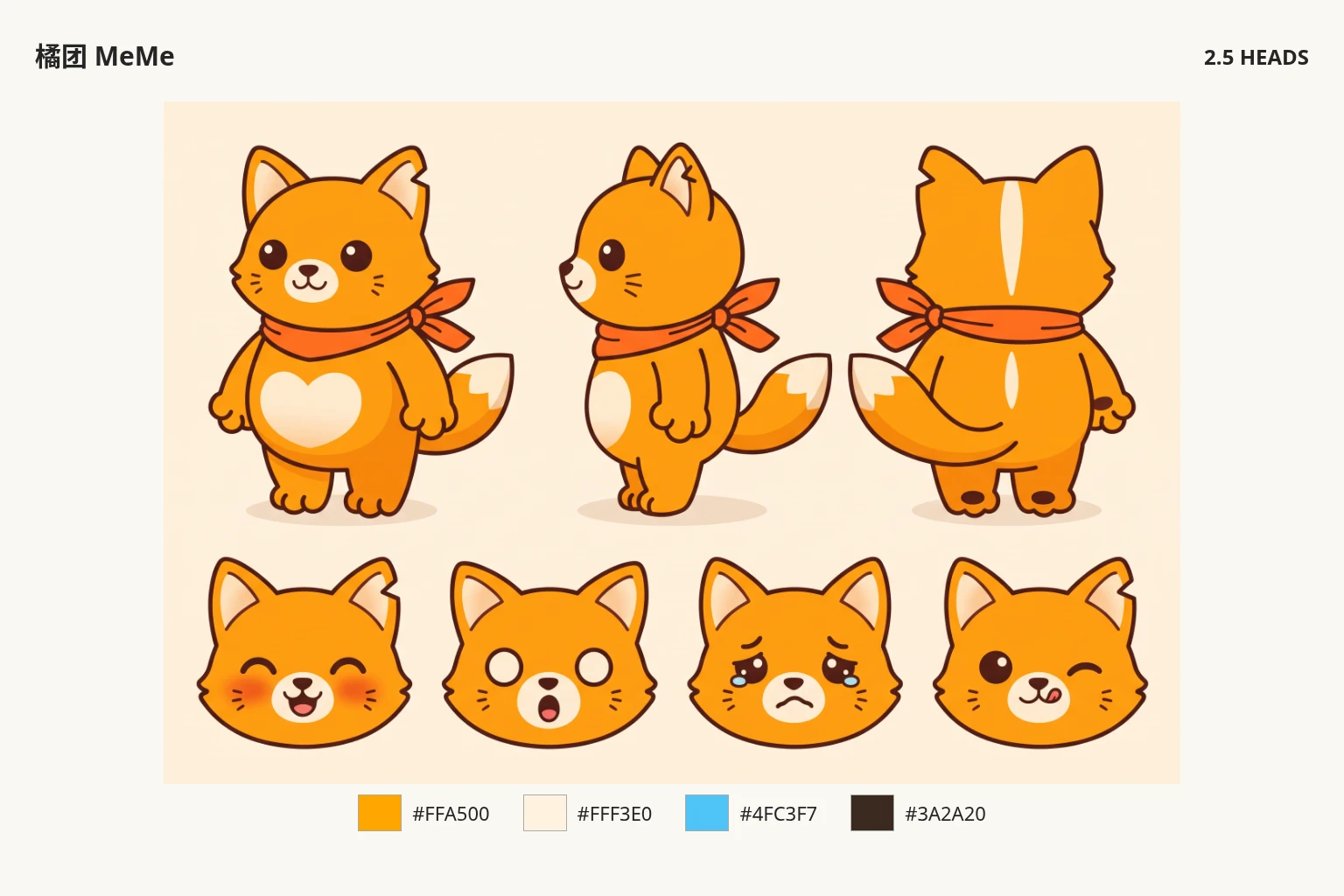
Upload 1–3 images of the same IP and an optional Logo. Original Logo artwork is applied to flat designs.
PNG visual concepts, not editable or print-production files. Make physical samples before production.
Plush uses a two-view construction concept; no printed text or Logo.
Brand IP Merchandise · Guides ↗What you’ll receive
Reference image

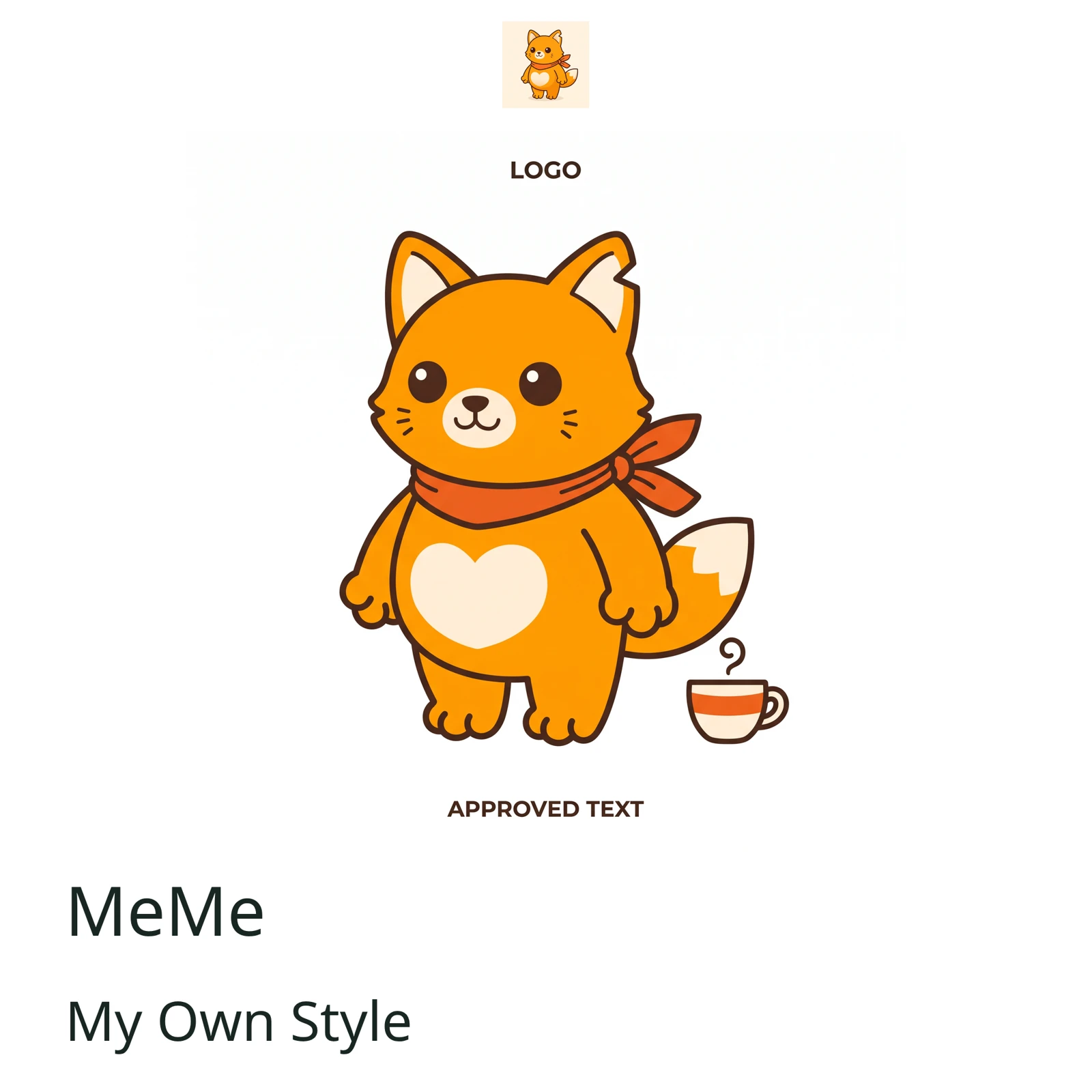
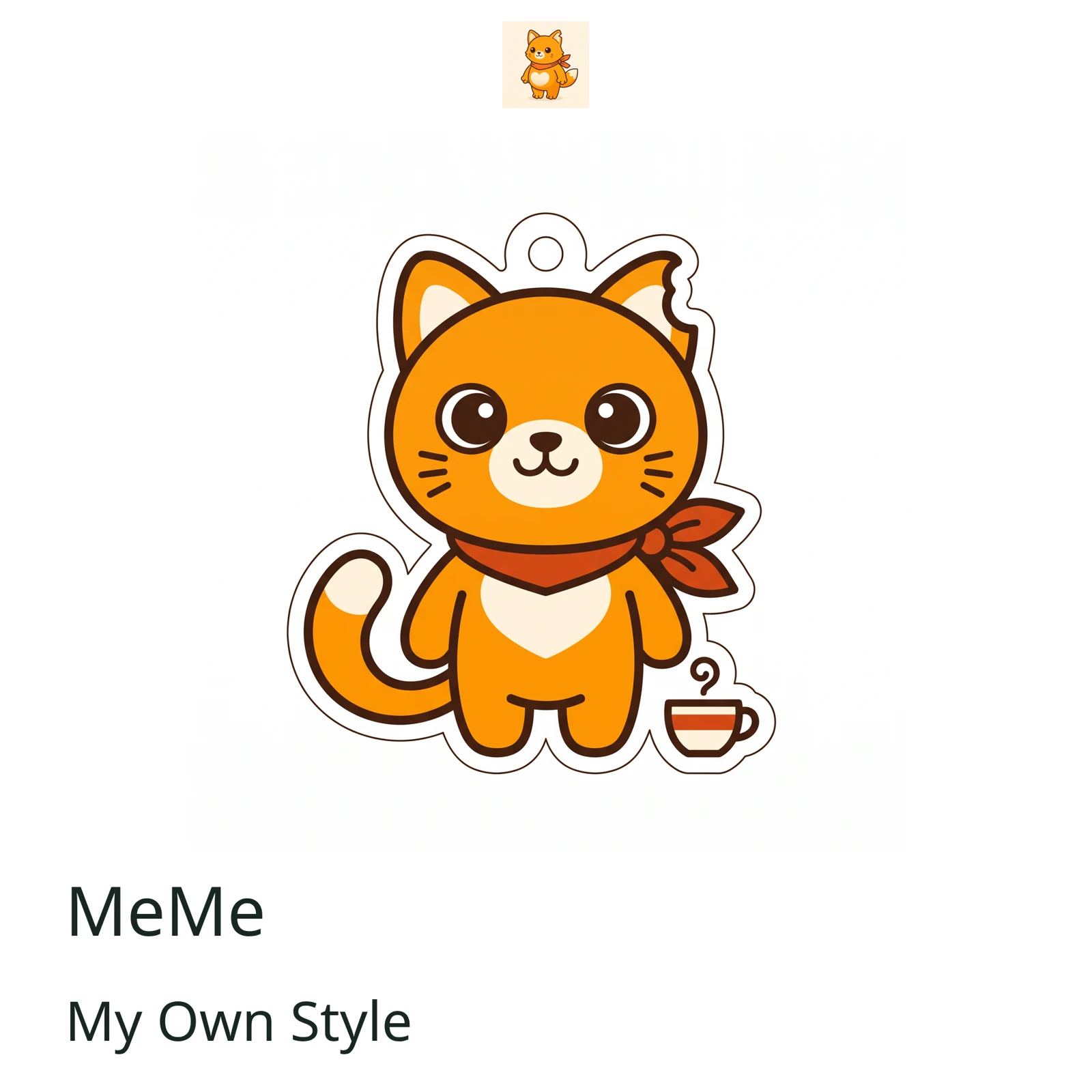
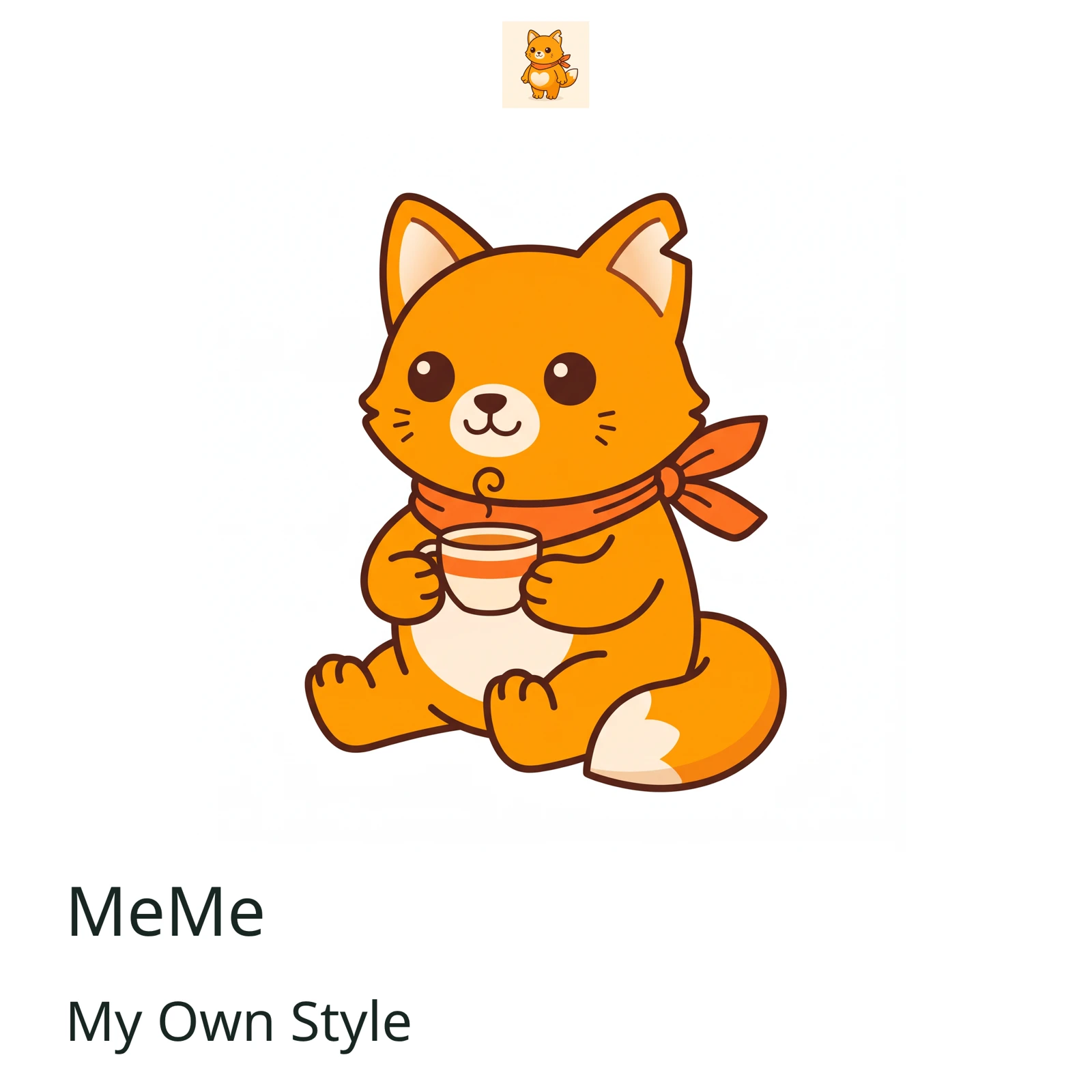
Design artwork
Review the result · Before publishing
Compare the result with your source materials: product shape, colors, labels, quantities and text. Download selected files, adjust the crop for the actual placement and preview on a phone. Kitloom does not publish to the platform. These are creative recommendations, not a guarantee of platform approval; check the current requirements in your account.