 kitloom
Taobao · Garment Fabric Swap · Platform guides
Try different fabrics on one garment while keeping its cut and construction. Each swatch produces a separate preview.
Choose the placement
For a Taobao listing, separate the identification image from detail-page explanations. Keep the actual variant clear and preview small thumbnails before uploading.
Prepare your materials
Upload one complete flat-lay or mannequin garment photo. Real-person photos and multiple garments are not supported.
Use clear close-ups of fabric texture and sheen under neutral light. One swatch represents one material.
Garment Fabric Swap · Guides ↗What you’ll receive
Fabric replacement preview
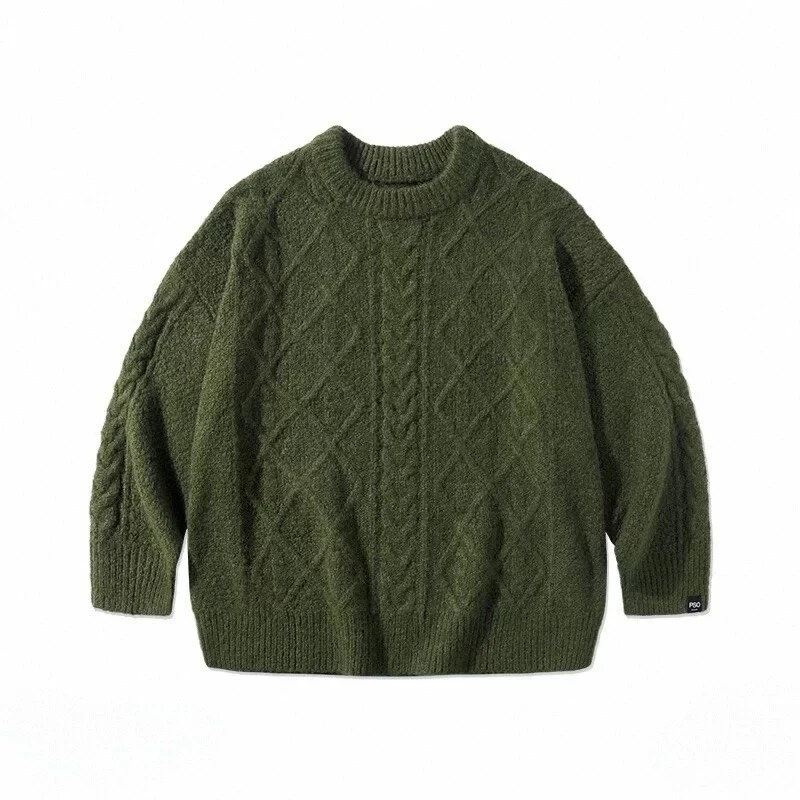
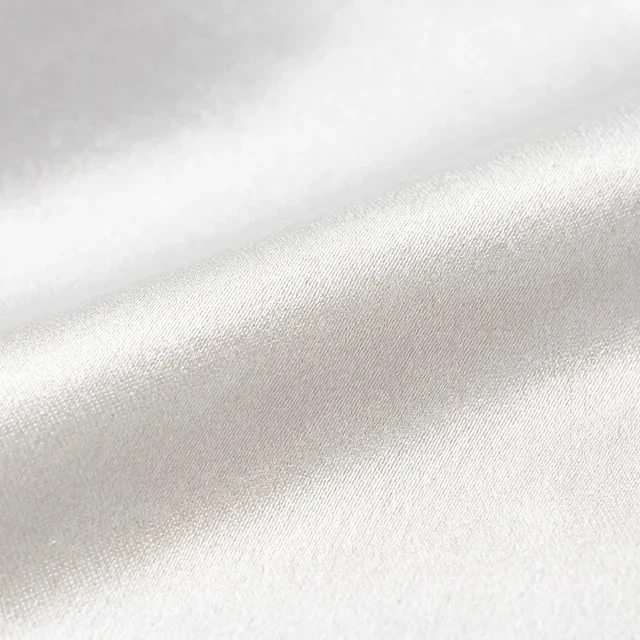
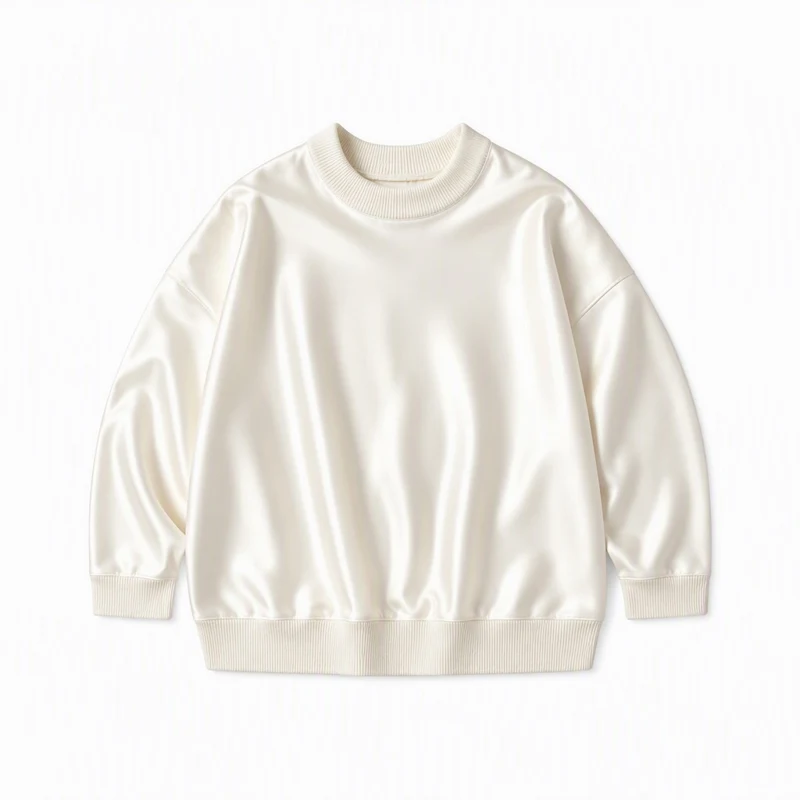
Review the result · Before publishing
Compare the result with your source materials: product shape, colors, labels, quantities and text. Download selected files, adjust the crop for the actual placement and preview on a phone. Kitloom does not publish to the platform. These are creative recommendations, not a guarantee of platform approval; check the current requirements in your account.