 kitloom
Pinterest · Brand VI Mockups · Platform guides
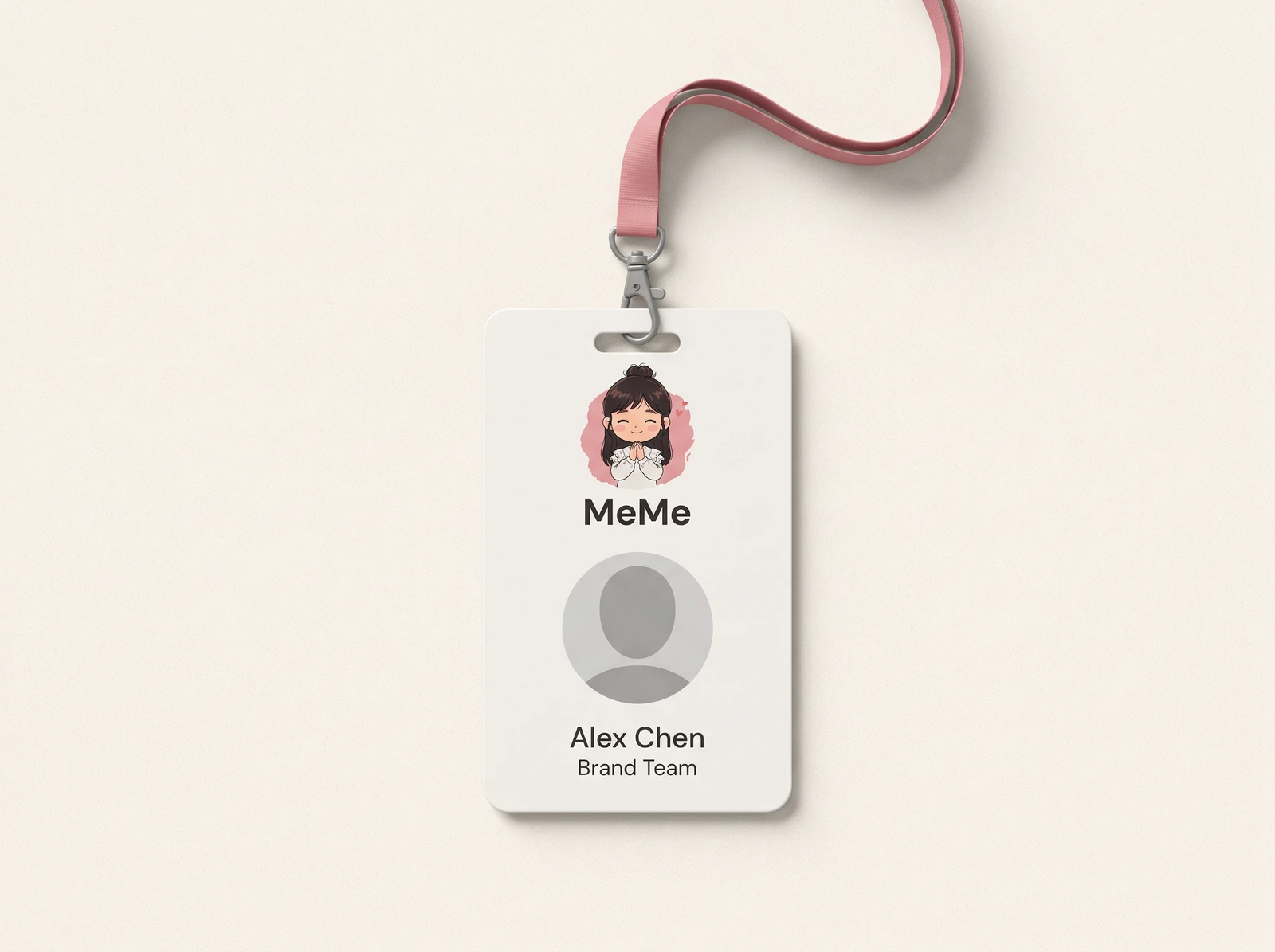
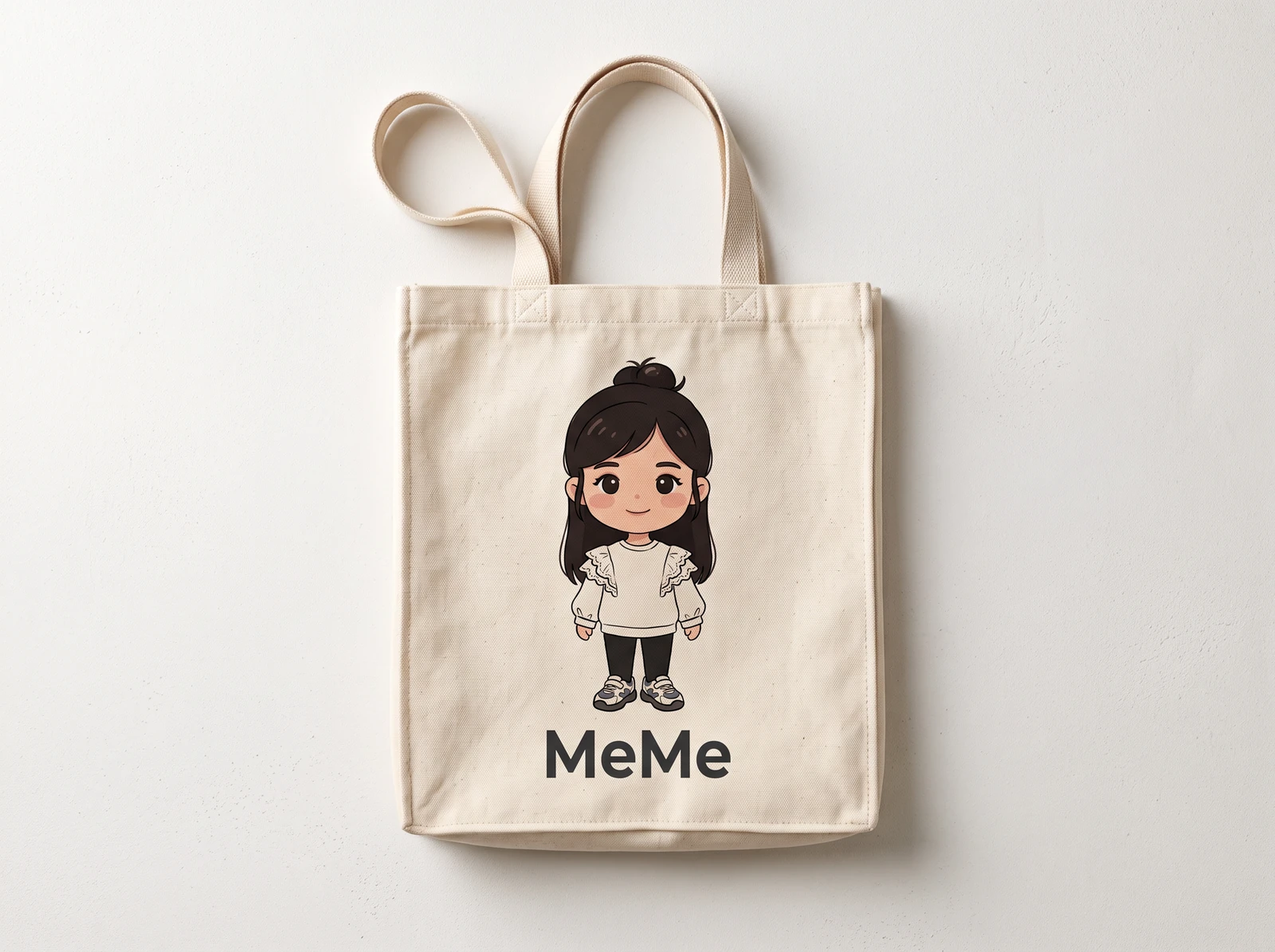
Apply your Logo and optional mascot to stationery, bags, uniforms and branded spaces. Choose 1–8 mockups and review each layout before generating.
Choose the placement
For Pinterest, make each saved image understandable on its own. Use a clear subject and a descriptive Pin title, and link to the relevant full project rather than an unrelated destination.
Prepare your materials
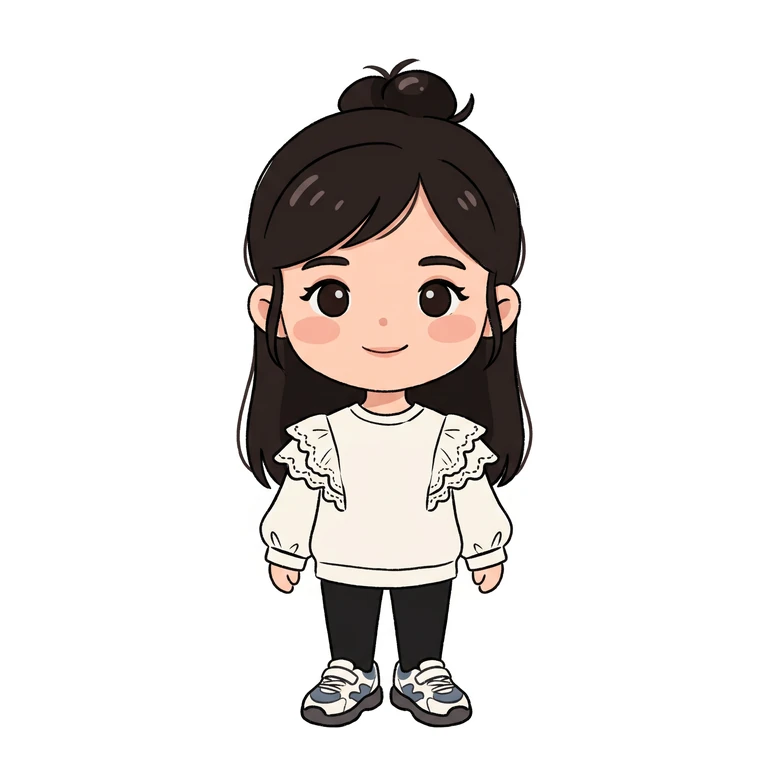
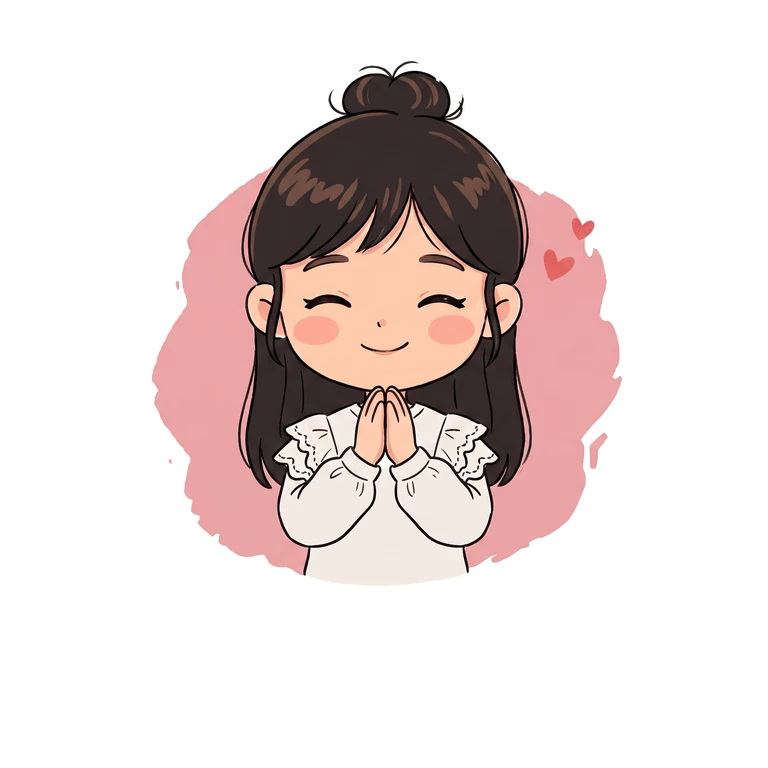
Use a clear Logo image. Logo Lockup assets automatically use their horizontal or icon file, not the overview board. An optional mascot can be added.
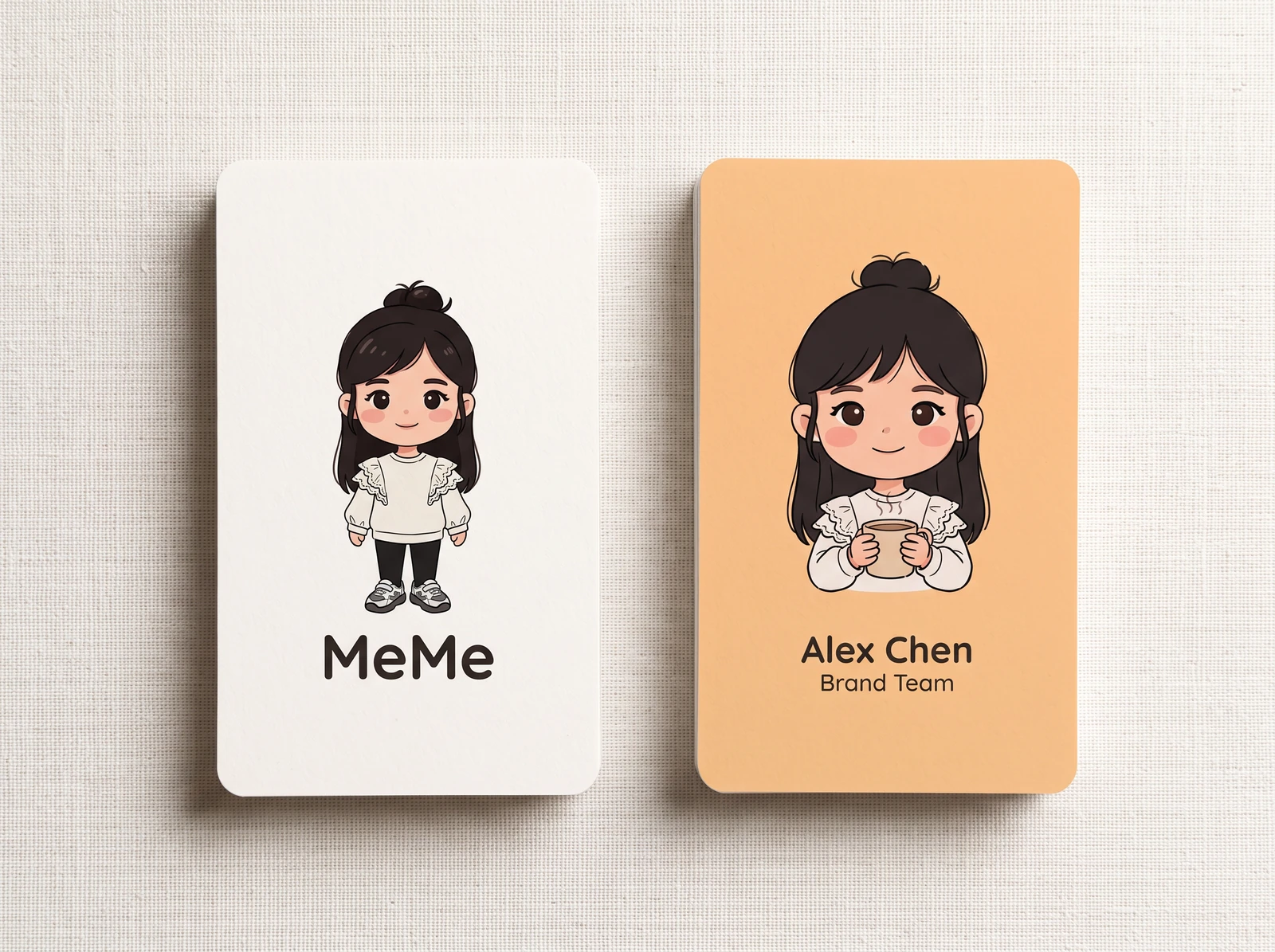
One PNG per selected carrier. Cards show both sides in one image. Visual mockups only; not editable or print-production files.
One PNG per selected carrier. Cards show both sides in one image. Visual mockups only; not editable or print-production files.
Brand VI Mockups · Guides ↗What you’ll receive
Primary Logo

Brand VI Mockups
Review the result · Before publishing
Review identity, text and the actual placement crop. Check thumbnail readability and mobile overlays. Download the appropriate image or video and publish through your own account; Kitloom does not publish it for you. Check current requirements before posting.