 kitloom
Instagram · Styled Portraits · Platform guides
Choose from 20 portrait styles. Use your model photos or create an adult AI model, review the plan, then generate 1–9 portraits.
Choose the placement
For Instagram, check both the feed crop and profile thumbnail. Keep the character or mark readable without relying on tiny text; prepare a separate crop if needed.
Prepare your materials
Choose one style and an optional temperament. Edit scenes, wardrobe, lighting and English prompts before generating selected images.
Choose a preset to fill style, temperament, scene, wardrobe, palette, camera, lighting and aspect ratio. You can edit everything afterward.
Styled Portraits · Guides ↗What you’ll receive
Source style examples
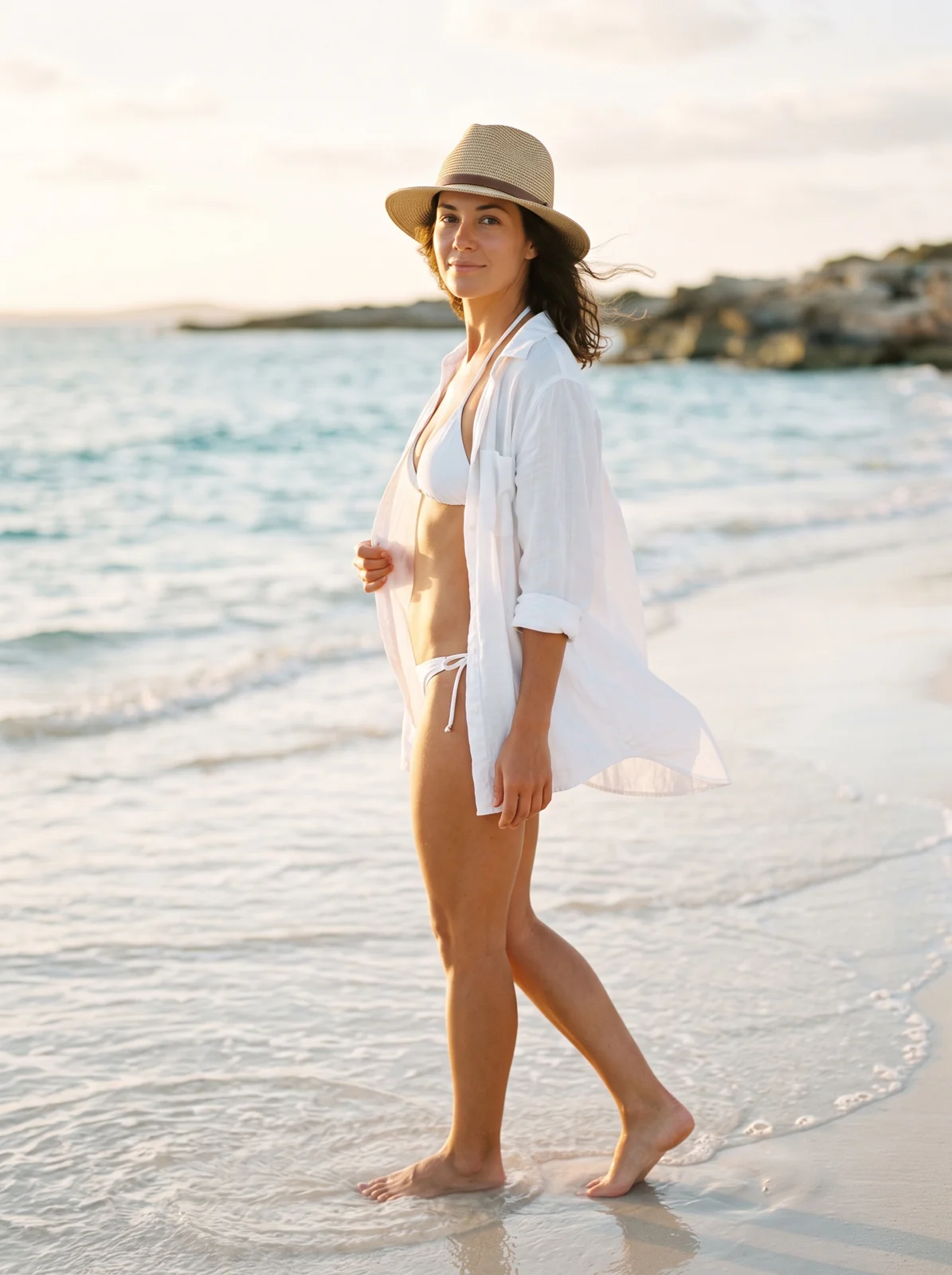
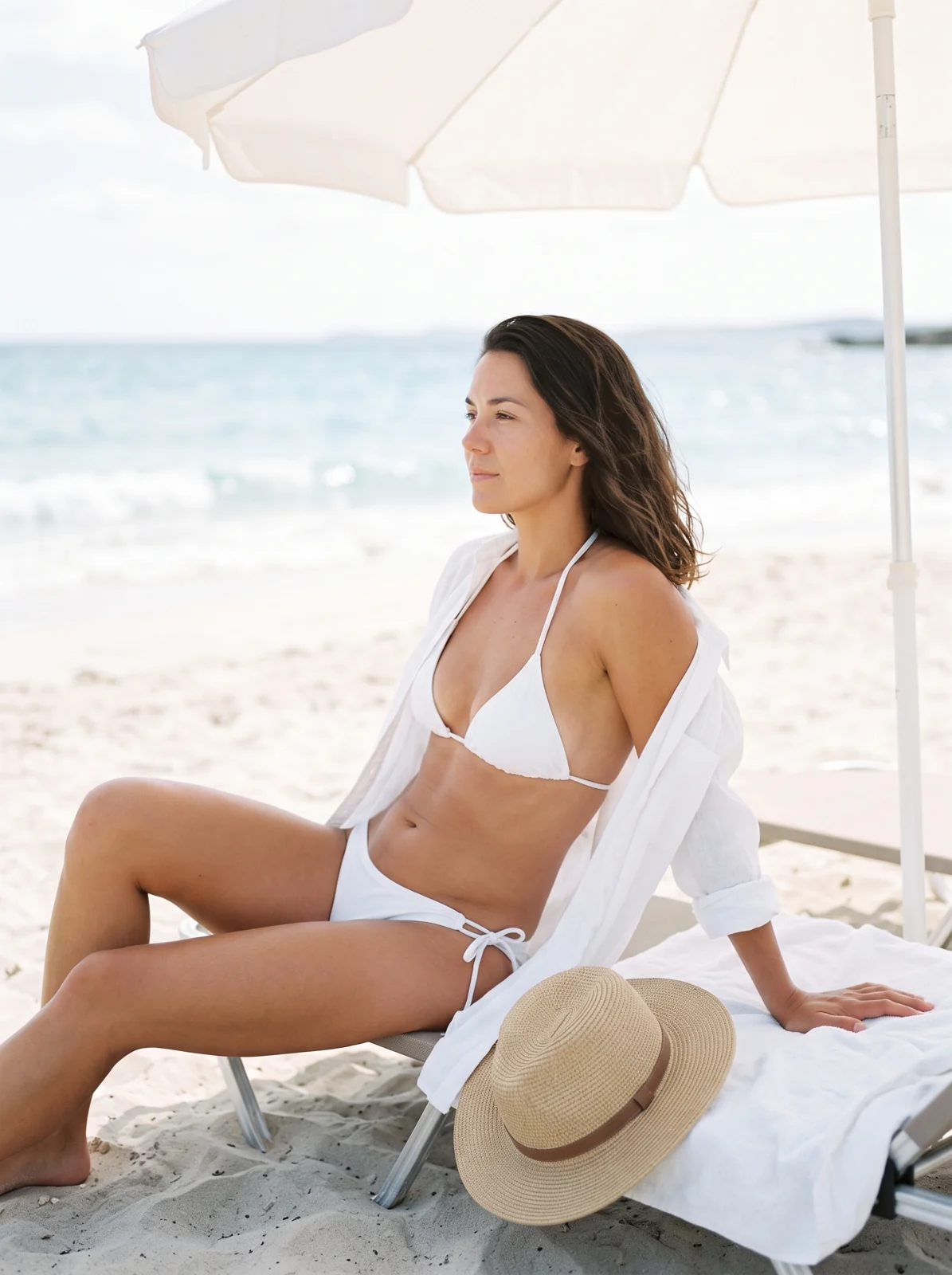
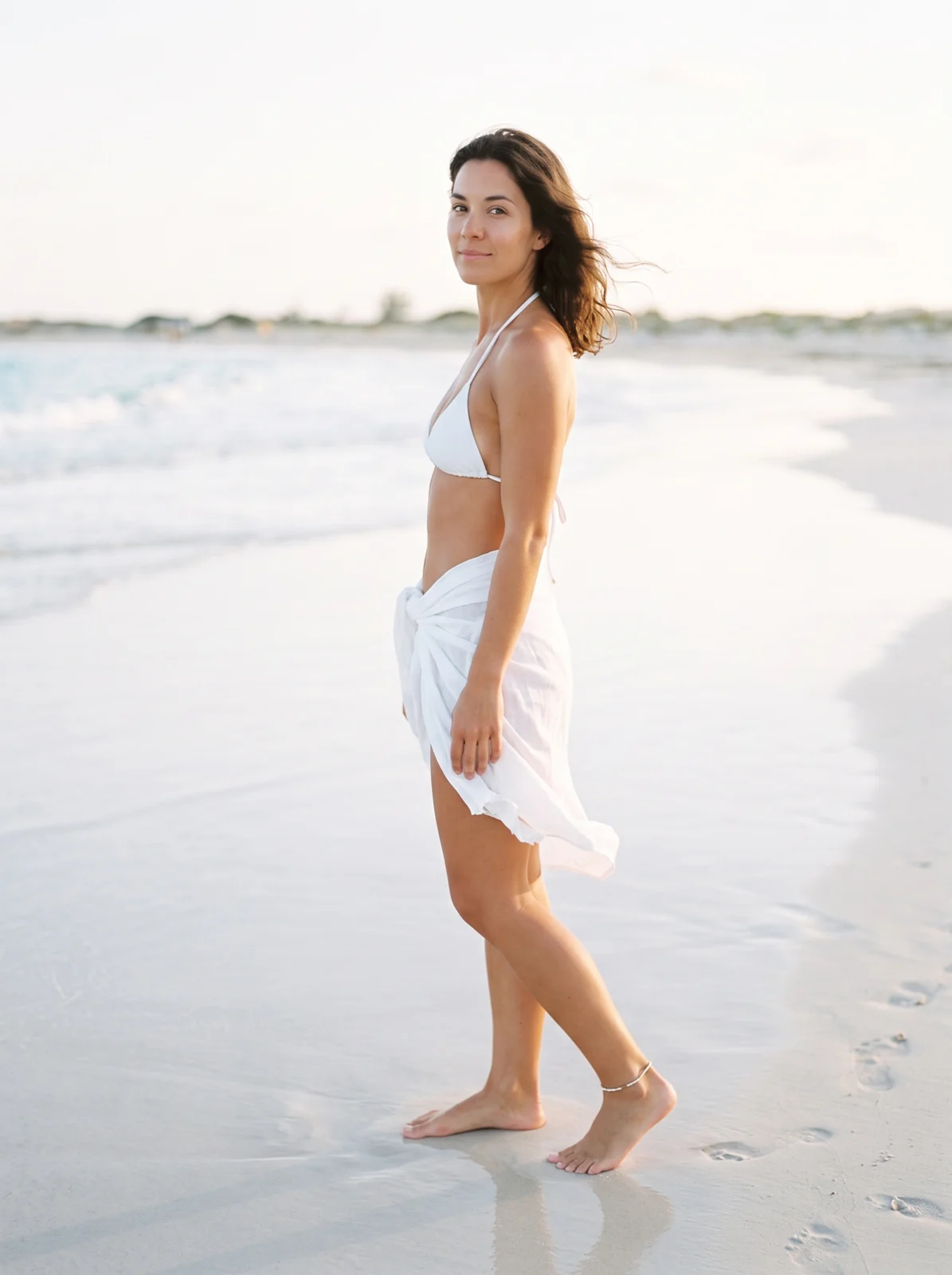
Review the result · Before publishing
Compare the result with your source materials: product shape, colors, labels, quantities and text. Download selected files, adjust the crop for the actual placement and preview on a phone. Kitloom does not publish to the platform. These are creative recommendations, not a guarantee of platform approval; check the current requirements in your account.