 kitloom
Instagram · Brand Logo Lockup · Platform guides
Turn your IP or brand keywords into a consistent logo set: horizontal, stacked, symbol, reversed and a layout guide.
Choose the placement
For Instagram, check both the feed crop and profile thumbnail. Keep the character or mark readable without relying on tiny text; prepare a separate crop if needed.
Prepare your materials
Five PNG files from one symbol. Transparent horizontal, stacked, icon and white mono variants, plus a solid-background overview. Raster files, not editable vectors.
Upload an existing IP, or enter 2–3 comma-separated brand keywords. At least one source is required.
Real fonts: Quicksand / Noto Sans, Noto Sans, Lobster / AR PL UKai, or Noto Serif. Unsupported characters use Noto fallback; exact brand spelling is preserved.
PNG artwork is raster. Vectorize separately if needed; check trademark similarity before commercial use.
Brand Logo Lockup · Guides ↗What you’ll receive
Layout guide
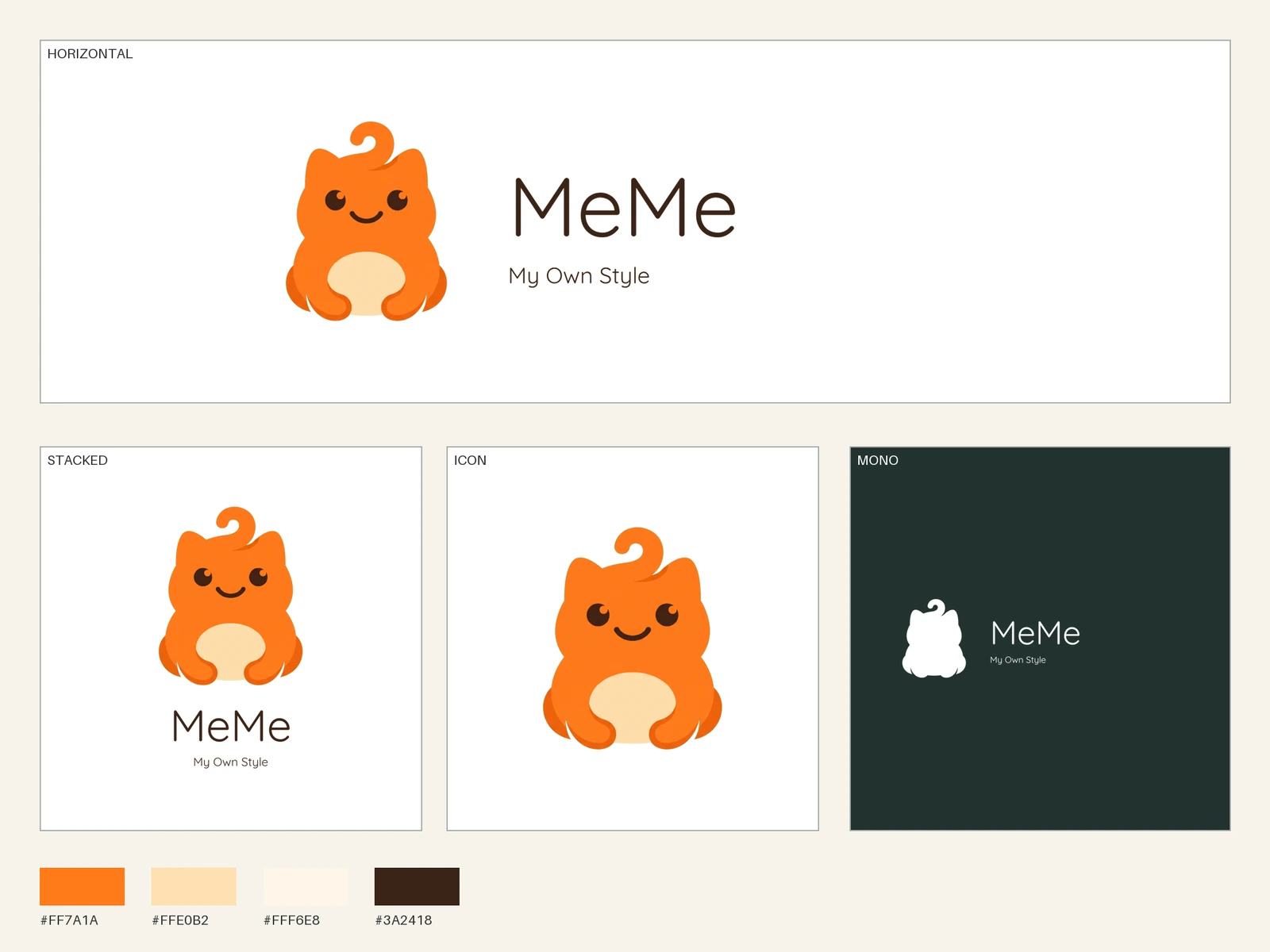
Brand Logo Lockup
Review the result · Before publishing
Review identity, text and the actual placement crop. Check thumbnail readability and mobile overlays. Download the appropriate image or video and publish through your own account; Kitloom does not publish it for you. Check current requirements before posting.