 kitloom
Instagram · Brand IP Holiday Campaign · Platform guides
Brand IP Holiday Campaign · Key visual · Social cover · Packaging front · Countdown
Choose the placement
For Instagram, check both the feed crop and profile thumbnail. Keep the character or mark readable without relying on tiny text; prepare a separate crop if needed.
Prepare your materials
Upload your existing IP, choose a holiday, then review the campaign plan and wording.
PNG visual concepts, not editable or print-production files. Make physical samples before production.
Brand IP Holiday Campaign · Guides ↗What you’ll receive
Reference image
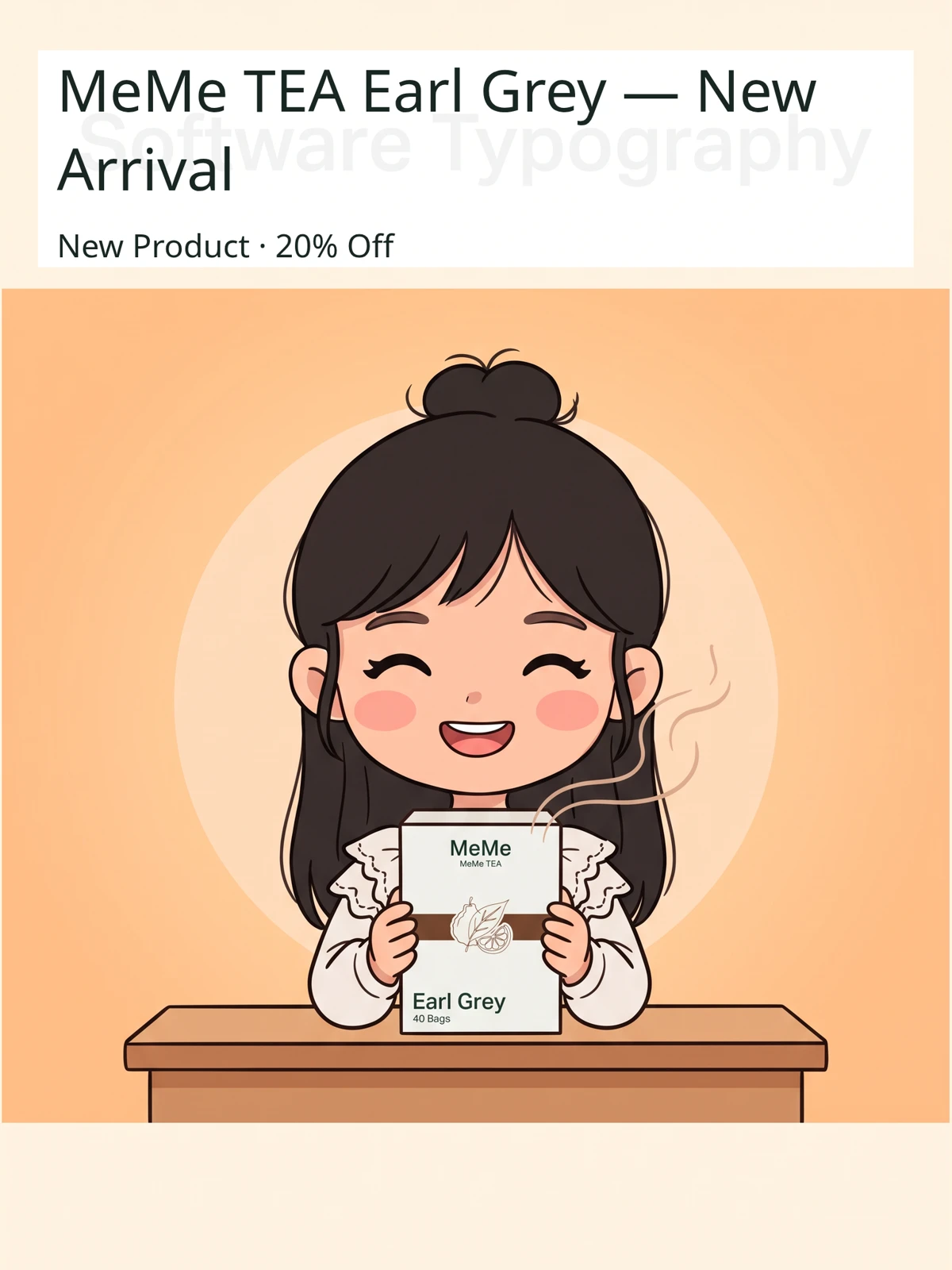
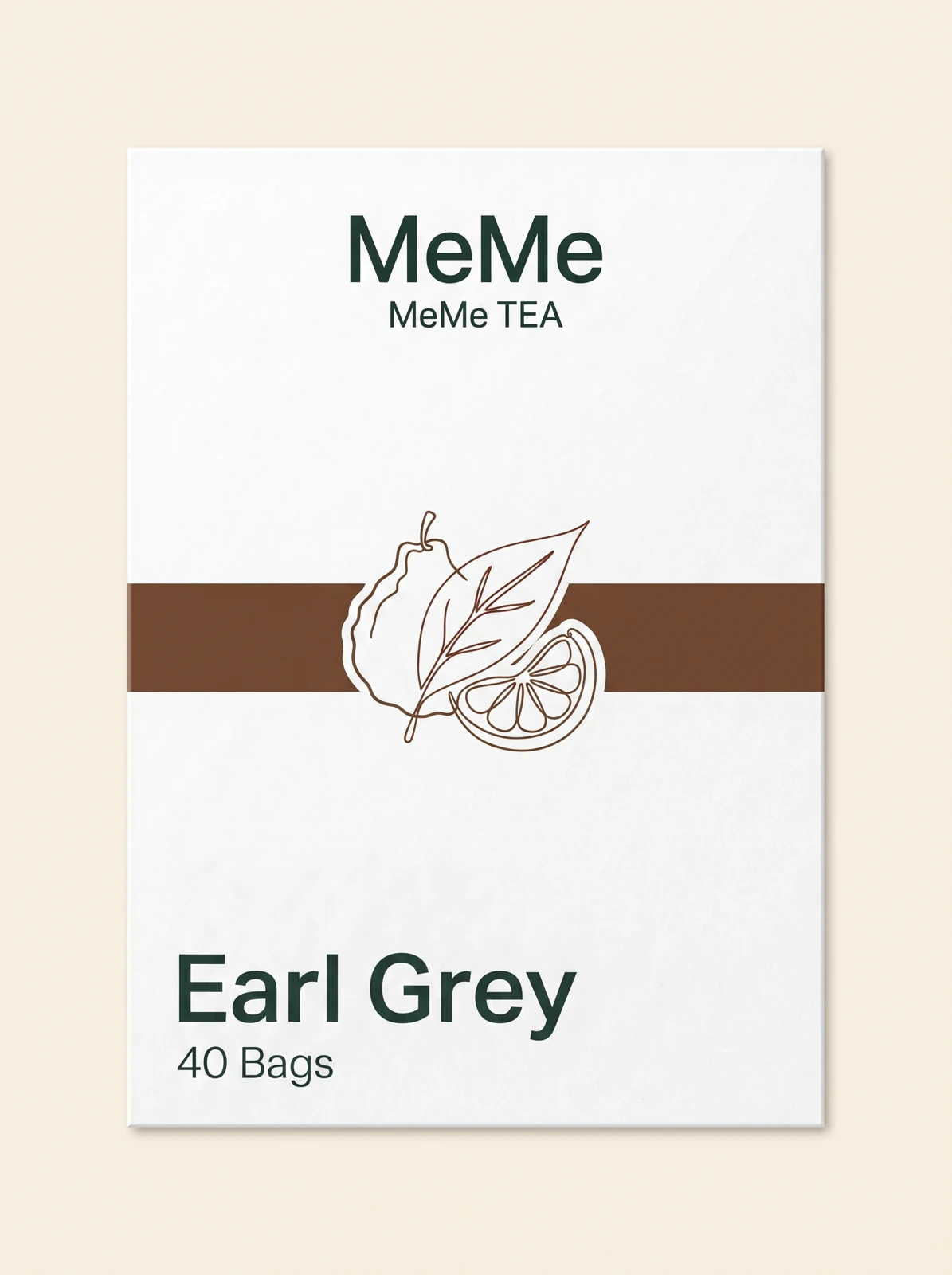
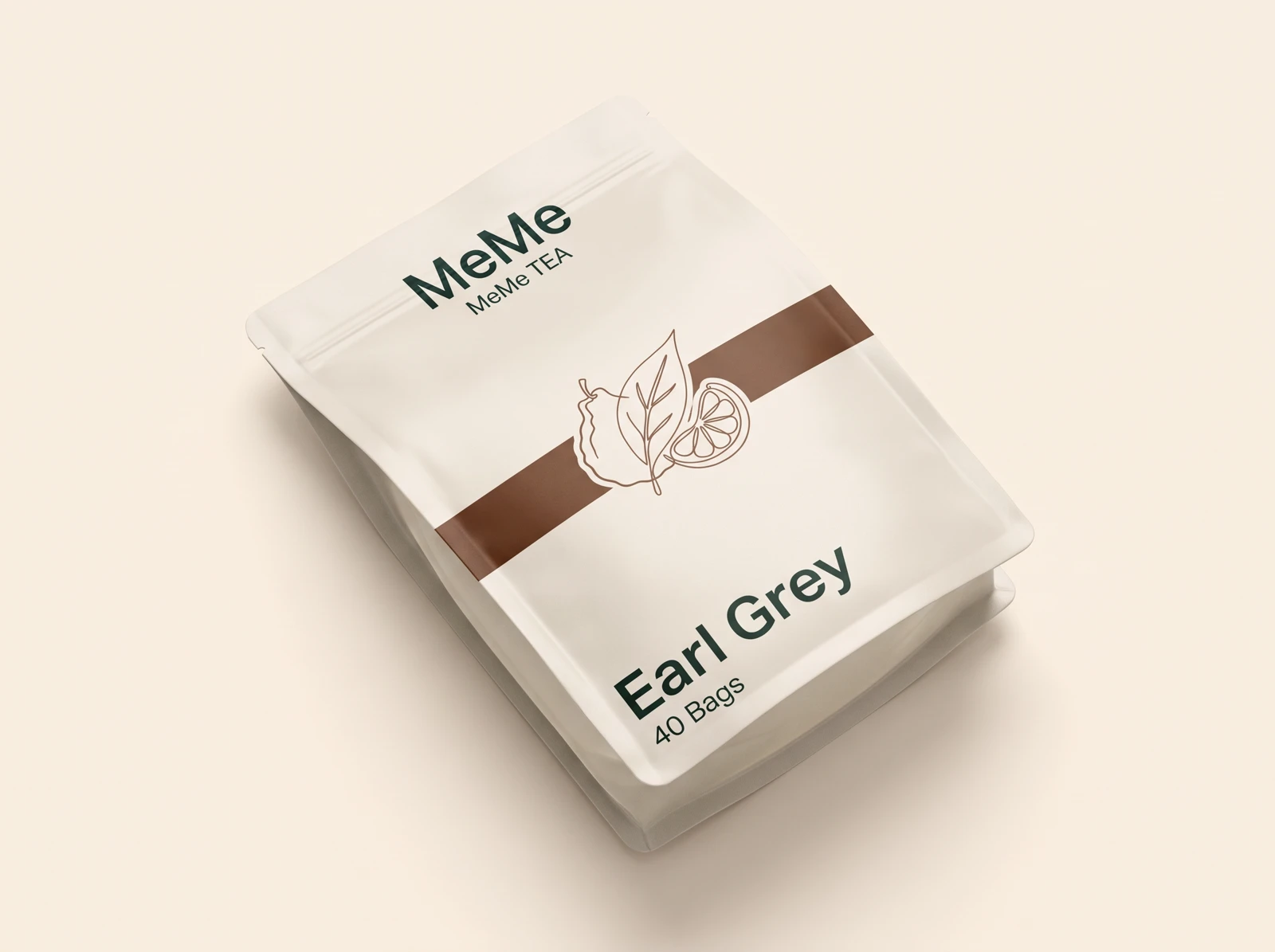
Generated result
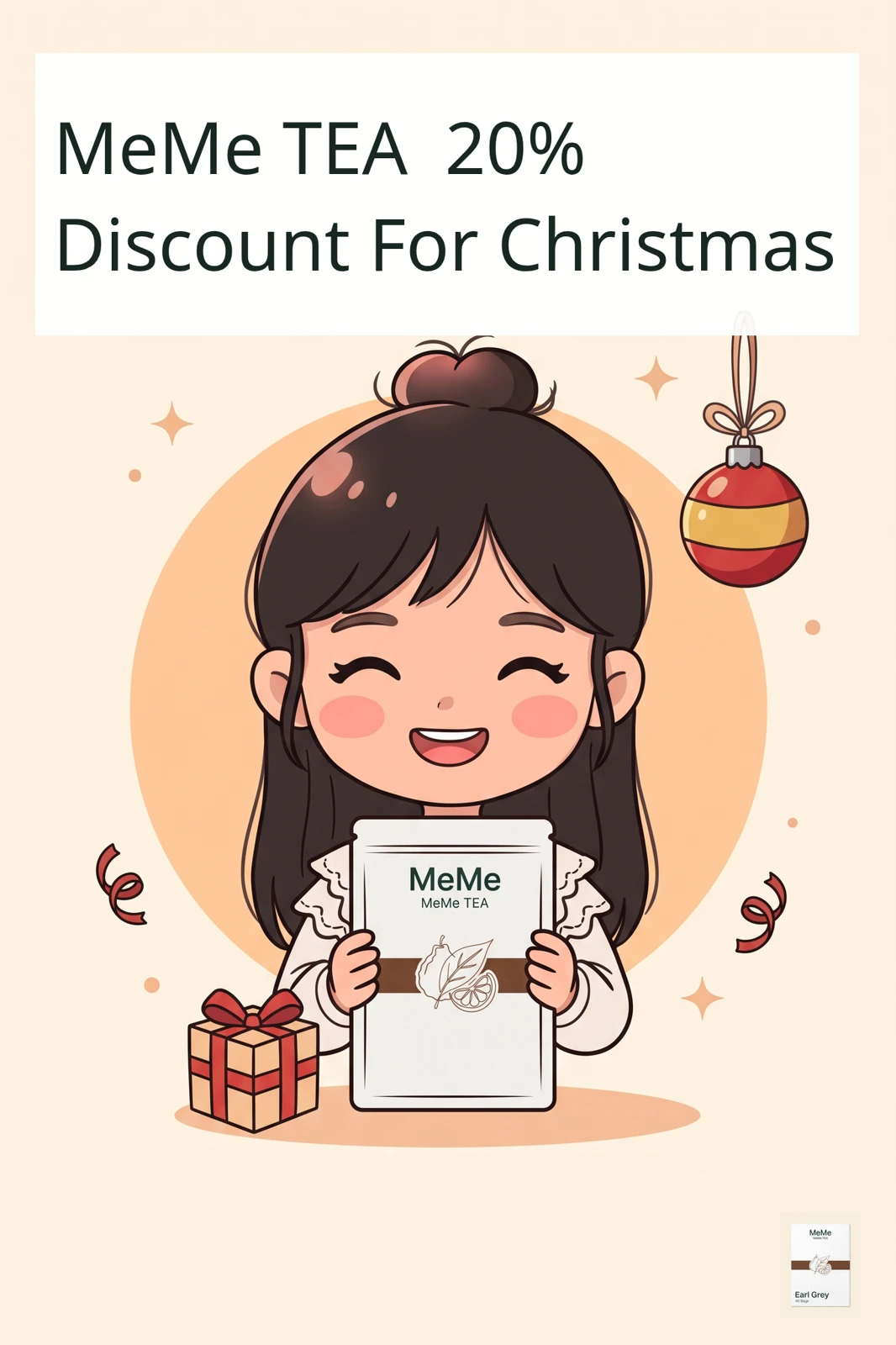

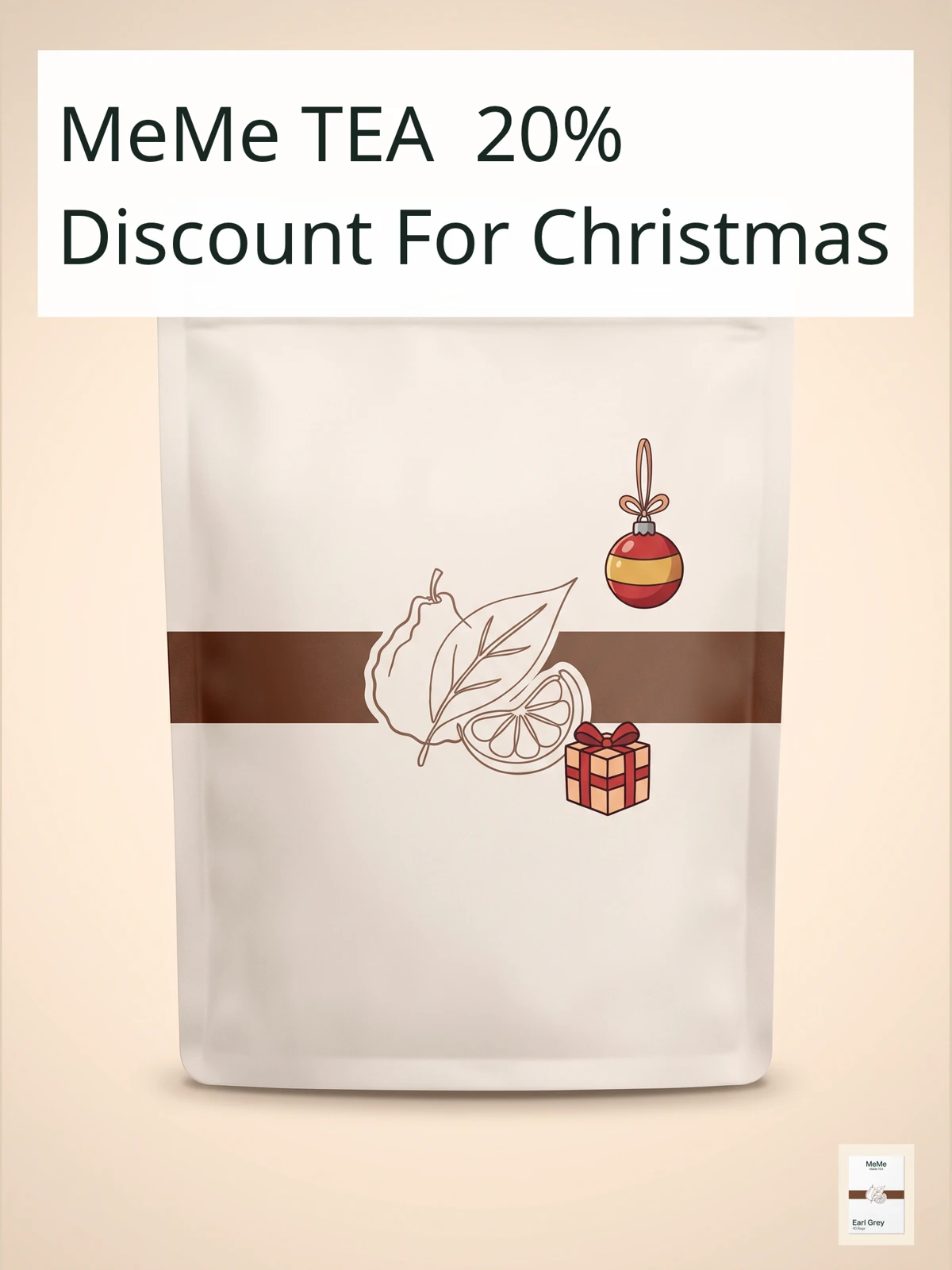
Review the result · Before publishing
Review identity, text and the actual placement crop. Check thumbnail readability and mobile overlays. Download the appropriate image or video and publish through your own account; Kitloom does not publish it for you. Check current requirements before posting.