kitloom
How to turn a photo into a sticker kit
A clear reference and a consistent style help a sticker set feel like one character. Here is the photo-to-sticker workflow in Kitloom.
- Choose photo mode. Upload one clear portrait or select one image from your library. The character description is optional in this mode.
- For an original character, switch modes and enter a description instead of uploading a photo. Choose a style, distinctive features, colors and content language.
- Check the current credit cost before generating. Open the running log to follow progress and respond if the flow requests input.
- Review the successful images in Preview. Download individual files or the run’s ZIP; inspect transparent edges on both light and dark backgrounds.
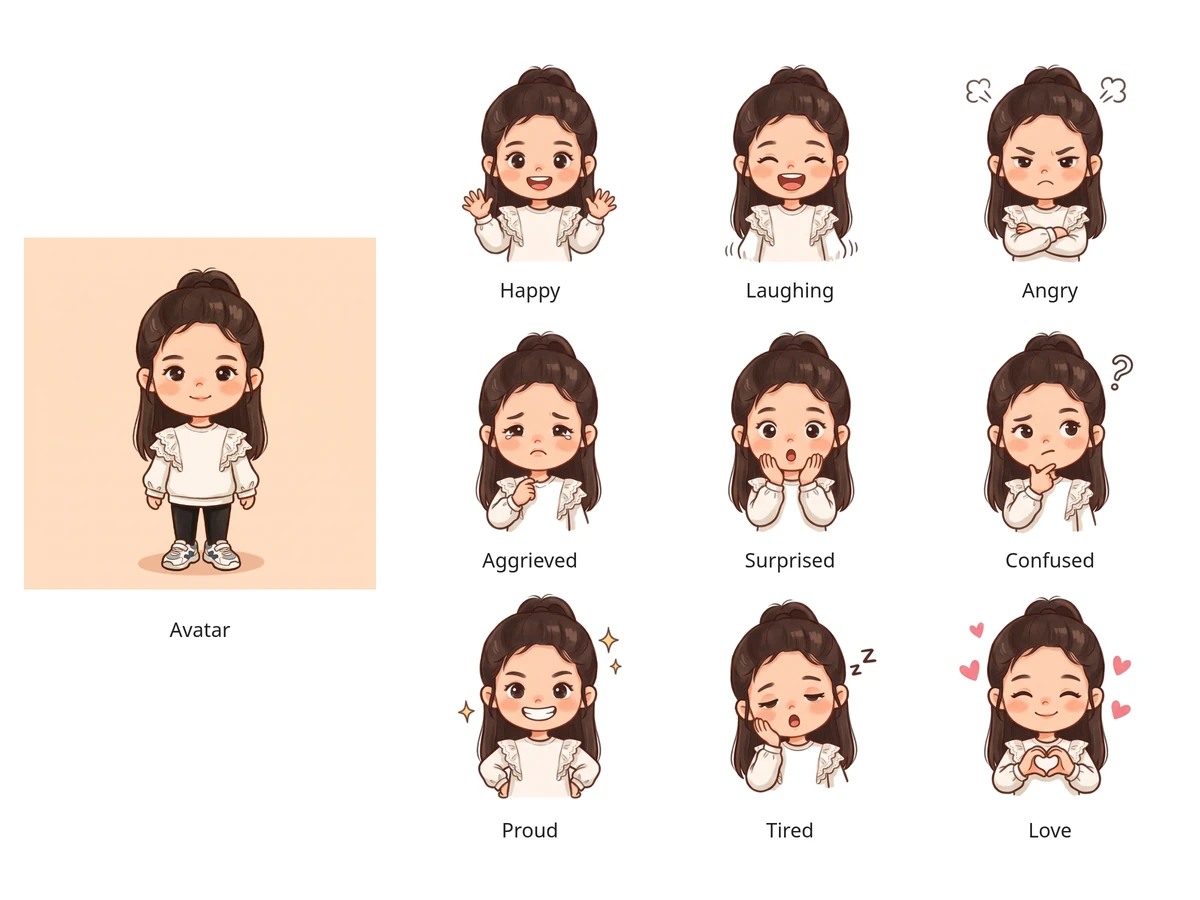
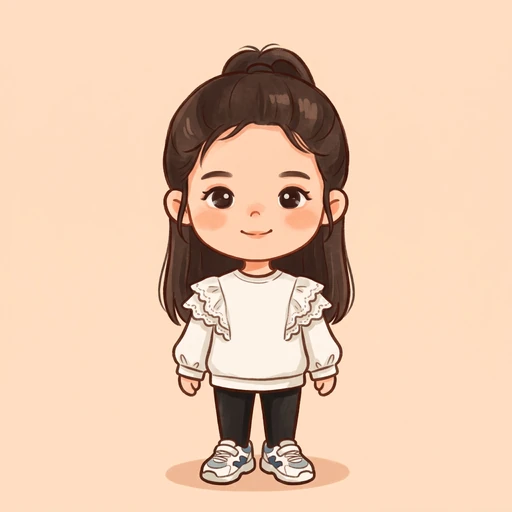
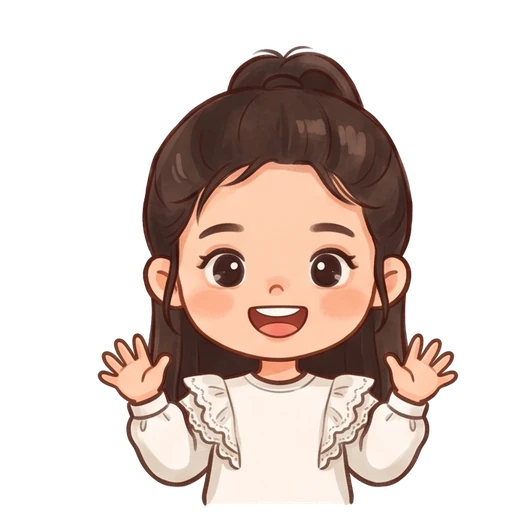
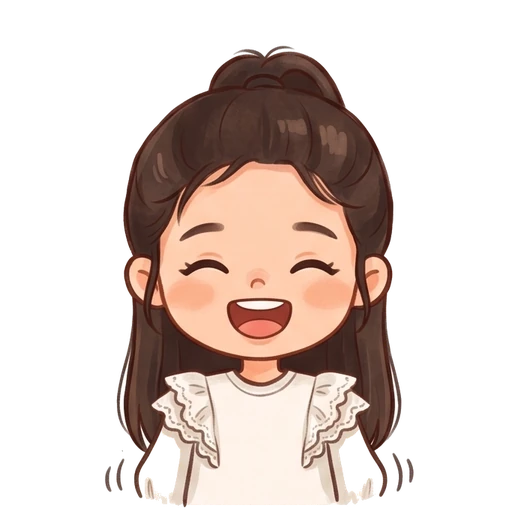
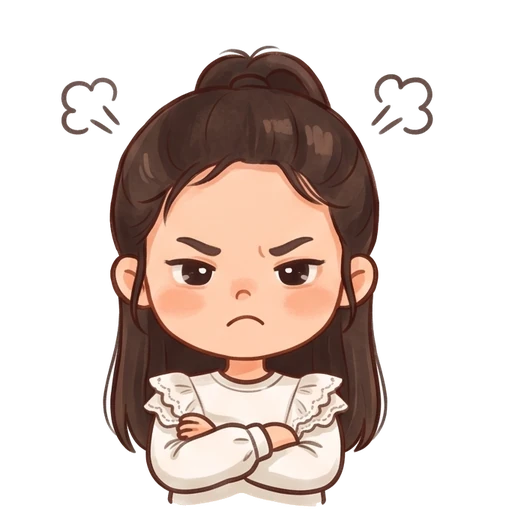
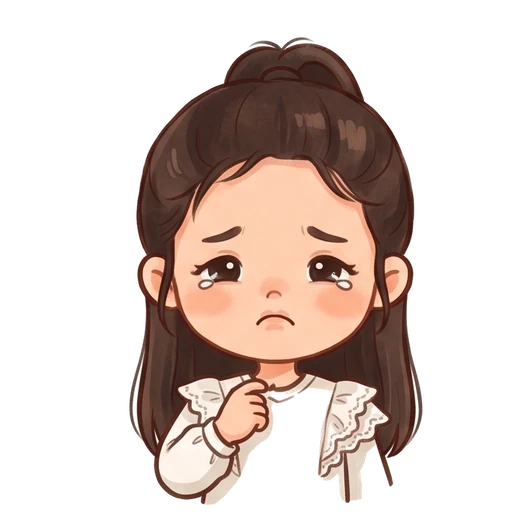
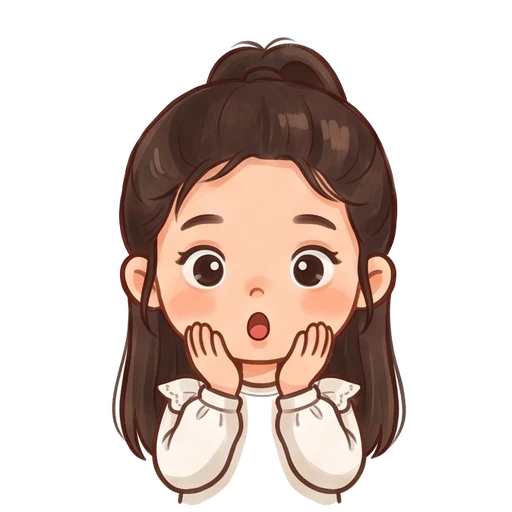
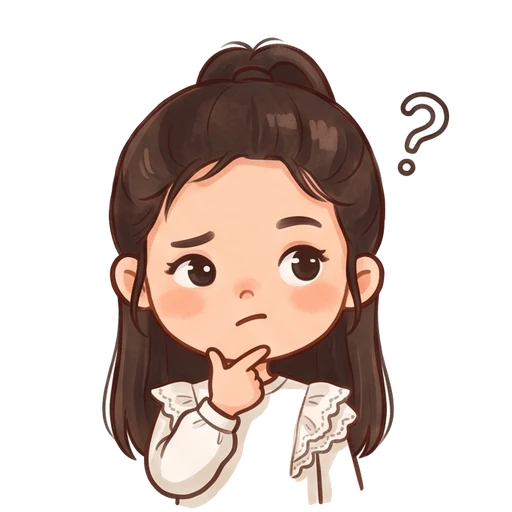
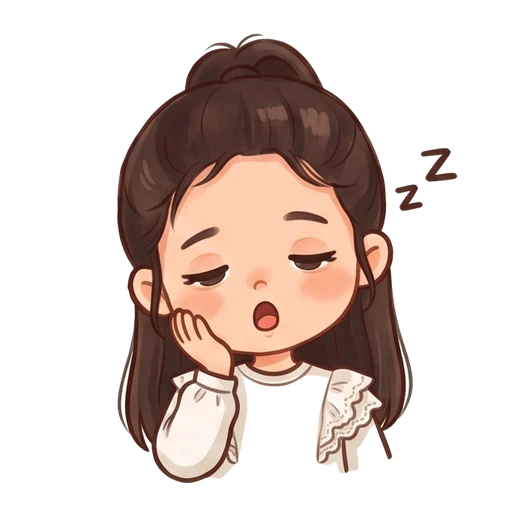
Outputs include an avatar, nine transparent stickers and a display board. Expressions: happy, laughing, angry, aggrieved, surprised, confused, proud, tired and love. Generation and quality checks can fail; Preview contains only the results successfully saved.
What you’ll receive
1 avatar · 9 transparent stickers · 1 display board
A real generated example. Your results will vary with your photo, description and style; only successful outputs are delivered.
Avatar
Personal Sticker Kit


Display board