

01
Create in your own style
Start with an idea, a photo, or a reference. Guided creative tools help turn your starting point into a set of useful assets.
 kitloom.
A space for your ideas to become yours
Create content with a style of your own. Keep what you make, bring it into your next idea, and weave it into a collection that feels like you.
01 / KITLOOM
Start with an idea, a photo, or a reference. Guided creative tools help turn your starting point into a set of useful assets.
Keep uploads and generated work together in your library. Find what you need and use an existing asset as the starting point for another creation.
Bring related assets together in content kits. Your collection grows with your work, ready to download, revisit, and reuse.
02 / KITLOOM
Bring photos, product details or visual references to create character assets, product images and videos. Save, organize and reuse what you make.

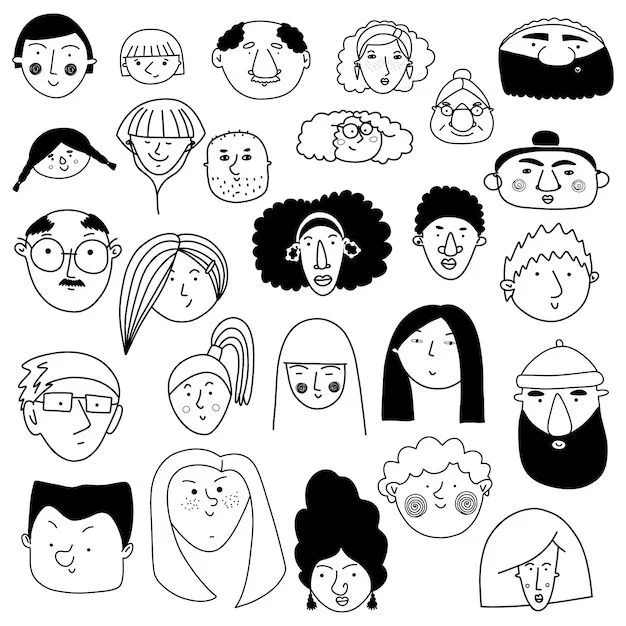
Turn a portrait into expressions, illustrations and coordinated character assets.
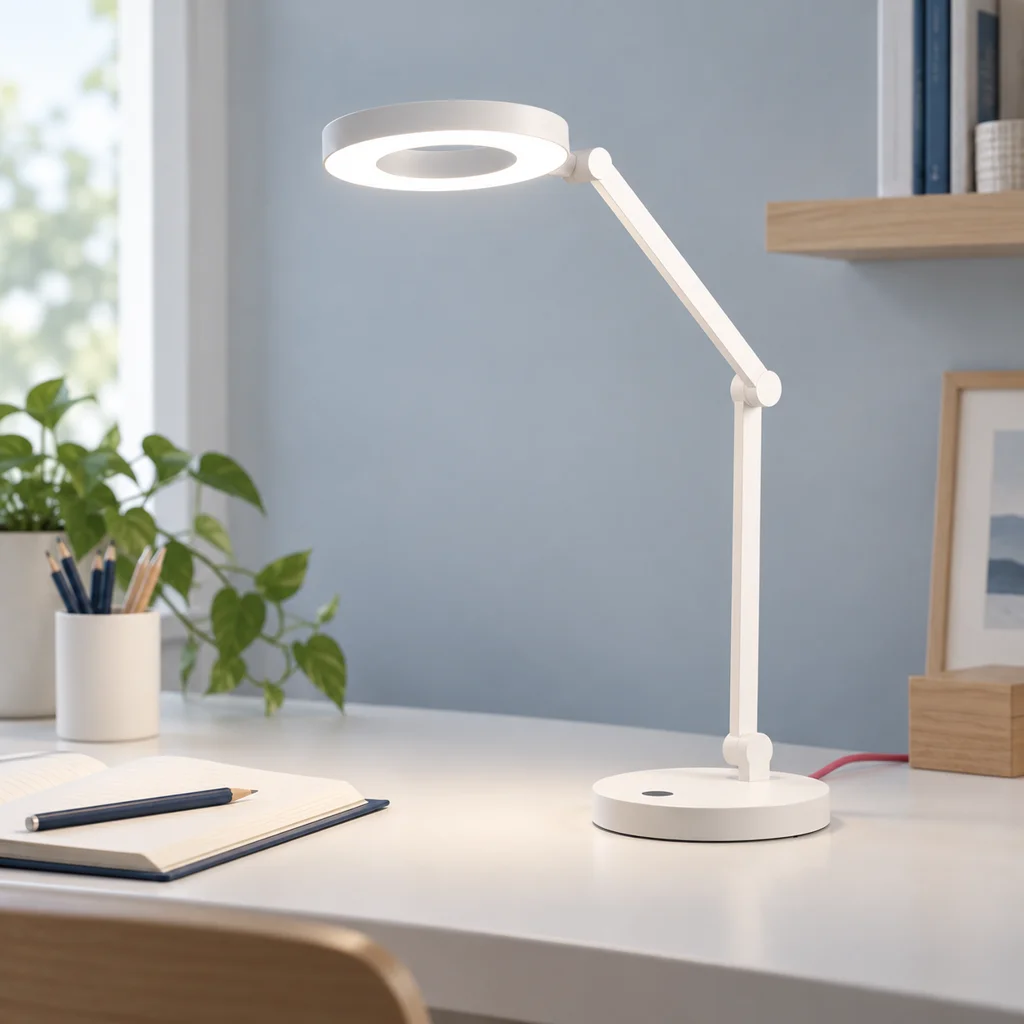
Turn product photos into scenes, model images and product detail content.
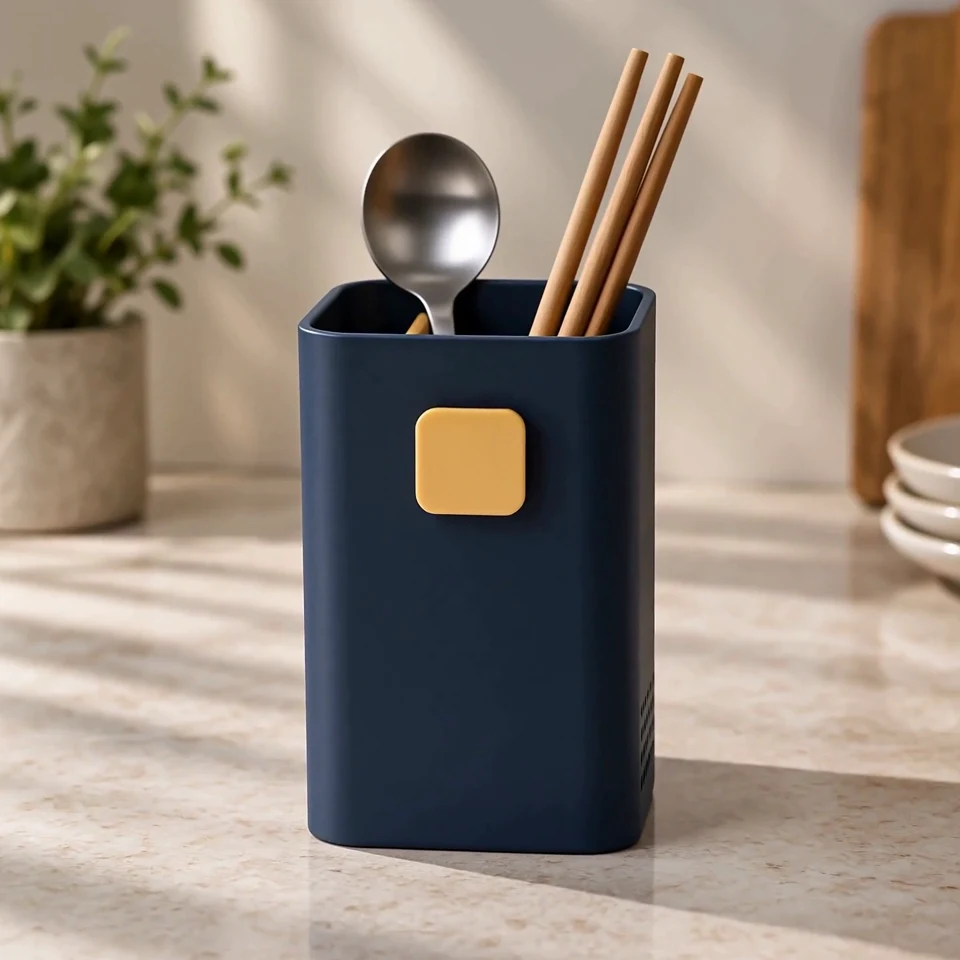
Prepare a storyboard and English video prompts, then generate a video when you need one.
03 / KITLOOM
Buy credits when you need them. Each available tool shows its generation cost; your library and content kits keep your work connected.
Create character assets, product images and product videos. Each tool has its own inputs, planning steps and deliverables.
Upload person or product photos and describe what you need. Some tools also accept reference images and product documents. Follow the required fields in each form.
Provide your materials and preferences in the form. Tools with a planning step create a plan you can review and adjust before generation.
The cost is shown before submission. Images are charged by the number delivered, with credits returned for undelivered images. Optional video generation is charged separately, with its cost shown before submission.
Preview and download your results, and organize or reuse them through the library and kits. Tools that support individual retries let you regenerate a selected image; the cost is shown before submission.